Chasing overdue payments is a thing of the past. We’re excited to launch our latest highly requested feature - Payment Reminders!
No more digging through your orders, searching for customers, or crafting reminder messages from scratch. Arlo now allows you to send upcoming and overdue payment reminders with a single click - saving you time and helping to improve your cash flow.

How does it work?
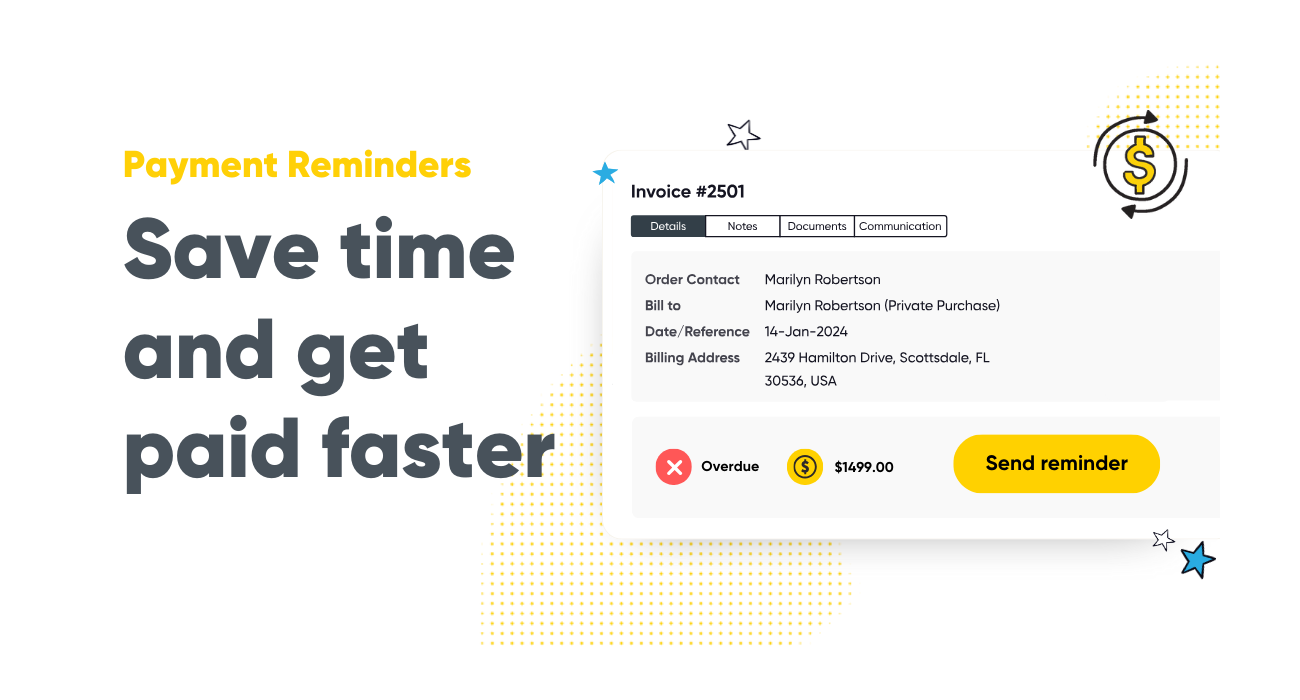
On each order that has had an invoice issued, you'll now see a 'Send Payment Reminder' button.
With one click, Arlo will automatically determine whether to send an upcoming payment reminder (if payment is not yet due) or an overdue payment notice (if the order is overdue).
It's smart, seamless, and efficient. Customers can even pay directly from the reminder if you are using Arlo’s PDF invoicing feature with credit card payments enabled!
For full step-by-step instructions to set up Payment Reminders, visit our help center.
What’s next?
We're working to further enhance this feature with some exciting automation!
You'll be able to set rules to automatically schedule both payment and overdue reminders, ensuring they're sent exactly when needed. You’ll also be able to tailor reminders by payment method, allowing for even more customization.

Get started
Log in to your Arlo platform, head to your overdue order list, and start sending payments reminders today.
Stay tuned for our next update as we continue to make managing payments even easier for you and your customers.
Not a customer yet? Sign up for a free 14-day trial today and transform your training business.

.png)
.png)
.png)
%2520(1).png)