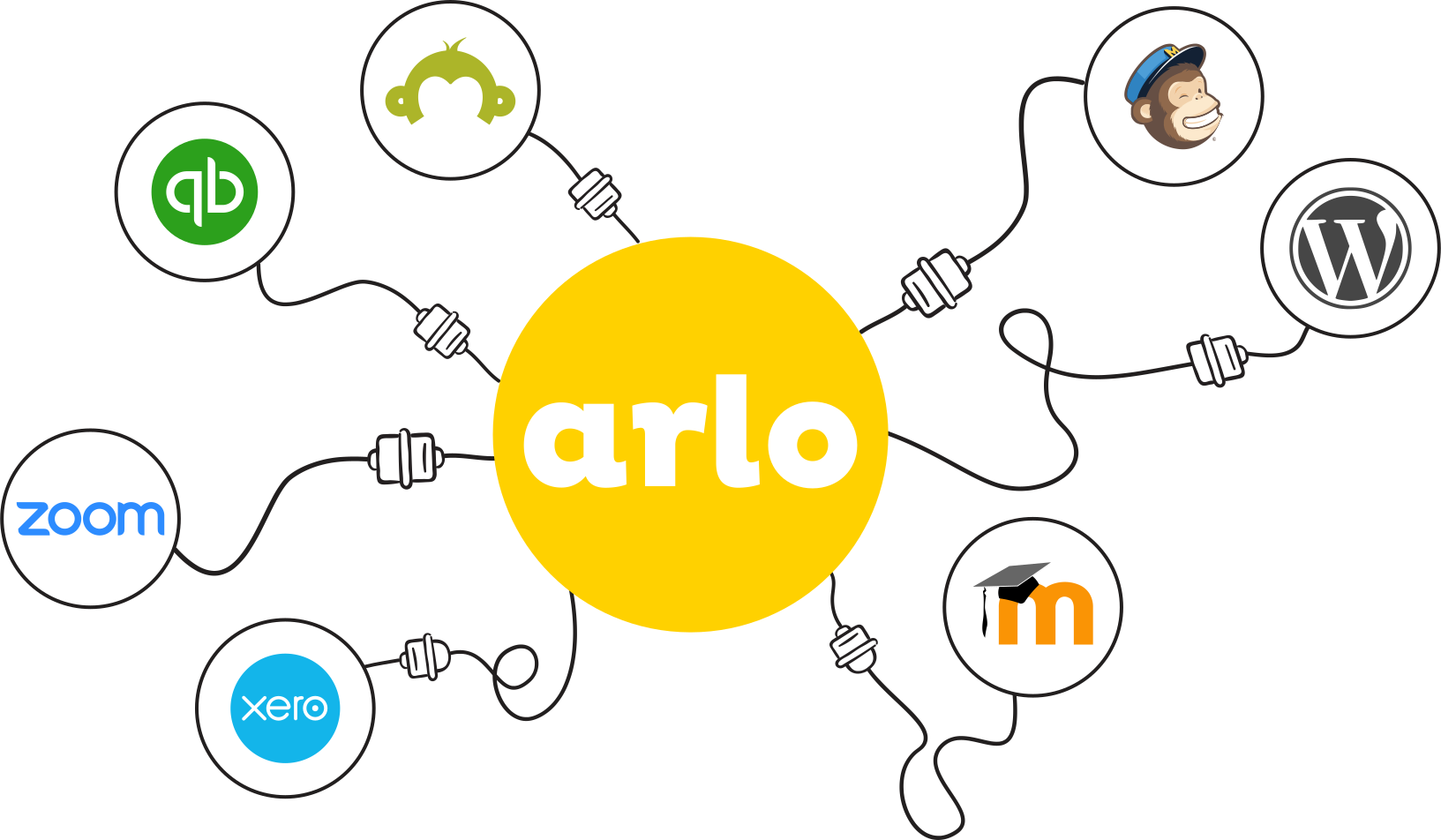
Arlo integrates with Xero delivering a powerful, yet easy-to-use training management system that seamlessly integrates with your accounts.
Connect with your accounting system with the market-leading training management software.
Getting started with Arlo for Wordpress is as easy as installing our Plugin and following our detailed guide!
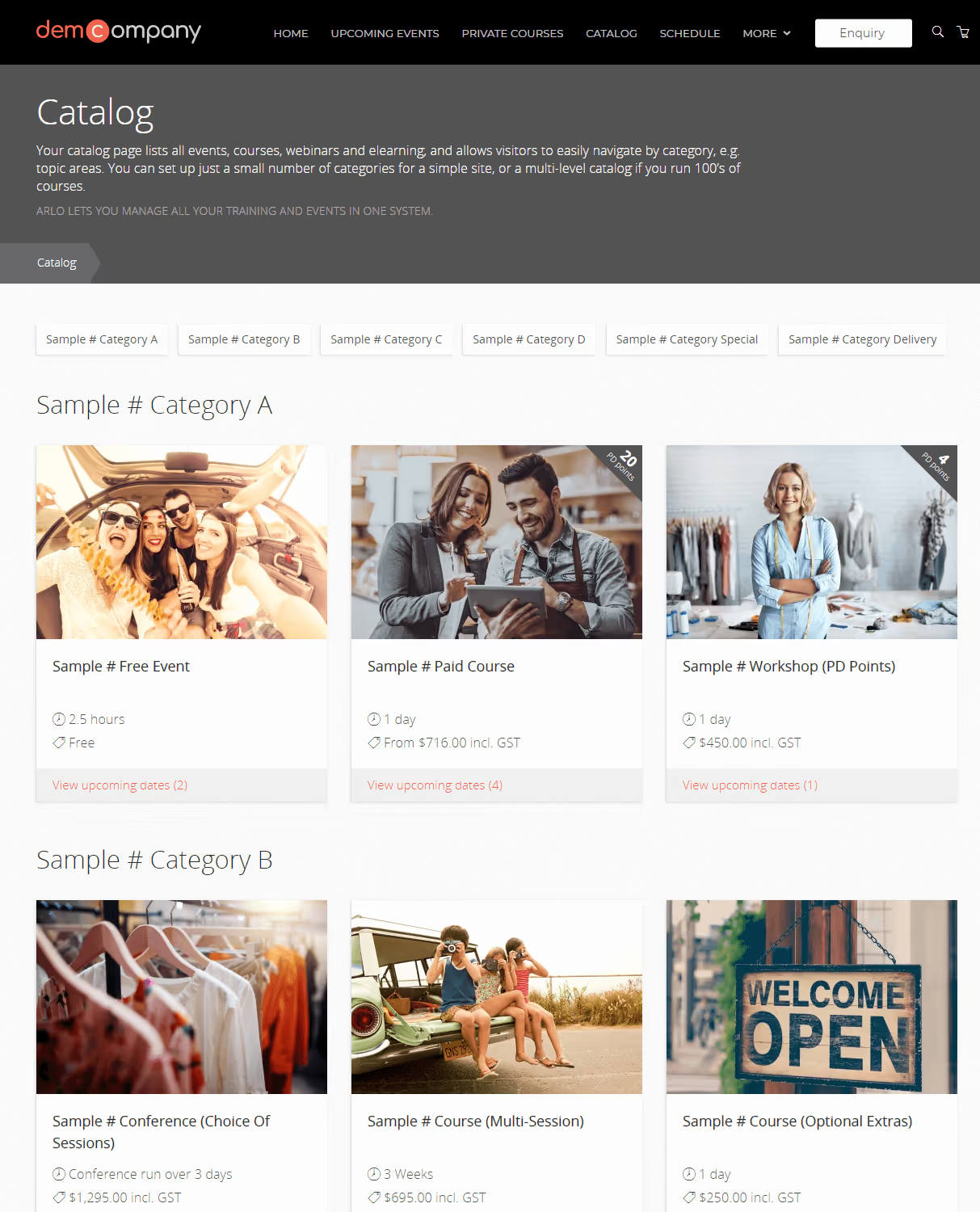
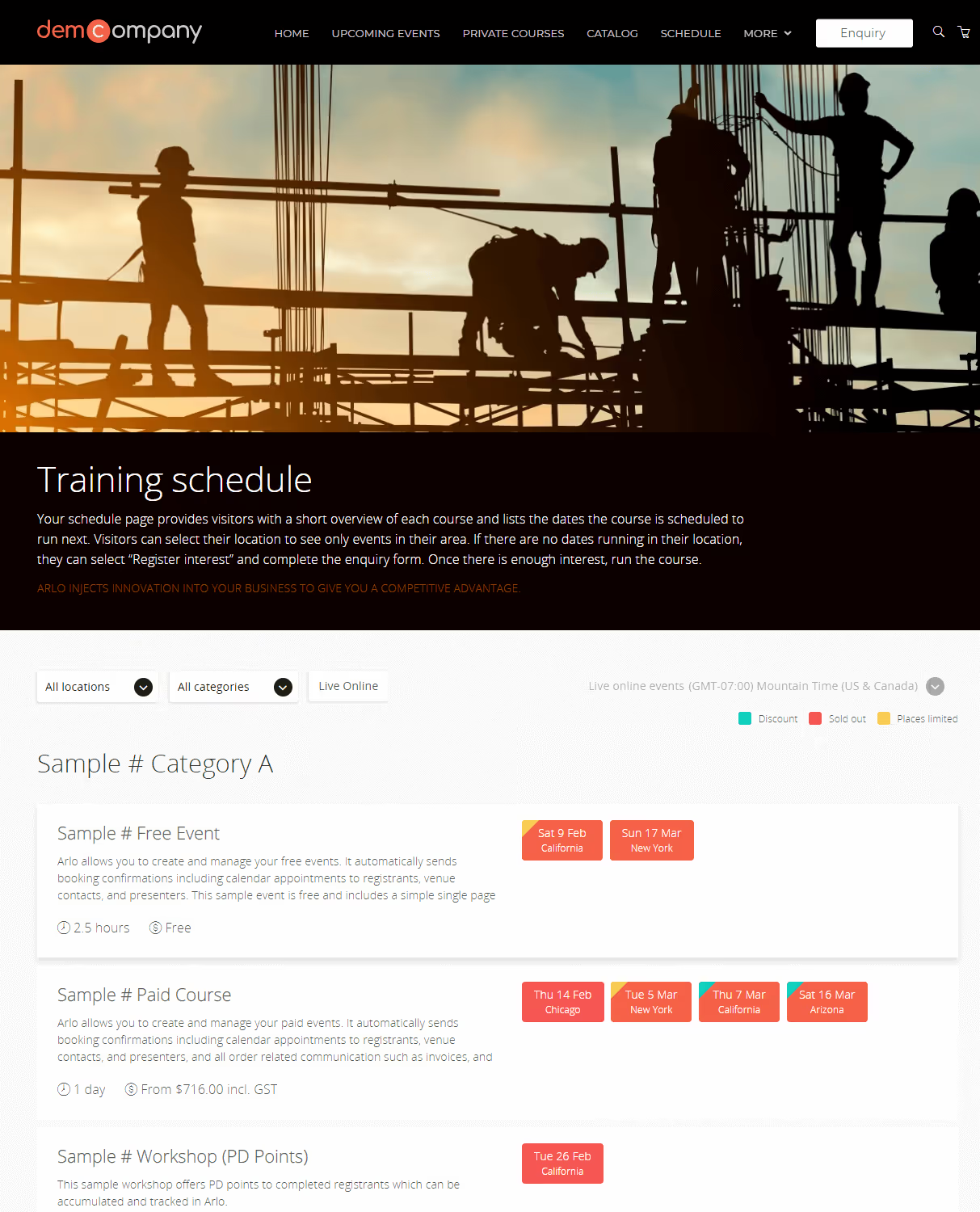
Arlo has been built with web developers and designers in mind. Prebuilt themes make it easy to install, while the extensive range of shortcodes offer maximum flexibility.




Connect with your accounting system with the market-leading training management software.
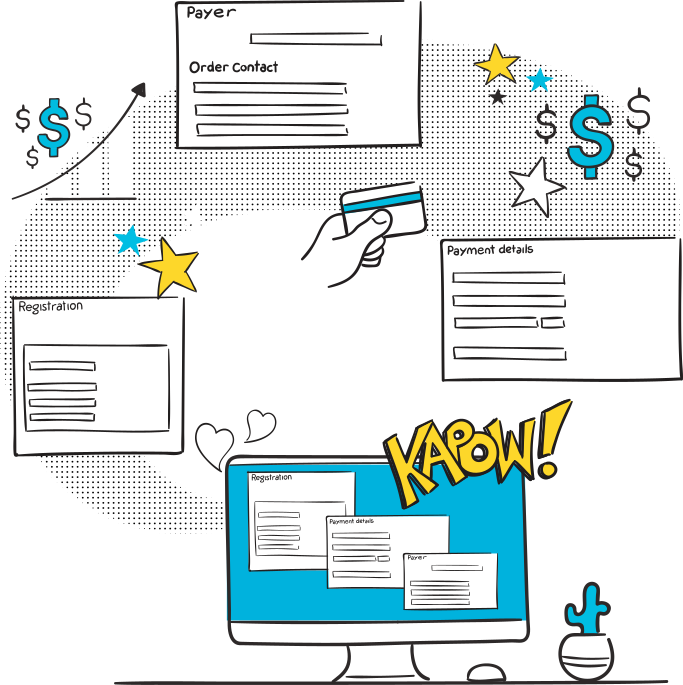
Accept payments online by credit card, invoice, account, and bank transfer. Add multiple registrations to a single order, record a key contact for the order, and bill the order to an individual or organisation. Let Arlo issue your invoices and credit notes automatically.
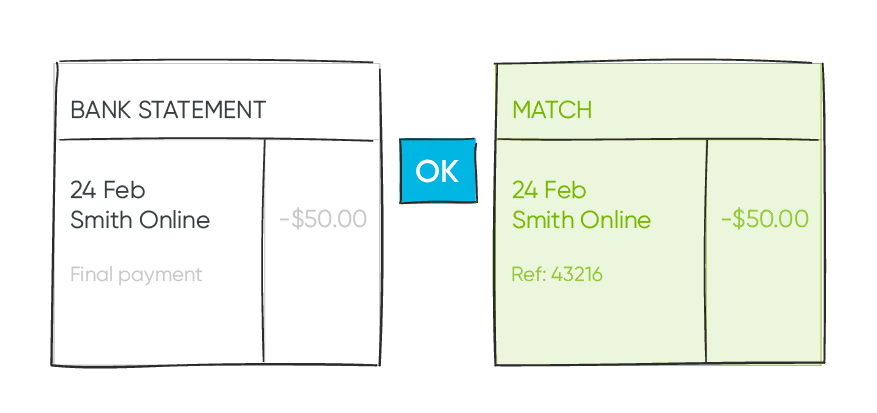
Xero makes daily reconciliation of payments easy by automatically matching payments received to outstanding invoices generated from Arlo. Arlo’s integration with Xero also makes reconciling daily credit card payments easy as well.

Arlo issues invoices to clients and then automatically creates the corresponding invoice in Xero.
Your contacts are automatically synchronised between Arlo and Xero. And special settings allow you to choose how the synchronisation works.
When an invoice as paid in Xero, the order in Arlo is automatically marked as paid and event instructions are sent to registrants.
At the press of a button, Arlo reverses the credit card charge on an order, cancels the registration, send notifications, and issues a credit note which is then transfer to Xero. You can manage partial refunds and registration transfers as well.
Discounts such as early bird, member price, promotion codes, and multiple registrations deals can be automatically applied.
As a person enters their organisation’s name during the website registration progress, Arlo displays a list of possible matches to choose from. If an organisation entered is not already in Xero, you can prevent the order from been sent to Xero to allow someone to check it first.
Add Xero tracking codes to events so that when an event registration is created, the corresponding line item on an invoice inherits the same tracking code(s).
Add flags to organisations so that a special note is displayed when you open the record.
Easily manage general ledger accounts for individual events, groups of events, and discounts.
Xero makes daily reconciliation of payments easy by automatically matching payments received to outstanding invoices generated from Arlo.
Ensure all orders for an organisation are issued to their head office account. Arlo allows you to do this by letting you to setup an alternative billing organisation (for example a head office) on and organisation.
Arlo tracks all associated order activates and includes a link to the corresponding invoice in Xero.
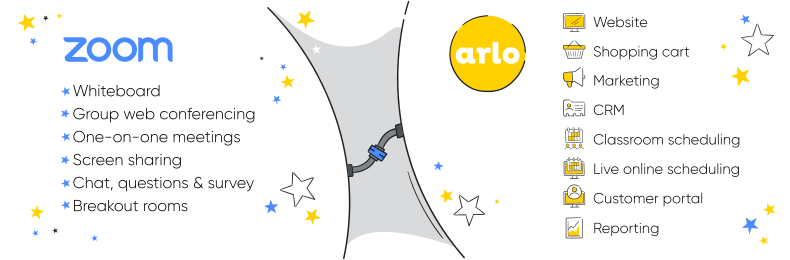
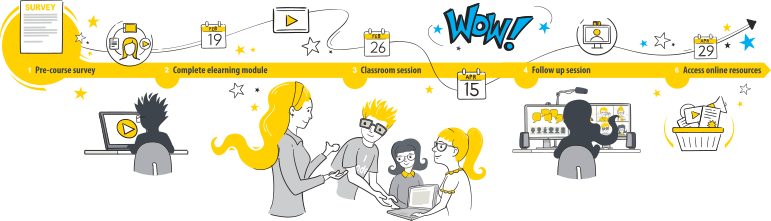
Arlo lets you create courses that consist of multiple live online Zoom sessions, face-to-face events, and elearning activities. Link up to 100 hosts for quick access and selection.
Zoom’s interactive video conferencing and screen sharing tools create a whole new way of communicating.

Create meaningful interactions to keep learners engaged. With Zoom, ask learners for a simple yes/no response or post a survey and view the results live. Registrants can even raise a virtual hand if they need help.

Emulate classroom breakout sessions in Zoom. Allow small groups of participants to work on a topic, then pull everyone together and share the results. Use virtual whiteboards and chat messaging to facilitate the interactions.
With Zoom Whiteboard, you can brainstorm and collaborate on a persistent, expandable, digital canvas. In-person and remote learners can ideate from Zoom-enabled devices, providing the intuitive features you need to extend learning and understanding.
Connect with your accounting system with the market-leading training management software.
Accept payments online by credit card, invoice, account, and bank transfer. Add multiple registrations to a single order, record a key contact for the order, and bill the order to an individual or organisation. Let Arlo issue your invoices and credit notes automatically.
Xero makes daily reconciliation of payments easy by automatically matching payments received to outstanding invoices generated from Arlo. Arlo’s integration with Xero also makes reconciling daily credit card payments easy as well.
Some of the world’s leading training companies have been able to pivot to live online training in the wake of Covid-19 using Arlo and Zoom. Join them!






Connect with your accounting system with the market-leading training management software.
Accept payments online by credit card, invoice, account, and bank transfer. Add multiple registrations to a single order, record a key contact for the order, and bill the order to an individual or organisation. Let Arlo issue your invoices and credit notes automatically.
Xero makes daily reconciliation of payments easy by automatically matching payments received to outstanding invoices generated from Arlo. Arlo’s integration with Xero also makes reconciling daily credit card payments easy as well.
Arlo issues invoices to clients and then automatically creates the corresponding invoice in Xero.
Your contacts are automatically synchronised between Arlo and Xero. And special settings allow you to choose how the synchronisation works.
When an invoice as paid in Xero, the order in Arlo is automatically marked as paid and event instructions are sent to registrants.
At the press of a button, Arlo reverses the credit card charge on an order, cancels the registration, send notifications, and issues a credit note which is then transfer to Xero. You can manage partial refunds and registration transfers as well.
Discounts such as early bird, member price, promotion codes, and multiple registrations deals can be automatically applied.
As a person enters their organisation’s name during the website registration progress, Arlo displays a list of possible matches to choose from. If an organisation entered is not already in Xero, you can prevent the order from been sent to Xero to allow someone to check it first.
Add Xero tracking codes to events so that when an event registration is created, the corresponding line item on an invoice inherits the same tracking code(s).
Add flags to organisations so that a special note is displayed when you open the record.
Easily manage general ledger accounts for individual events, groups of events, and discounts.
Xero makes daily reconciliation of payments easy by automatically matching payments received to outstanding invoices generated from Arlo.
Ensure all orders for an organisation are issued to their head office account. Arlo allows you to do this by letting you to setup an alternative billing organisation (for example a head office) on and organisation.
Arlo tracks all associated order activates and includes a link to the corresponding invoice in Xero.
Some of the world’s leading training companies have been able to pivot to live online training in the wake of Covid-19 using Arlo and Zoom. Join them!
Take a look at our latest blog articles to learn more about how Arlo and Xero work together.