Take bookings and payments for public and private courses, with registration forms, invoicing, waitlists and automated communications in one system.
A course booking system manages how people find, book and pay for your courses. It covers the course listing on your website, the registration form, payment and invoicing, and the confirmations and reminders that follow, instead of a form builder, a payment gateway and a spreadsheet doing three jobs between them.
Arlo is a course booking system built for training providers running the same courses repeatedly. Courses publish to your website from the same record you schedule them in, bookings sync straight to CRM, payments connect to invoicing and your accounting system, and every transfer, cancellation and refund updates everywhere at once.

Appointment booking tools are built around one person's calendar. Event ticketing tools are built around one date and one sale. Training delivery is neither shape. The same course runs again next month in three locations, with a waitlist, a part-paid invoice, and an organization booking six seats at once on a purchase order.
Arlo is built for that pattern. Course templates carry pricing and logistics across every run, registrations flow into the same CRM record as the rest of that customer's history, and the finance side holds together whether someone pays by card at checkout or on invoice sixty days later.
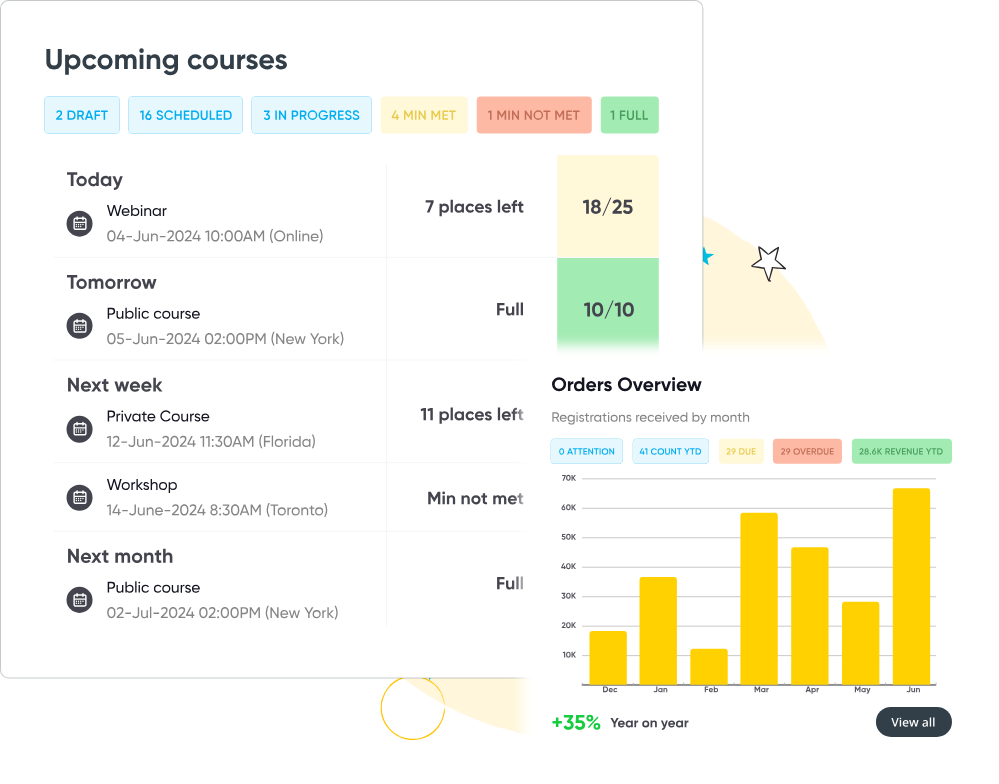
Arlo simplifies the process of managing courses that run repeatedly, across various dates and venues. Within just a few clicks, you can schedule a new session, publish it to your website, and start accepting online bookings registrations—fast. Sit back and let your course booking software do all of the heavy lifting!
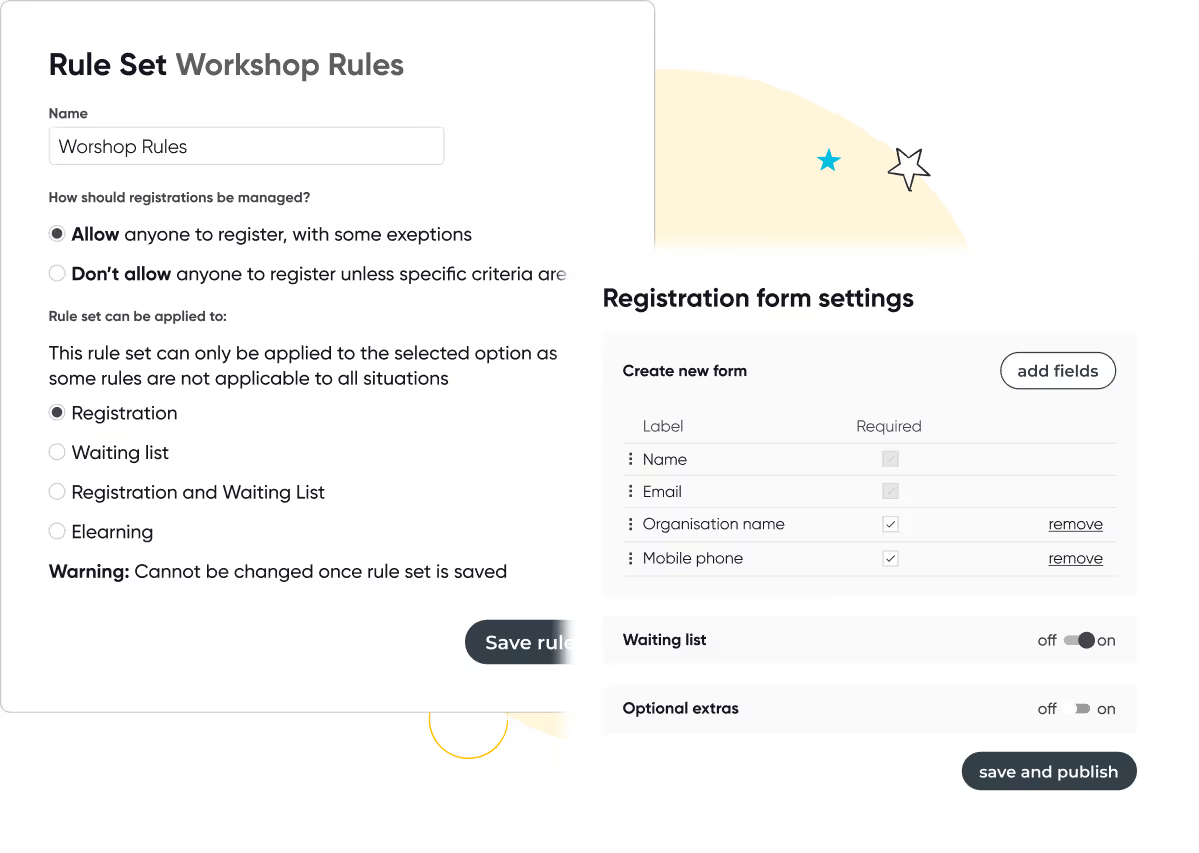
Arlo’s adaptable registration forms builder lets you capture exactly the information you need. Offer optional add-ons, upsell additional sessions, and manage waiting lists or double bookings without hassle. The system adapts to your unique requirements, making sure every registration runs smoothly.

Accept payments for course bookings by credit card, invoice, bank transfer, and cash. Select from a range of credit card payment gateway and merchant providers including Stripe, Paypal, Google Pay, Apple Pay, Windcave, Authorise. Net and ANZ eGate.
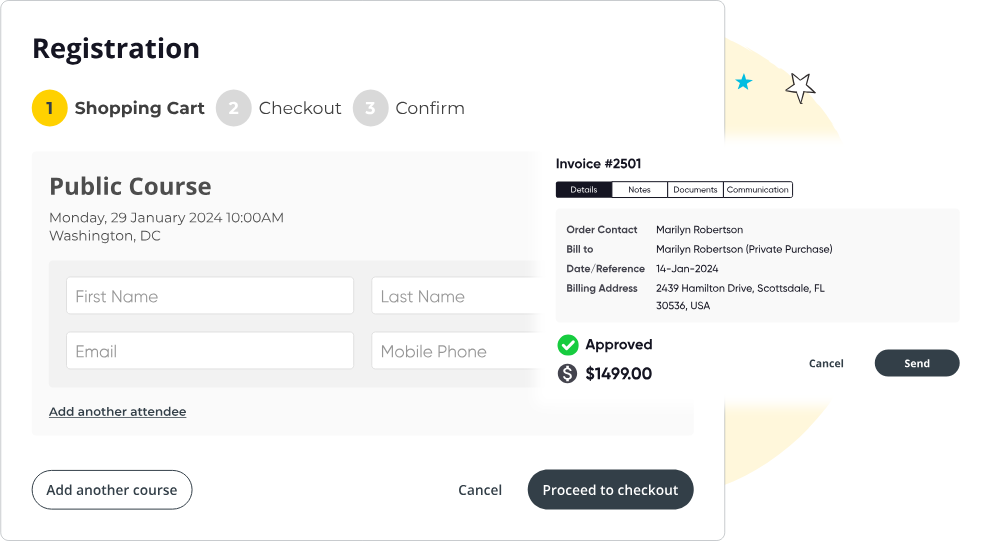
Don’t let upfront payment be a barrier to purchase! Allow your customers to pay partially overtime. Collect a deposit in your checkout and then collect the rest later. Track how much has already been paid, what’s left outstanding, and what has been fully paid off.
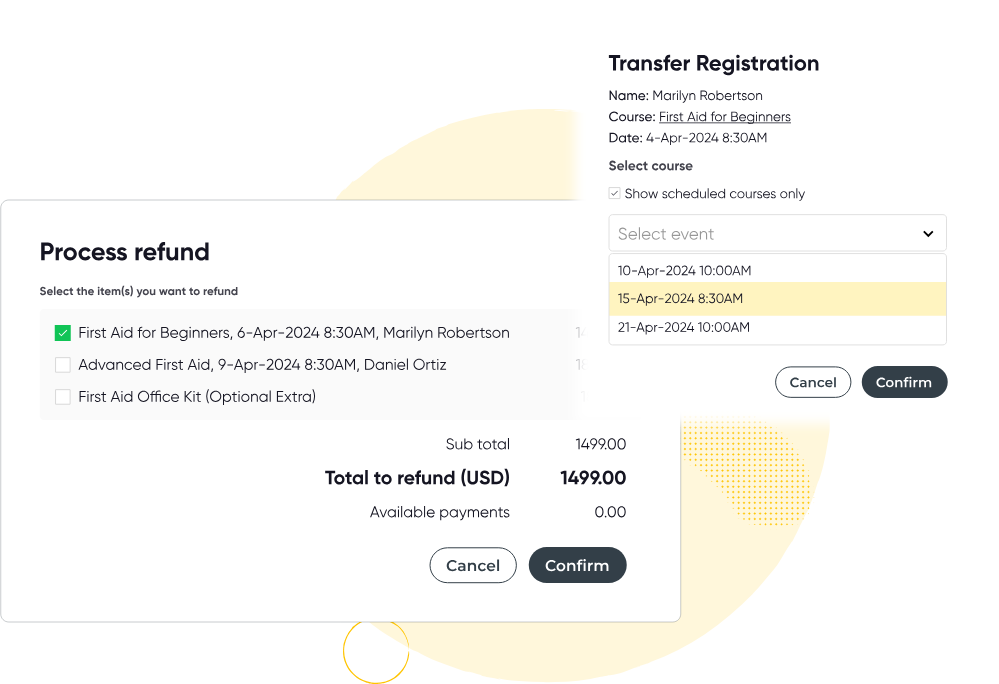
Arlo manages all aspects of transfers, refunds, and cancellations for you. It creates and issues credit notes, sends notifications to everyone involved, and reverses credit card charges where required.
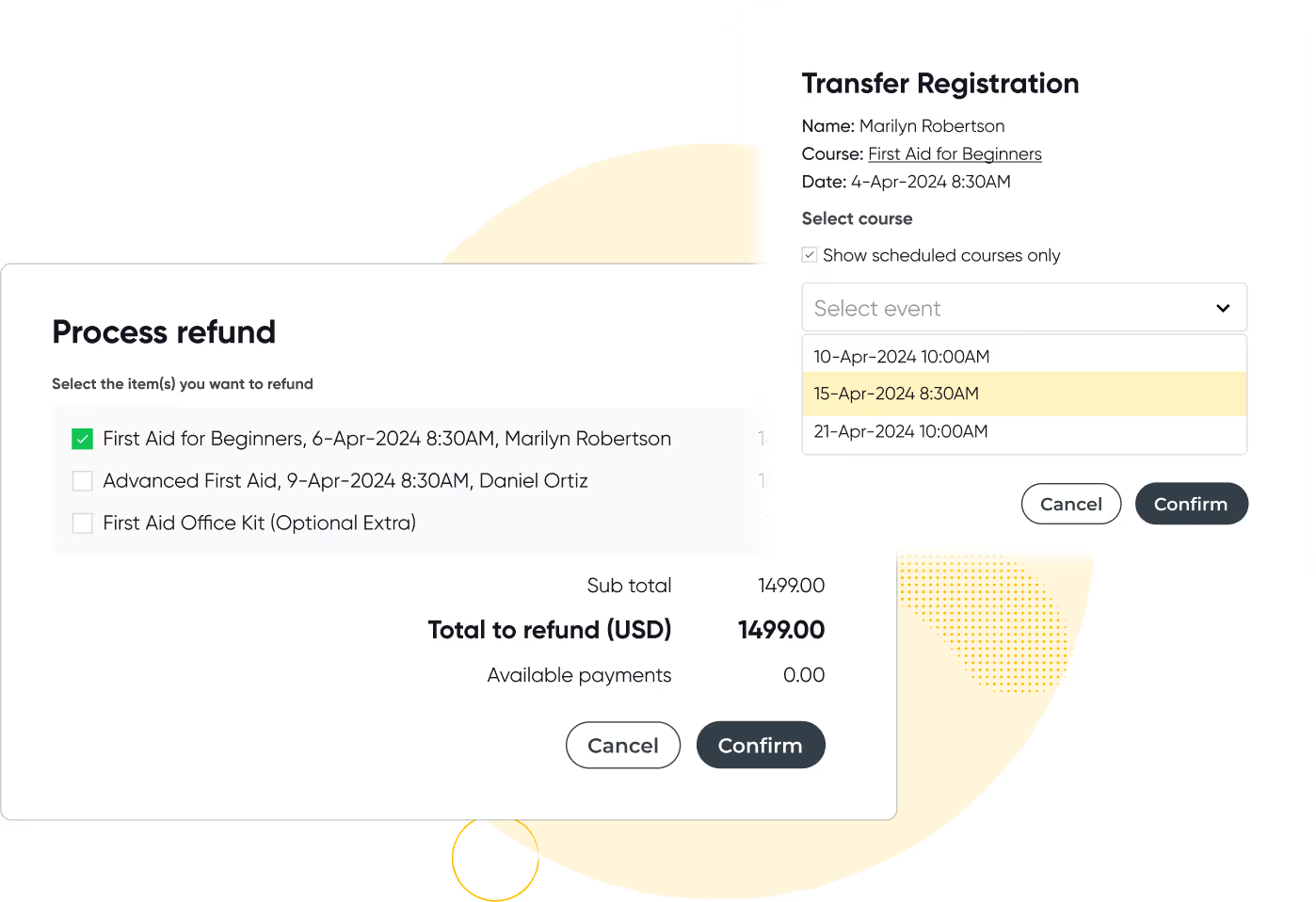

As soon as participants register, every communication is handled automatically—from sending out webinar or location information and processing payment confirmations, to issuing reminders and collecting feedback.
Manage private training in the same place as your public courses - not across multiple disjointed systems and spreadsheets.
Give your corporate clients a branded portal where they can request courses, add and remove attendees, and track attendance, progress and certificates. Every request and contact is captured in your CRM, and joining instructions and reminders send automatically.
%20(1).avif)
Easy to set up, lightning-fast, modern and accessible. Seamlessly integrate Arlo, publish courses with a click of a button and watch your registrations skyrocket. Looking for a new website? Enjoy a purpose built training provider website with your Arlo account.
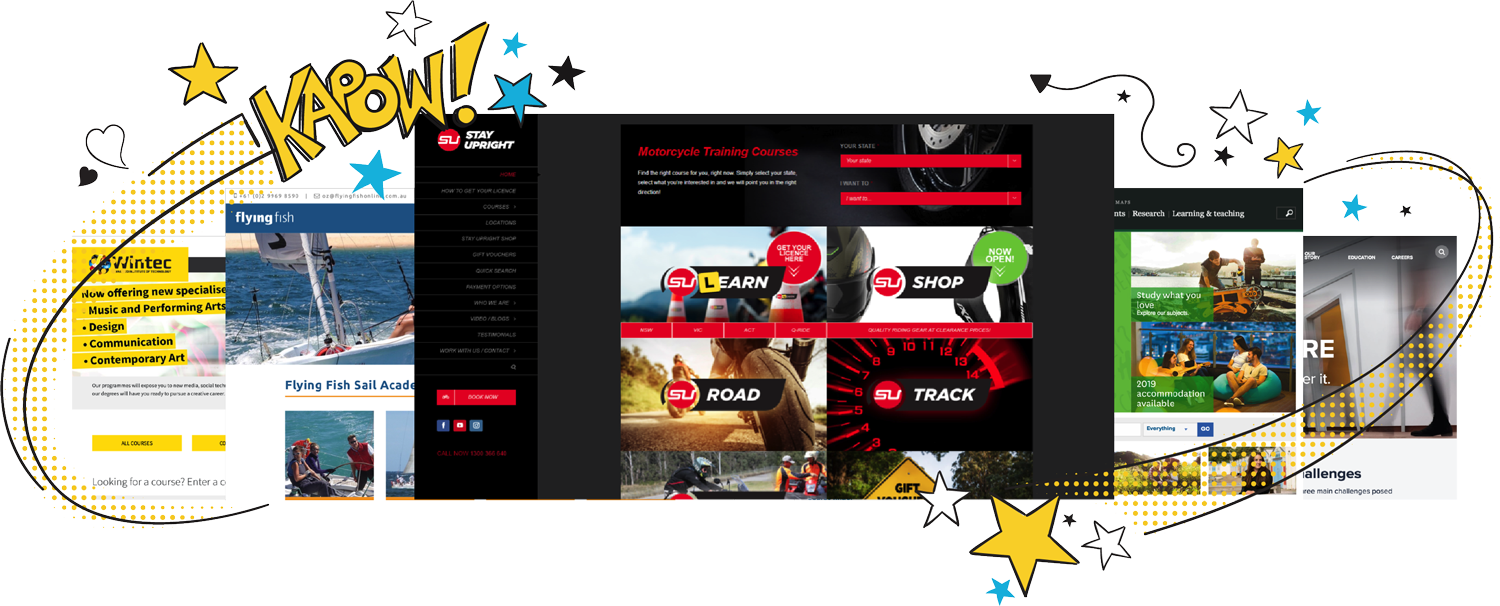
Arlo isn’t just a booking platform for courses—it’s a fully integrated training management solution for training companies that handles every aspect of running your training business, allowing you to rest easy. From designing and marketing your courses to selling and delivering them, it provides everything you need in one place.








Watch this quick overview of Arlo’s course booking system features, then explore our other tools.
Let’s walk through the lifecycle of a training course…

With Arlo, you can effortlessly organize your entire course calendar. Templates and ready-made presets ensure that when a course runs multiple times, you don’t have to re-enter all the details.

Use Arlo’s intuitive website builder, or integrate it with your current site, so that newly scheduled courses appear online automatically—ready for learners to discover and sign up.

Participants can register and pay directly on your site, with custom enrollment forms collecting exactly the information you need. You can even add optional sessions or extras to boost revenue.

Every email—from order confirmations and invoices to instructions and pre-course reading—is dispatched automatically, keeping everyone informed without extra effort.

Host traditional in-person classes, run live webinars, or create blended learning experiences that combine multiple sessions and eLearning content. With Arlo, you’re free to choose the best method for your audience.

After the course ends, Arlo can automatically send out personalized certificates to participants, invite feedback through surveys, and encourage continued learning with upcoming course recommendations.

Course booking systems are used to collect course booking on your website. It’s likely to include course scheduling tools, customizable booking forms and credit card payment facility. Some software goes further by allowing a richer ecommerce experience, accepting other forms of payment (eg. invoice), and automating course management processes – such as reminder emails, waitlists and course transfers.
1. Training companies that repeatedly deliver repeat courses and need a streamlined way to handle the process.
2. Internal training teams that run courses for staff without charging fees.
3. Commercial training providers offering paid courses to customers.
4. Training organizations delivering blended learning—combining in-person, online, and eLearning formats—and seeking an all-in-one platform to package these offerings
If you’re putting on more than a couple of courses a month we’d strongly recommend a proper course booking system. While a single online form that sends email notifications can work when you’re just starting out, it won’t keep up as your course schedule grows.
A dedicated booking solution handles registrations, payments, and all those follow-up communications automatically. In the end, it cuts back on manual admin work so you can spend more time focusing on the quality of your training.
Parts of it.
Some tools do more than just handle scheduling and enrolment. Training management systems oversee every aspect of your operation—powering your existing website, accepting payments, automating follow-ups, providing insights through custom reports, and integrating with your other business applications. With Arlo, you get it all in one powerful platform.
From $25 to over $1,000 per month. Arlo starts at $99 per month plus $2 per registration – view the pricing.
When you use a course booking system like Arlo, several other types of software are sometimes used in conjunction.
Here are some examples:
Training Scheduling Software: This tool helps you maintain an organized, up-to-date calendar for recurring sessions across multiple locations. By integrating it alongside your booking system, you reduce scheduling conflicts and make rescheduling courses more straightforward.
Appointment Scheduling Software: Ideal for providers who offer one-on-one or small-group sessions, appointment scheduling software complements your booking system by providing more detailed and flexible scheduling options that cater to individual learners’ needs.
Training Management Software: An all-in-one platform, training management software supports the planning, delivery, and tracking of every type of training—whether it’s online, in-person, or blended.
Fortunately, Arlo brings together all these features—booking, scheduling, and training management—within a single, comprehensive solution.
A training and course booking system offers numerous benefits that can transform the way training providers operate.
Here are some of the key advantages:
Increases efficiency and productivity
By automating the booking process, a training and course booking system significantly increases efficiency and productivity. Training providers can save countless hours on administrative tasks, allowing them to focus on delivering exceptional training experiences and business growth.
A platform for managing bookings and scheduling for training courses and events
A training and course booking system serves as a centralized platform where training providers can manage all aspects of their course bookings and scheduling. Whether you are organizing a single event or multiple recurring sessions across different locations, this system ensures everything is handled smoothly and efficiently.
Automates the booking process, reducing administrative tasks and human error
One of the standout features of a training and course booking system is its ability to automate the booking process. This booking and scheduling automation not only saves time but also minimizes the risk of errors that can occur with manual handling.
From initial registration to payment processing and follow-up communications, the system takes care of it all, freeing up valuable time for training providers to focus on more critical tasks.
Enhances the user experience with easy booking and payment options
User experience is paramount in any booking system. A training and course booking system enhances this experience by offering easy and intuitive booking and payment options. Users can quickly register for courses, choose their preferred payment method, and receive instant confirmations, making the entire process seamless and hassle-free.



.png)
With over 16+ years experience, our global team of experts are here to help you every step of the way. Get in touch with us today and learn how we can help your business get more time back and streamline your admin processes.
Talk to our expert team