Blended learning has never been easier. Import existing SCORM packages, convert existing material or build new content with AI. Effortlessly manage, and deliver online training that your learners will love.
Take your training to the next level. Enhance your online, in-person and blended courses with interactive and engaging elearning content that exceeds expectations and drives learning outcomes.
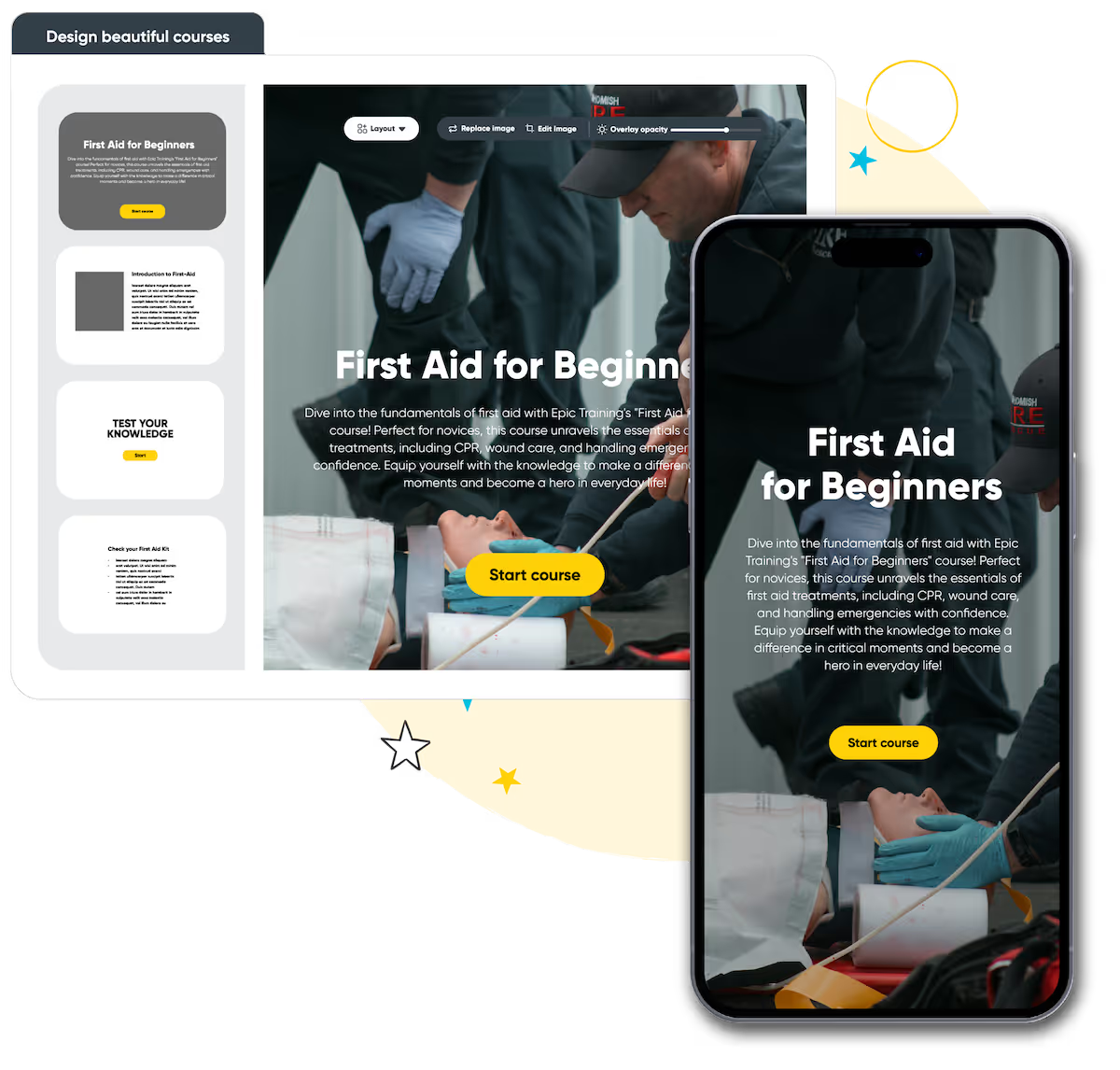

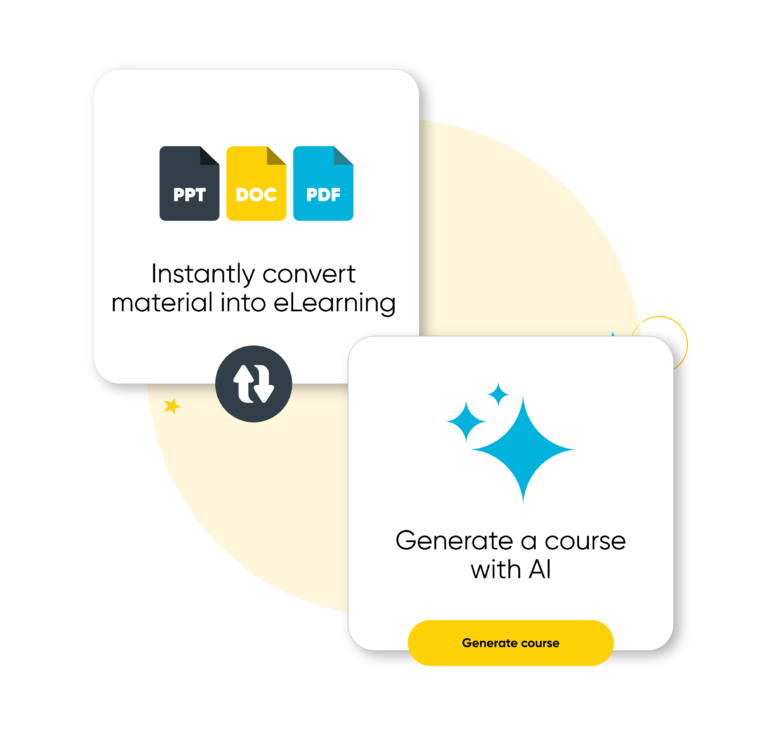
Create professional elearning content in minutes. Use AI-powered workflows that build content, transform existing training material and connect to your cloud storage. Add media, and design layouts automatically.

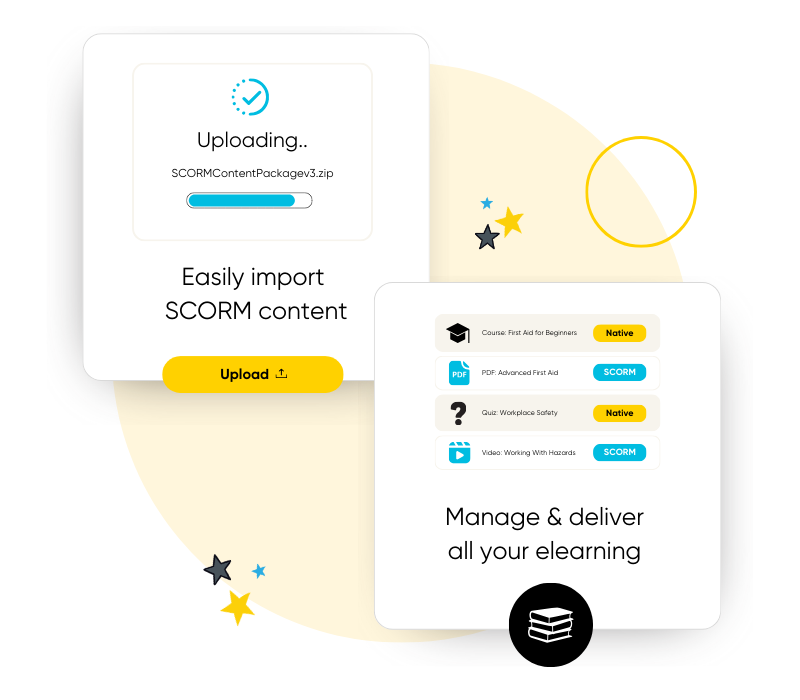
Import your entire SCORM library in minutes and put your existing content to work with Arlo. Manage, schedule and deliver elearning seamlessly alongside live training for the ultimate blended experience.
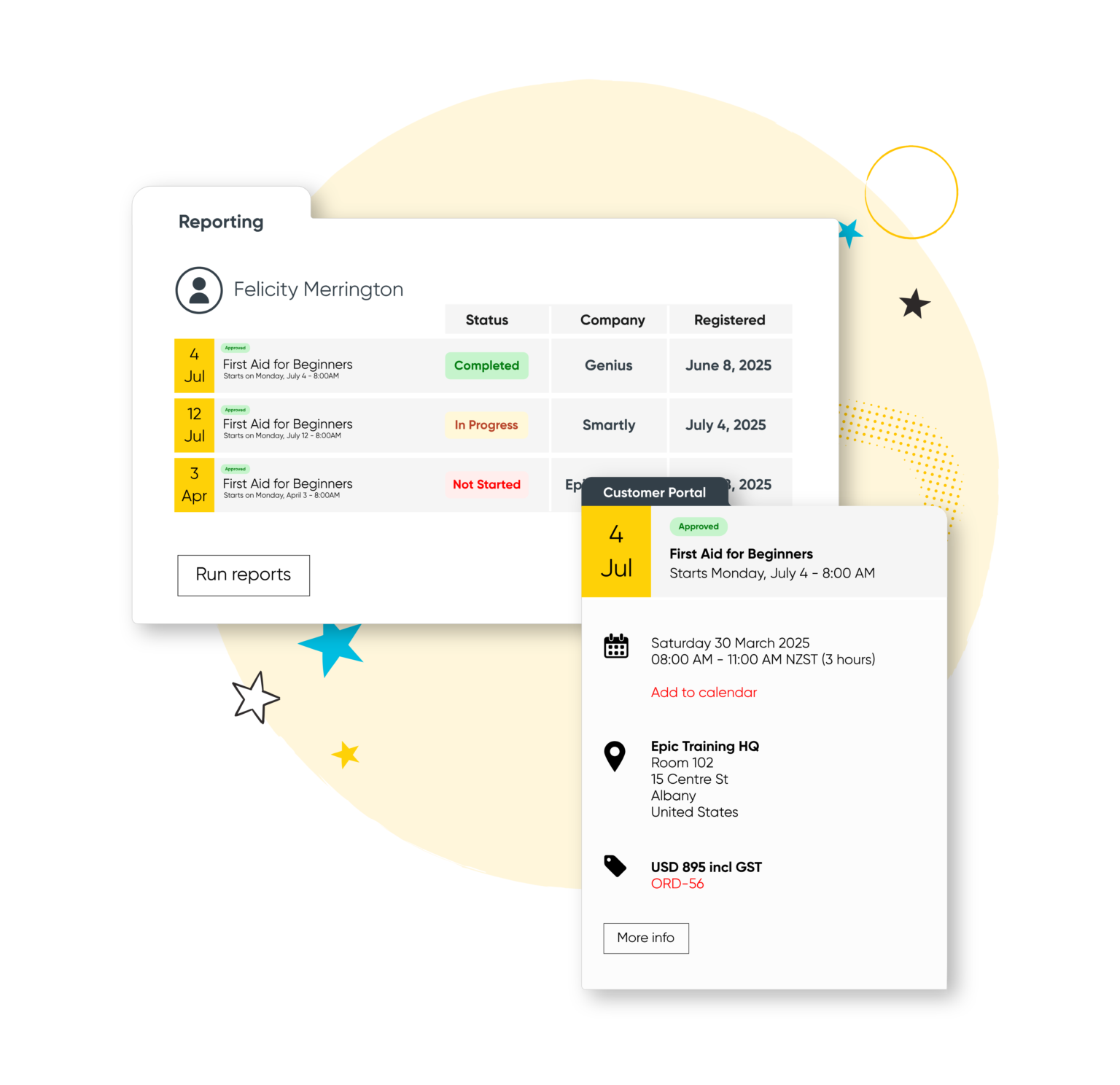
Bring elearning and instructor-led training together in one easy-to-use system. Publish digital courses directly to your website, automate communications, and manage the entire learner journey.
Start your 14-day free trial now. No credit card required. Unlimited users.
Run your training business like a pro with Arlo’s purpose-built training management software
Build beautiful online courses with AI-powered workflows. Transform existing material, brand content your way, and deliver to learners with a self-service portal, seamlessly with your instructor-led training.
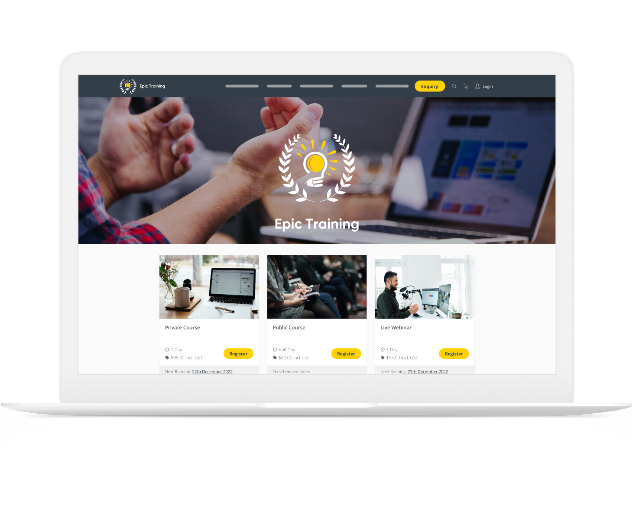
Get a modern website that’s always up to date, built to convert, and fully customizable. Course details, pricing, and changes update in real-time, providing a smooth & professional experience for your customers.
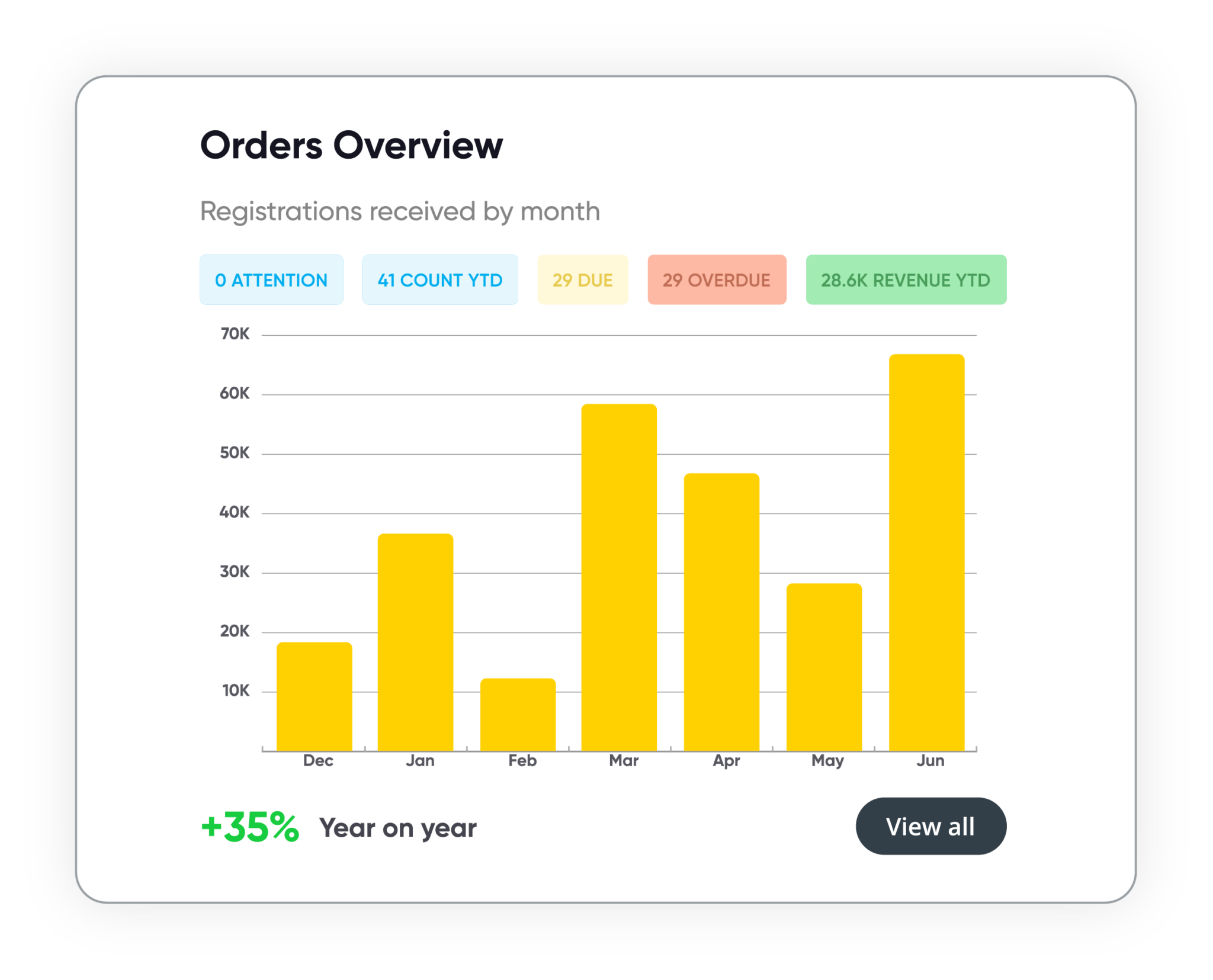
Track course performance, revenue, and customer activity in real time. Manage leads, accounts, and training history in one secure system. Build and schedule custom reports, share them with stakeholders, and more.
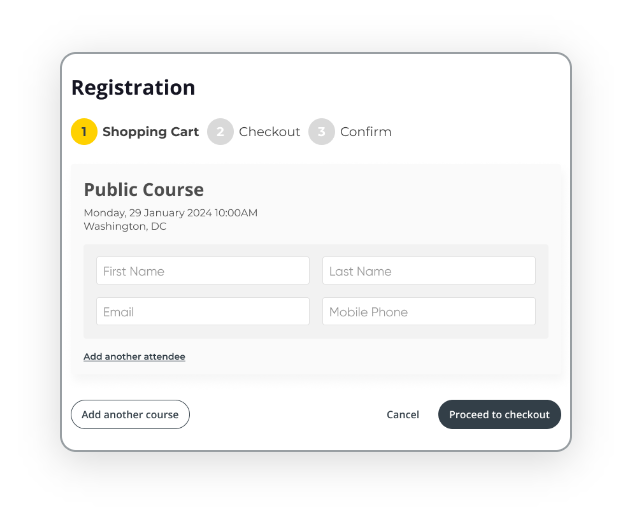
Automate every step of the registration process with smart forms, flexible payment options, and integrated invoicing. Apply discounts, waitlists, and custom rules to support every course type, public or private, paid or free.

An elearning authoring tool is a specialized software that enables trainers, instructional designers and educators to create interactive, multimedia-rich learning experiences for online or digital delivery. elearning authoring tools are designed to support the development of diverse educational content—from full courses to microlearning modules—featuring elements such as quizzes, videos, simulations, and assessments.
These tools often integrate (or are built in) with Learning Management Systems (LMS) and Training Management Systems, allowing content to be easily shared, tracked, and managed within an organization’s broader learning ecosystem.
Once you’ve created your elearning course you can choose to schedule the course as a standalone option, or connect it as a module to an existing course for a blended learning experience.
Your customers can register online via your website, get instant and automated communications that give them all the course access details with a link to your customer portal.
When they’re in the portal, it’s as easy as taking the courses they’ve been assigned or registered for – while you sit back and monitor their performance and engagement.
One of the most popular elearning authoring tools is Arlo. Arlo makes it easy to create interactive, visually appealing online courses that are engaging and easy to navigate for learners. Through the platform, you can upload existing training materials, like PDFs and documents, and convert them into digital courses, or start fresh and build new courses from scratch with just a few clicks.
Arlo offers a suite of user-friendly editing tools designed to make course creation simple, even for those without technical experience. You can customize layouts, add images, adjust colors and fonts to match your brand, and include interactive quizzes to check learners’ understanding.
Once your course is ready, Arlo makes sharing it seamless. Courses are automatically responsive across all devices, and you can use direct links to share them with registrants. The platform also automates much of the admin work, allowing you to publish courses, manage registrations, process payments, and send email notifications—all from a single platform. Arlo even provides insights into learner progress and performance, so you have a complete overview without extra effort.
With its intuitive design and complete workflow, Arlo is a popular choice for organizations looking to deliver professional, easy-to-manage elearning experiences.
Learning Management Systems (LMS) and authoring tools are two distinct types of software that often work together to support eLearning experiences. An LMS serves as a platform to manage, deliver, and track learning content. It allows administrators to enroll learners, assign courses, monitor progress, and assess performance through tools like quizzes and reports. Examples include Arlo, Moodle, Blackboard, and Canvas.In contrast, authoring tools are specialized tools for creating interactive, multimedia-rich content like elearning courses, simulations, quizzes, and scenario-based activities. While some LMSs have limited content creation capabilities, dedicated authoring tools offer greater flexibility and interactivity.
Yes. Arlo’s elearning feature supports SCORM import and delivery. You can quickly migrate and manage your SCORM library, then schedule and deliver SCORM-based content alongside instructor-led training for a blended experience. Learners access content through an SSO portal where their progress, scores, and completion data are saved.The system also tracks completions, time spent, and learner activity with built-in reporting, simplifying course management by bringing everything into one platform.
You can track if a user has started a module, their progress, and if they have completed it. This is viewable as a status in the elearning area at course level. Pass/Fail (Quiz) is also not yet available, but we are working to implement this within the platform in a future release.
Yes! You can create stand-alone self-paced elearning courses. Simply create the course, and then use Arlo’s course management features to set the course up, and publish it to your website.
Yes, the course creation process is very easy to use.
You have three options within the course creation interface:
Starting a course from scratch brings you to a course builder interface where you can then title the course, and begin adding interactive screens with our initiative drag-and-drop course builder.
Converting a document to a course involves converting an existing training resource you have into interactive microlearning segments. You can choose to convert your training material exactly word-for-word, summarize the material or a mixture of both. Supported formats include Word Documents, PDFs, and PowerPoints.
Creating a Course with AI involves putting a prompt into Arlo’s ‘Generate a Course’ interface. Arlo’s AI assistant will then convert your prompt into an interactive elearning course for you to edit and add your expertise.
You can try all of these course creation methods by starting a free trial.
Yes, Arlo’s elearning feature fully supports multimedia content. You can add videos (uploaded or embedded), images, slideshows, documents, interactive hotspots, and even third-party embedded content. You can also generate images with AI, save images for later in your own personal image library, or insert .GIFs into your content based on a keyword.
We get training. With over 16+ years experience, our global team of experts are here to help you every step of the way.
Talk to our expert team