Arlo for Mobile makes it easy for instructors, presenters and trainers to manage their courses, mark attendance, record grades, and engage with registrants on the go, without hassle.
Instructors can access everything they need to run a successful session directly from their mobile device.
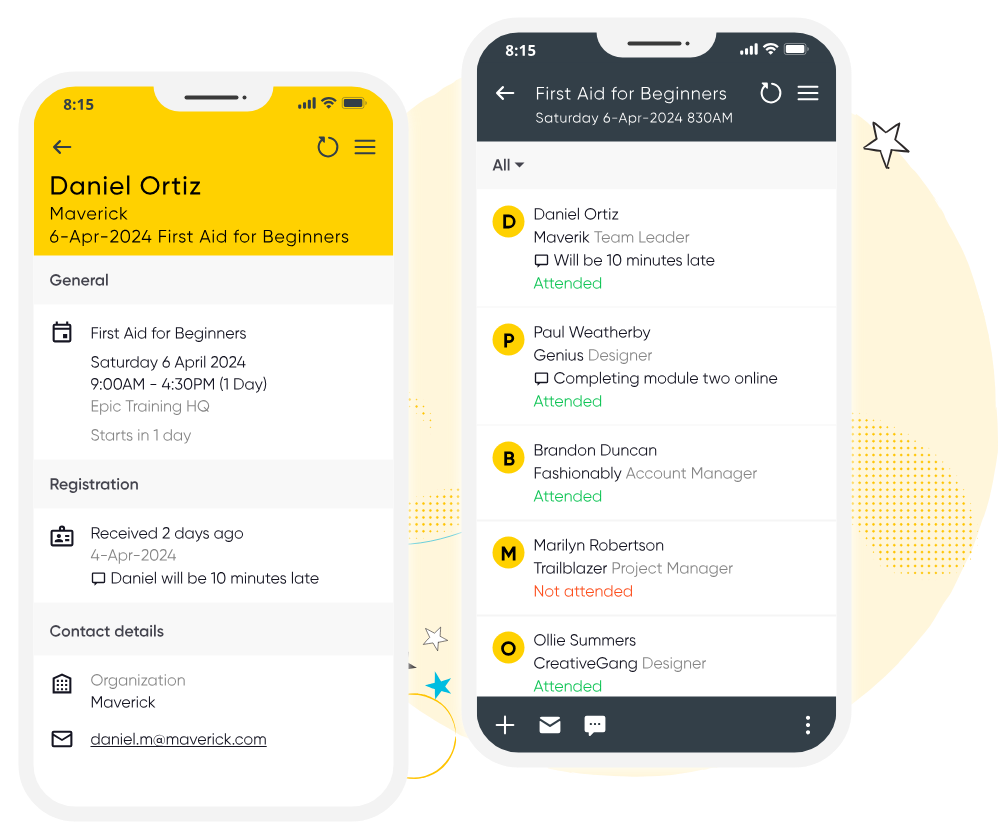

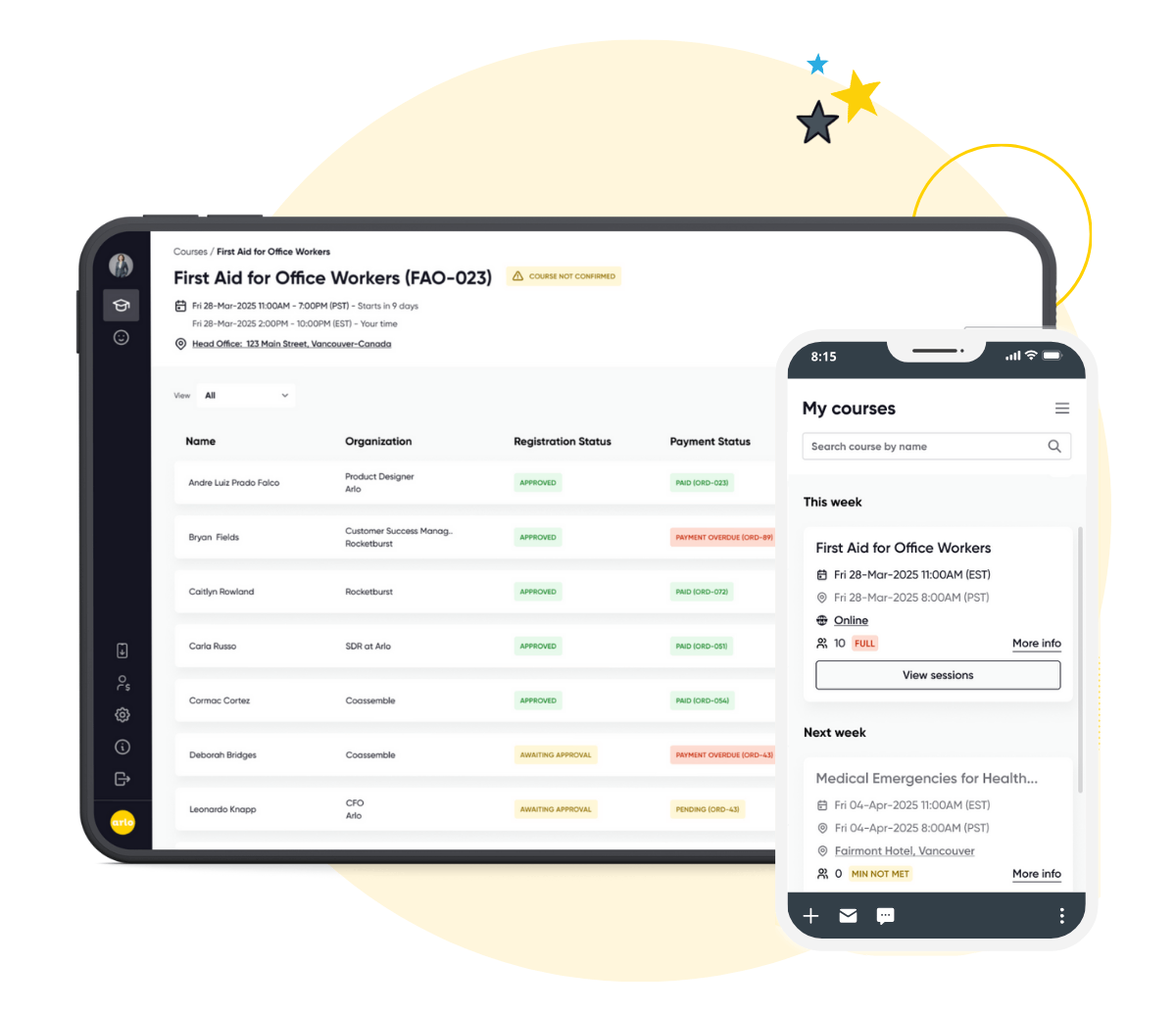
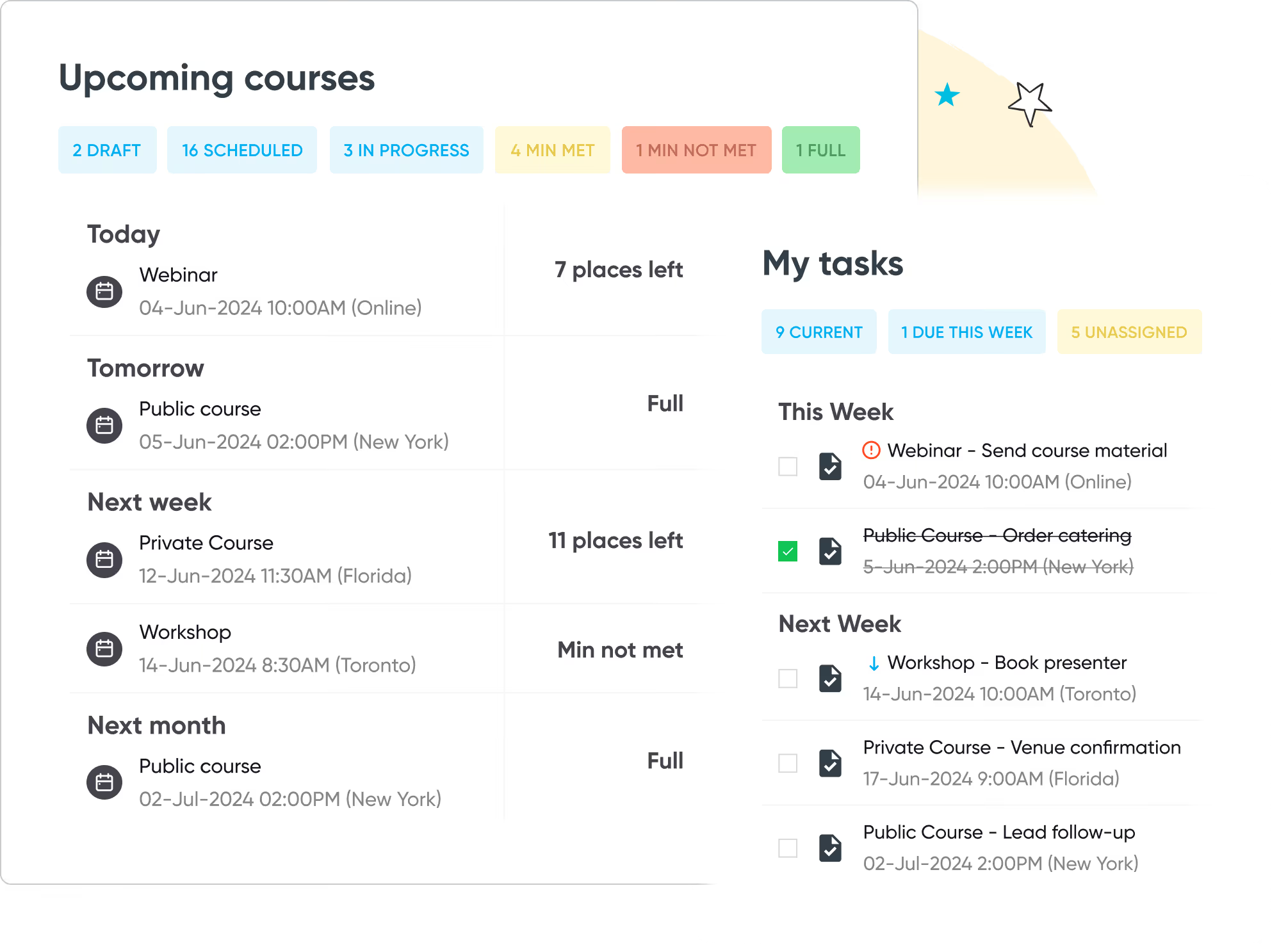
Give your instructors a powerful, professional hub on any device. The Instructor Portal lets them view their teaching schedule, manage participant details, mark attendance and more — all while delivering better experiences for learners.

Instructors can access full registrant details, course history, and learning materials, while adding comments or contacting participants directly by email or SMS for updates and reminders.

Manual roll calls and paper gradebooks aren’t needed with Arlo. Instructors can record attendance and assign grades in the app, with everything synced instantly to your Arlo platform for complete visibility.
The app gives instructors and staff real-time session details — from venue and setup notes to registration status, so they know exactly what’s needed before the course begins.
Start your 14-day free trial now.
No credit card required. Unlimited users.
Manage course registrations, payments, website integrations, CRM and reporting all in one powerful and easy-to-use platform.
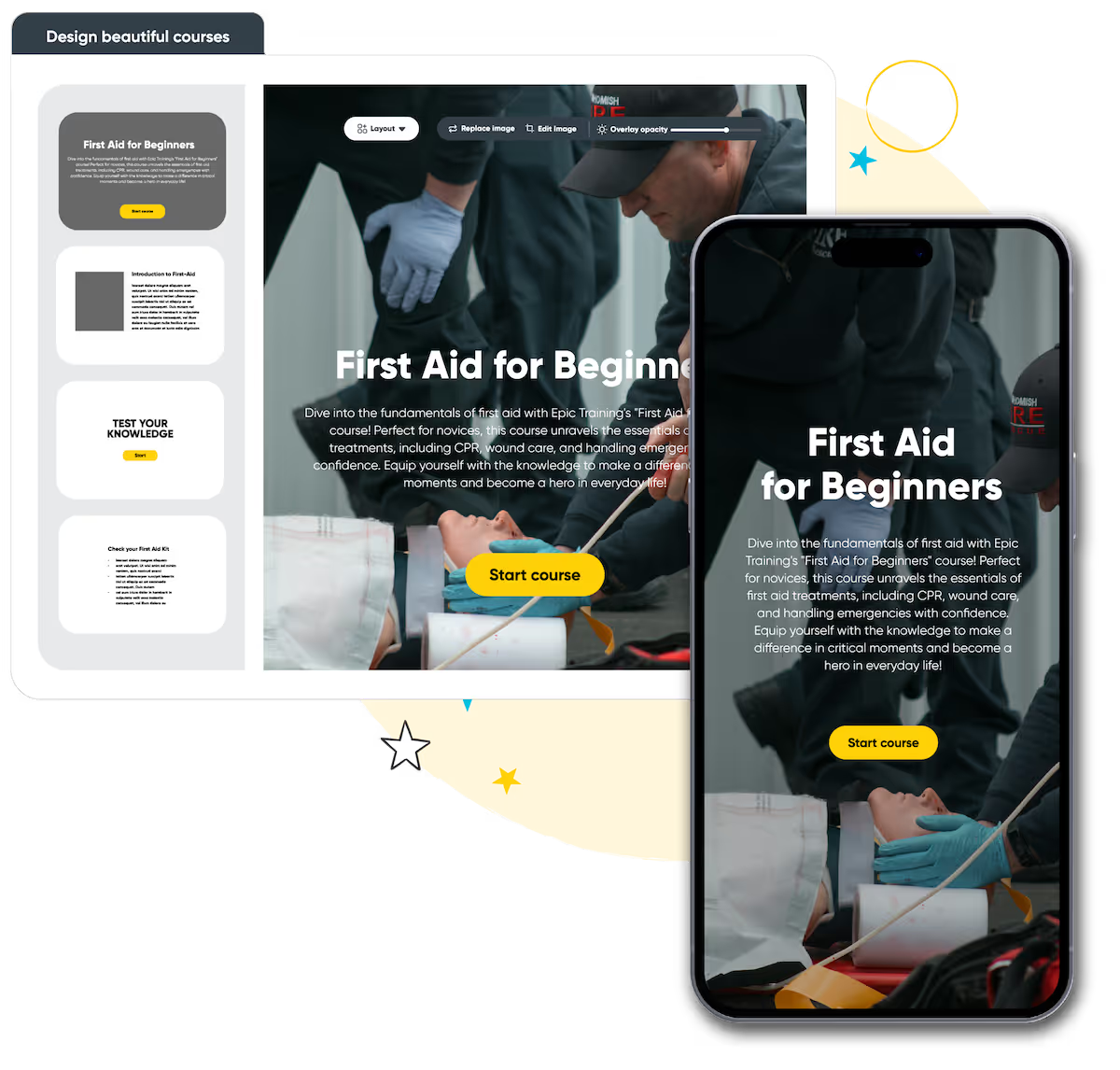
Build beautiful online courses with AI-powered workflows. Transform existing material, brand content your way, and deliver to learners with a self-service portal, seamlessly with your instructor-led training.
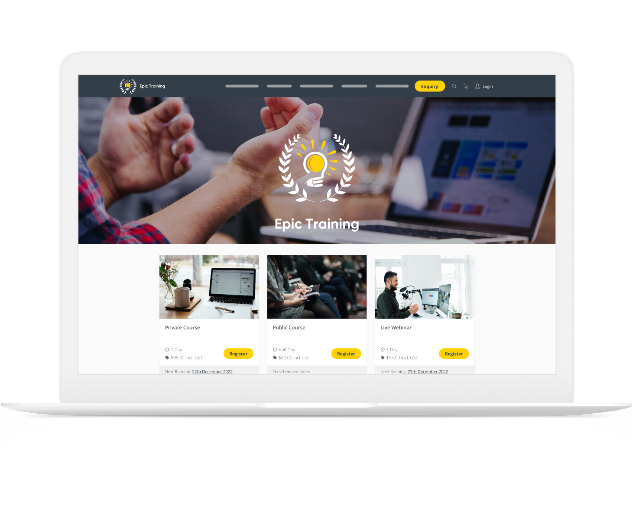
Get a modern website that’s always up to date, built to convert, and fully customizable. Course details, pricing, and changes update in real-time, providing a smooth & professional experience for your customers.
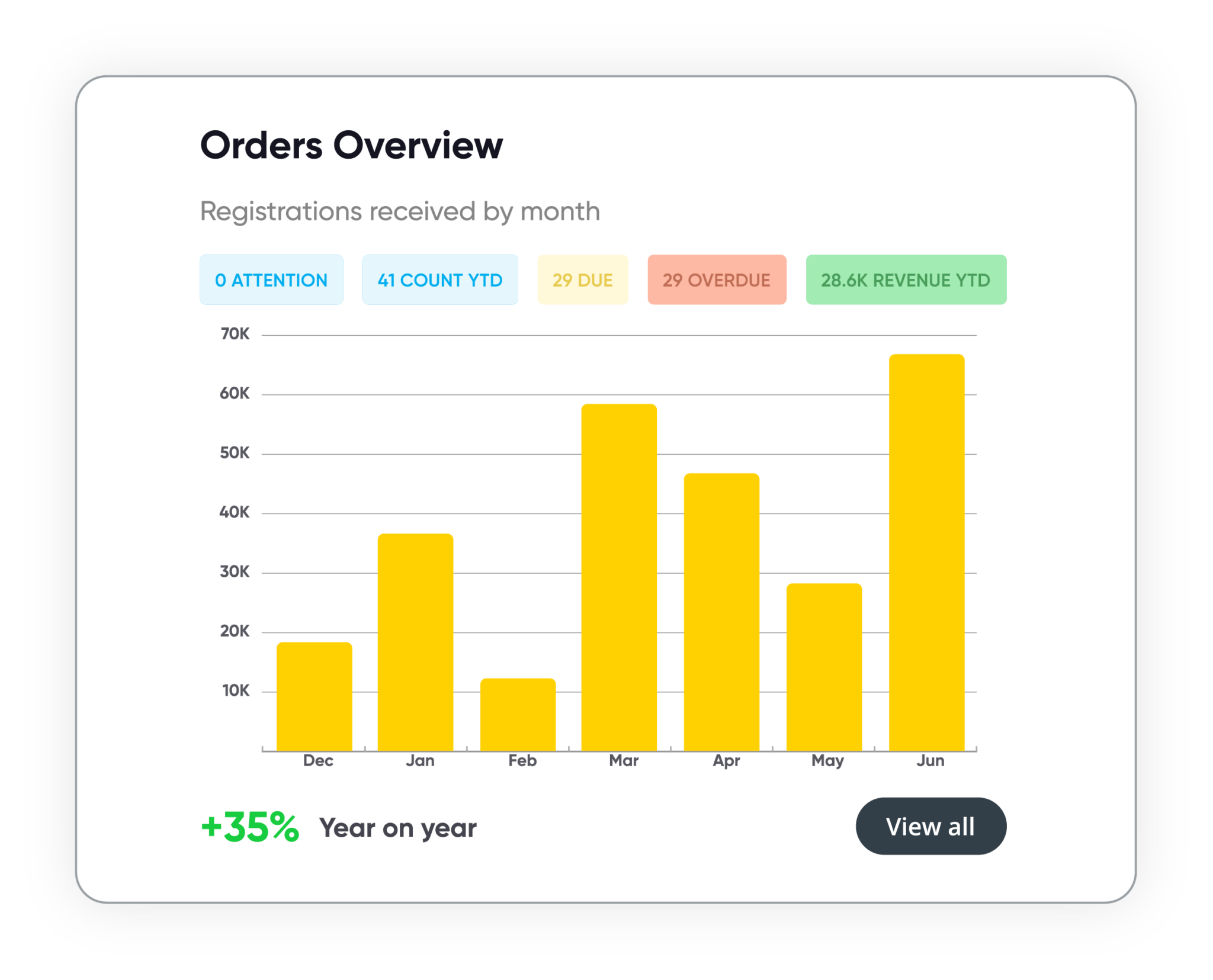
Track course performance, revenue, and customer activity in real time. Manage leads, accounts, and training history in one secure system. Build and schedule custom reports, share them with stakeholders, and more.
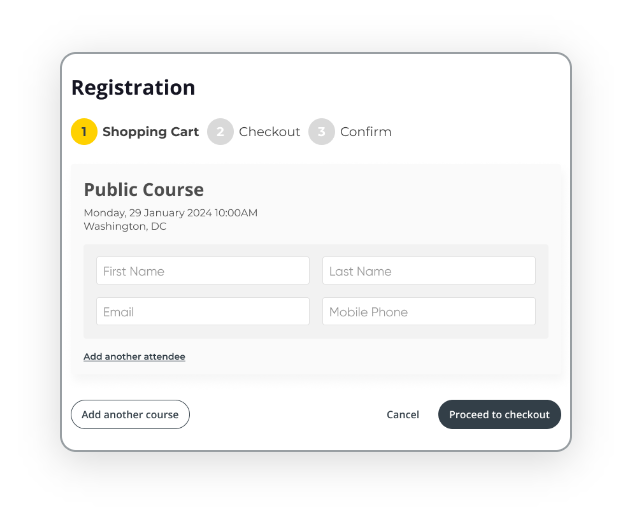
Automate every step of the registration process with smart forms, flexible payment options, and integrated invoicing. Apply discounts, waitlists, and custom rules to support every course type, public or private, paid or free.











Compare the best training management systems for 2026. See features, pricing, and top tools for training providers.
Read the guideWith over 16+ years experience, our global team of experts are here to help you every step of the way. Get in touch with us today and learn how we can help your business get more time back and streamline your admin processes.
Talk to our expert team