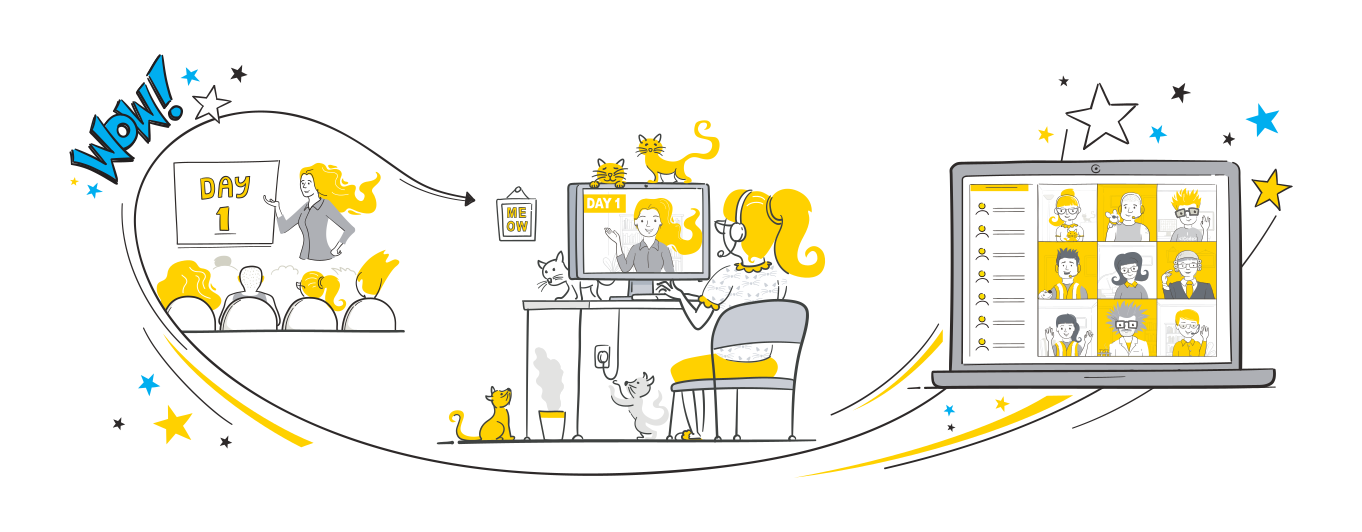
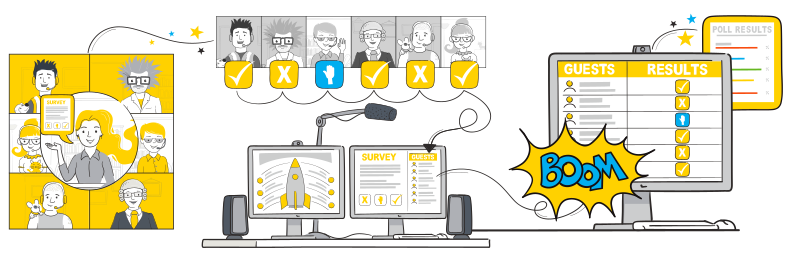
With all the tools and integrations you need to deliver remote training, Arlo training management software helps you deliver virtual instructor-led training to your learners no matter where they’re located, all in-one-easy to use platform.
Arlo lets you create courses that consist of multiple live online Zoom sessions, face-to-face events, and elearning activities. Link up to 100 hosts for quick access and selection.
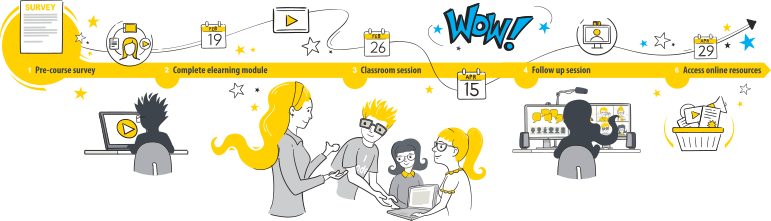
Zoom’s interactive video conferencing and screen sharing tools create a whole new way of communicating.
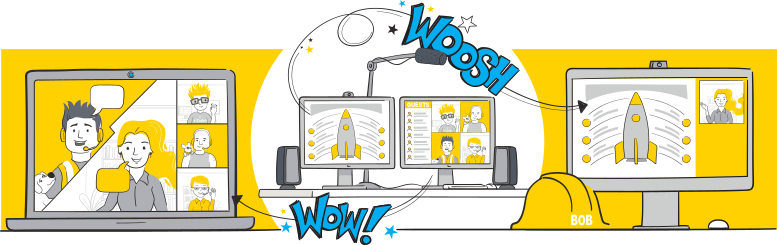
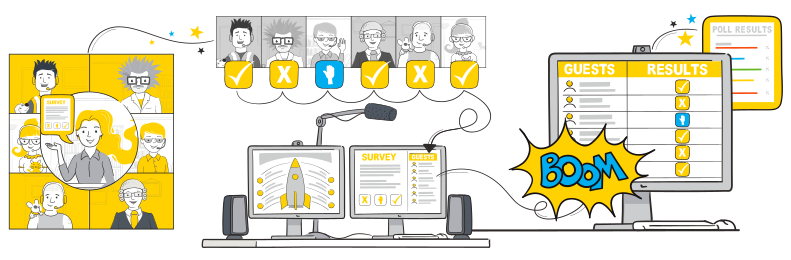
Create meaningful interactions to keep learners engaged. With Zoom, ask learners for a simple yes/no response or post a survey and view the results live. Registrants can even raise a virtual hand if they need help.
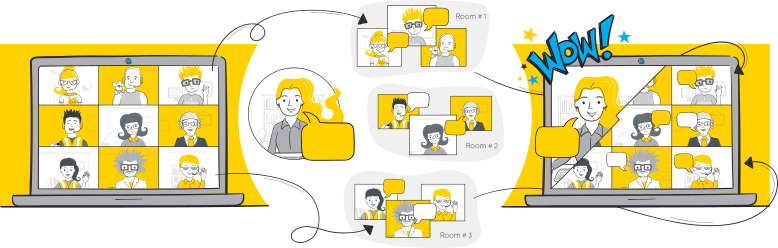
Emulate classroom breakout sessions in Zoom. Allow small groups of participants to work on a topic, then pull everyone together and share the results. Use virtual whiteboards and chat messaging to facilitate the interactions.
With Zoom Whiteboard, you can brainstorm and collaborate on a persistent, expandable, digital canvas. In-person and remote learners can ideate from Zoom-enabled devices, providing the intuitive features you need to extend learning and understanding.
Arlo lets you create courses that consist of multiple live online sessions, face to face events, and elearning activities. Utilize our library of course templates that pre-fill key information for quick scheduling of repeat courses that re-run on multiple dates and times.
Arlo integrates seamlessly with market-leading webinar and web conferencing solutions.

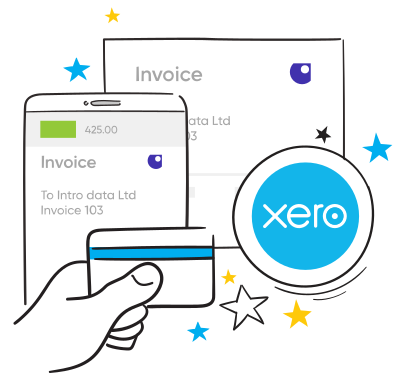
Arlo’s remote training software lets you accept payment by credit card, then automatically sends the invoice through to your accounting system so there is no double entry of data.

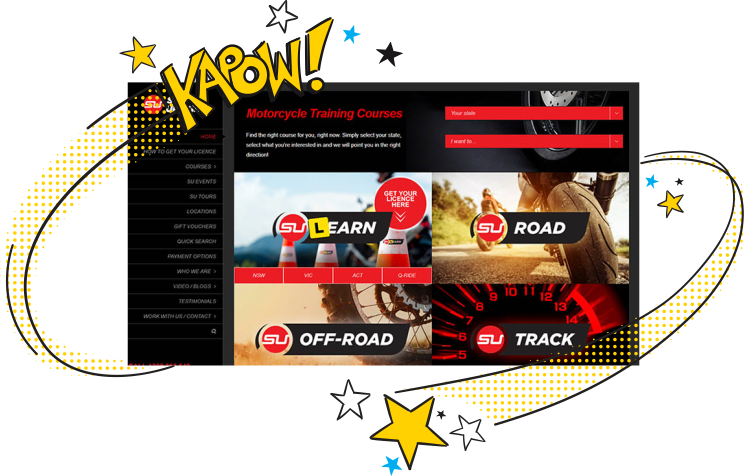
Arlo offers a built-in website so you can be up and running in no time. Alternatively, integrate Arlo into your main website to offer your website visitors a seamless experience.
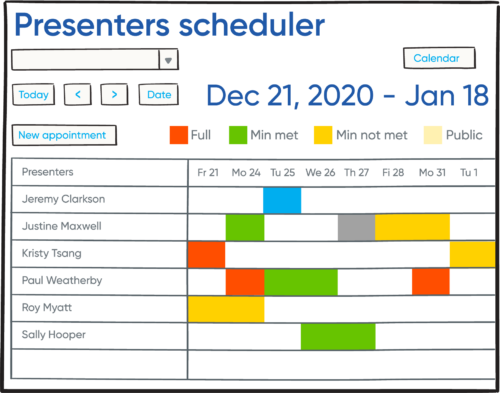
Arlo’s powerful course scheduling tool makes it easy to run a large programme of courses. Find available presenters, manage leave, and schedule appointments in no time.
Arlo is packed with marketing features and ecommerce that help you promote your courses. Run targeted campaigns, offer promotional discounts, integrate your online advertising and generate leads from your website.
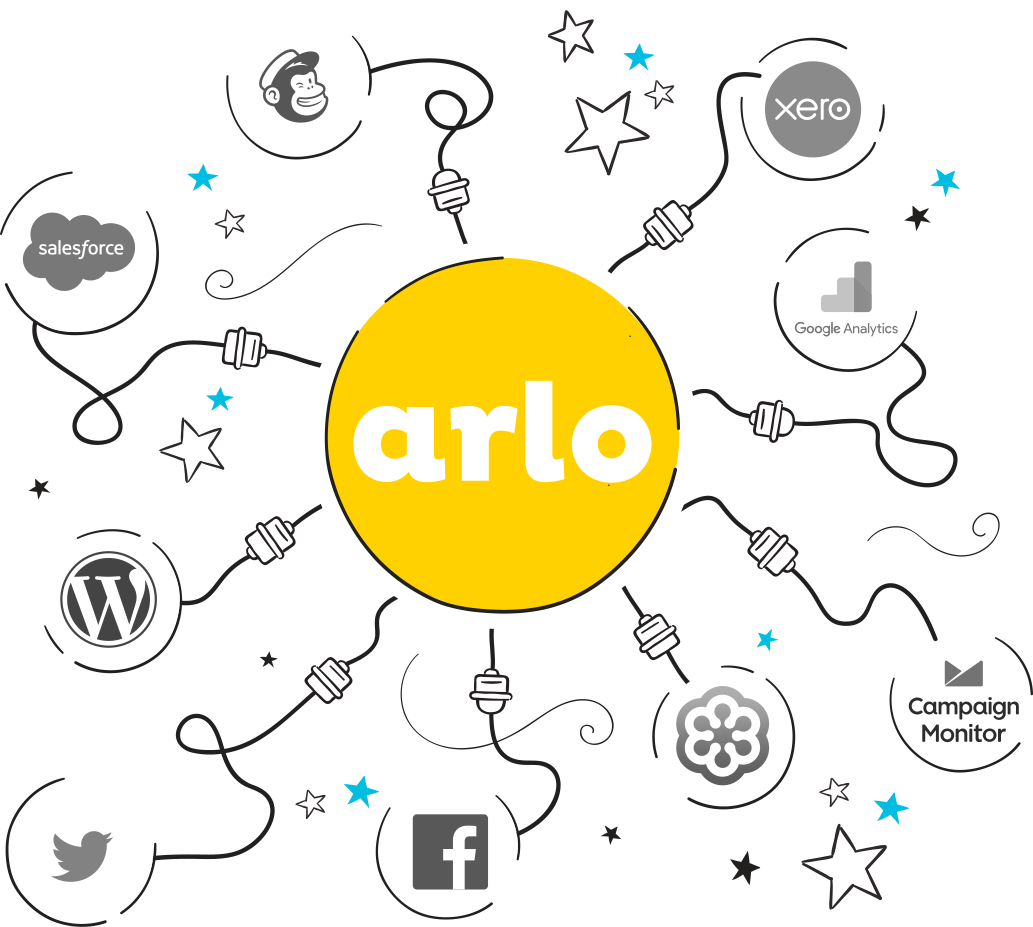
Arlo connects all your business applications so information flows freely. Connect your accounting system, online advertising accounts, marketing automation tools, campaign tools, surveys, CRM, and more!
Create a new revenue stream by selling recordings of your webinar and training sessions.

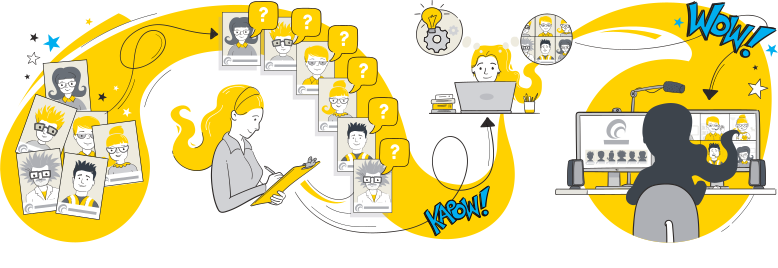
Arlo helps you create and manage custom courses for individual clients. Manage the whole process, from profiling learners, identifying learning outcomes, designing and building course content, through to scheduling and delivering the live sessions.

Automatically issue personalized certificates upon course completion and collect valuable feedback with surveys, helping you measure success and improve your offerings.
Track registrations, payments, course performance, and marketing effectiveness in one easy-to-use dashboard. Make data-driven decisions to grow your training business.

Empower your learners with a branded portal to manage their registrations, view upcoming courses, access course materials, and download certificates — all with secure logins and autofill convenience.

Promote your live training effectively using Arlo’s built-in marketing features. Run targeted campaigns, offer discounts, optimize your website for SEO, and outrank competitors to drive more traffic and registrations.

Give presenters mobile tools to mark attendance and record results directly from their phones. No chasing paperwork or manual entry, updates sync instantly to Arlo and can trigger automatic certificate issuance, saving admin time and improving accuracy.

Create reusable task sets tied to course schedules and auto-assign them to staff with due-date logic. Team members are notified automatically, so you can manage logistics, from setup to follow-up, without relying on separate tools or emails.

While Arlo integrates with all video conferencing platforms, including GoToWebinar and Demio, we recommend Zoom as our preferred platform for hosting. We’ve picked this solution because it’s secure, reliable, fairly priced, professional and is an easy to use online training platform. See Training Providers Guide to Zoom to get started and kickstart your remote learning journey.
Know your software, support learners through the technical set-up, create a professional environment just as you would in classroom, and keep your learners engaged. For more information, see 5 tips for running a successful webinar course.
Not necessarily; the best training delivery method depends on the needs of your learners, and the specific training program you’re delivering. Live online courses can be more accessible, flexible, and affordable, but they may lack the personal touch of face-to-face classes. Take the time to see what your learners prefer and assess whether you have the technology to facilitate both face-to-face training and online options.
Many training providers also offer courses in a blended format, providing in person training, virtual, or module-based training in various formats. If you work in-house and are employee training then a mixture of face to face and remote training (if you have a remote workforce, remote employees or remote teams) will probably suit your needs well. The key is to make sure you have the technology, and training materials in place to deliver effective instructor-led training, whether in person or virtual.
In addition to video conferencing platforms, and training management systems there are several software categories that can enhance your remote training experience. Consider the following:
Learning Management Systems (LMS) – These platforms help you manage course content, track learner progress, and facilitate assessments.
Course Authoring Tools – Useful for creating engaging and interactive eLearning content.
Collaboration Tools – Platforms that support group work, discussions, and real-time feedback among participants.
Assessment and Survey Tools – Essential for creating quizzes, surveys, and feedback forms to gauge learner understanding and satisfaction.
Content Creation Software – Applications for developing multimedia materials like videos, infographics, and presentations.
Screen Sharing and Recording Tools – Helpful for sharing your screen during sessions and recording them for future reference.
Project Management Software – Useful for planning, organizing, and tracking the progress of your training programs.
Some of the world’s leading training companies have been able to pivot to live online training using Arlo’s remote training sfotware Join them!







Try Arlo yourself: 14 transformational days, free.