Automate your training admin and make everyday tasks a breeze. Easily create and schedule courses, deliver professional communications and stay on top of operations with Arlo.

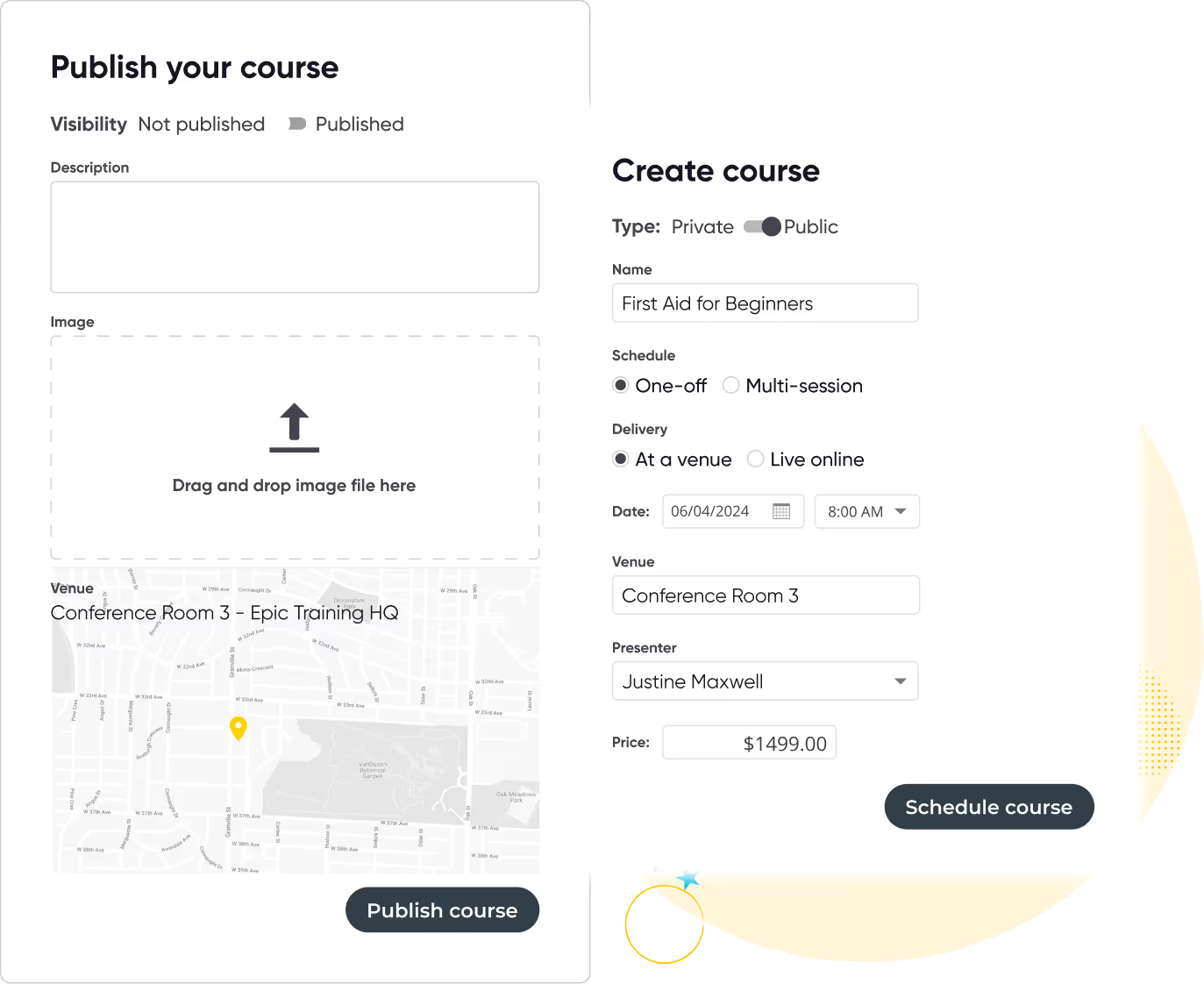
Create new courses in minutes and publish to your website with a click of a button. Templates pre-fill key information for quick scheduling of repeat courses that re-run on multiple dates and locations.

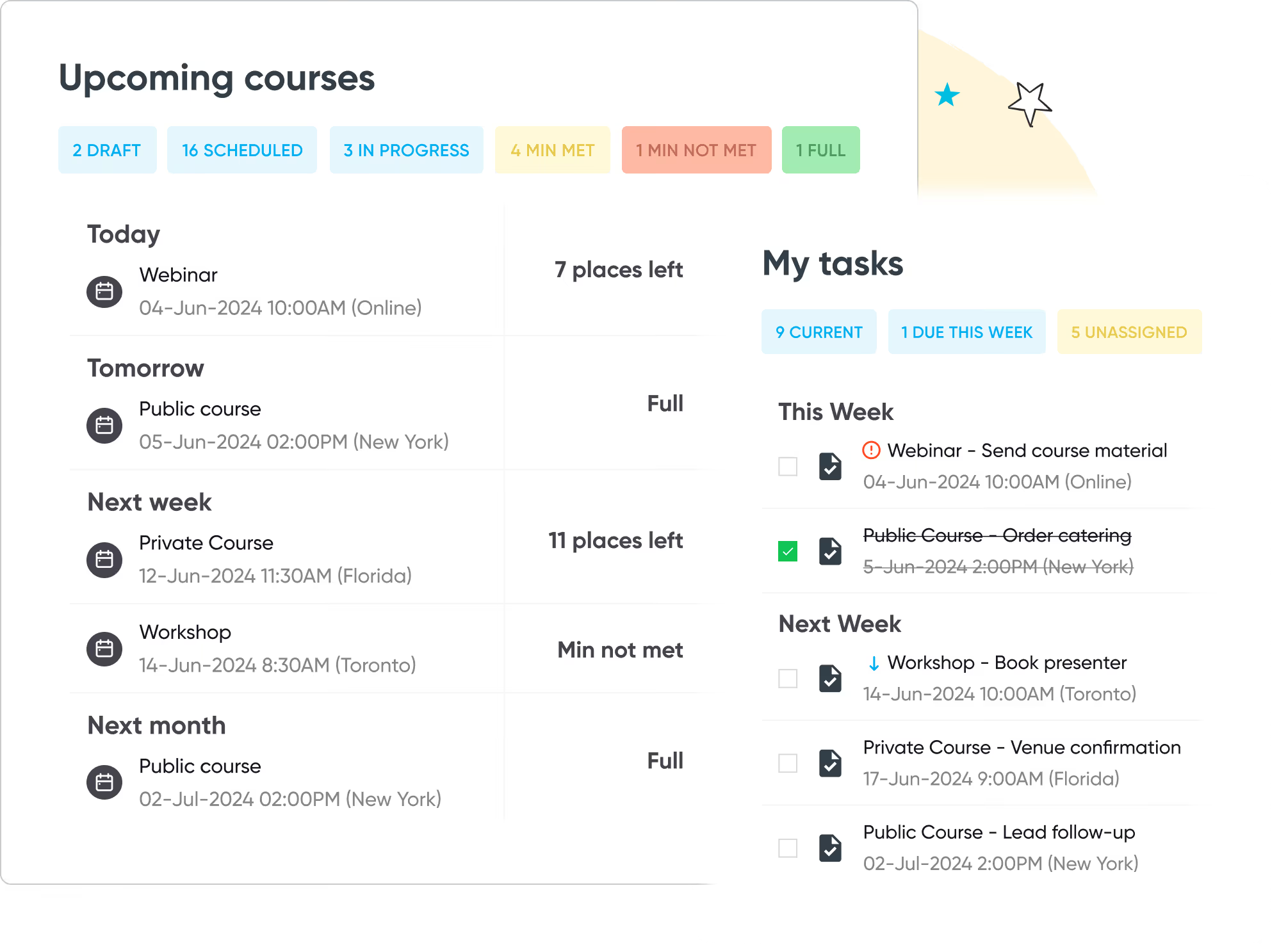
Easily manage all of the moving parts in one platform. Streamline and automate task management and get a complete view of upcoming courses, instructors, venues and more.

Deliver professional and timely emails to customers across the entire learner journey. Use pre-set email templates, apply fonts and colors, and customize content to suit your brand.

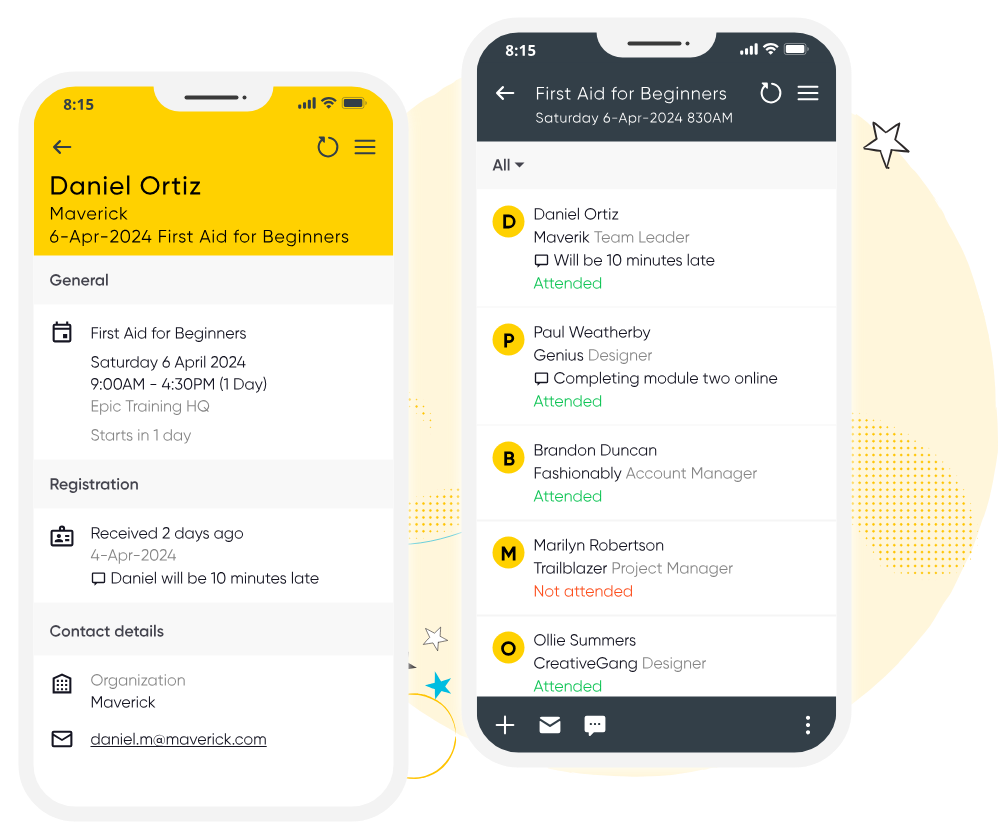
Ensure your course runs smoothly with Arlo for Mobile. Instructors can easily manage registrant details, record attendance, check payments and mark grades on the go. Without the messy paperwork.
Start your 14-day free trial now. No credit card required. Unlimited users.
Run your training business like a pro with Arlo’s purpose-built training management software
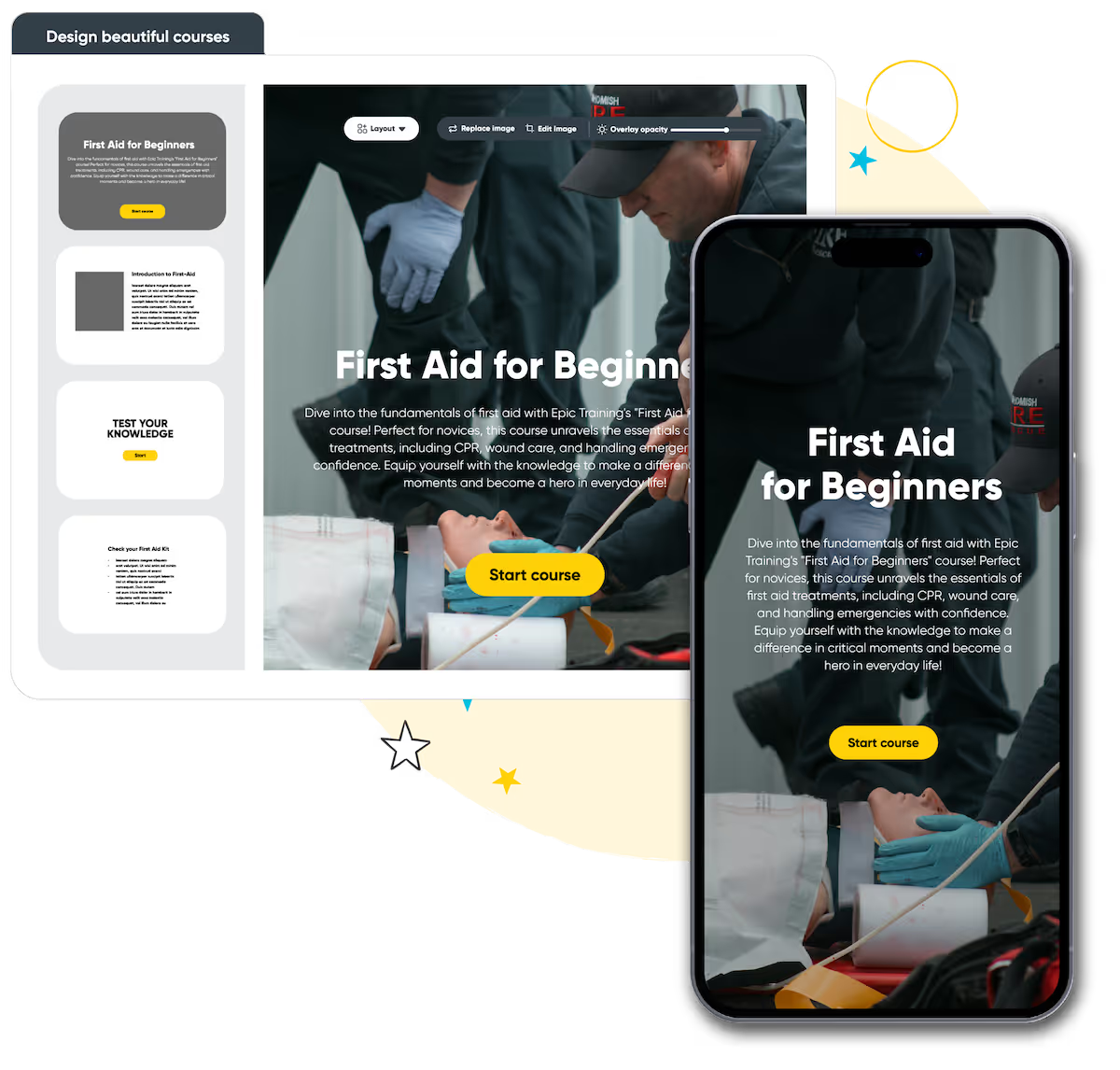
Build beautiful online courses with AI-powered workflows. Transform existing material, brand content your way, and deliver to learners with a self-service portal, seamlessly with your instructor-led training.
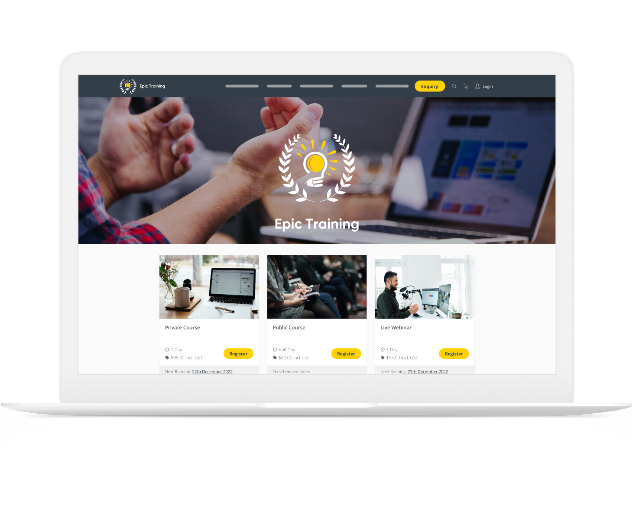
Get a modern website that’s always up to date, built to convert, and fully customizable. Course details, pricing, and changes update in real-time, providing a smooth & professional experience for your customers.
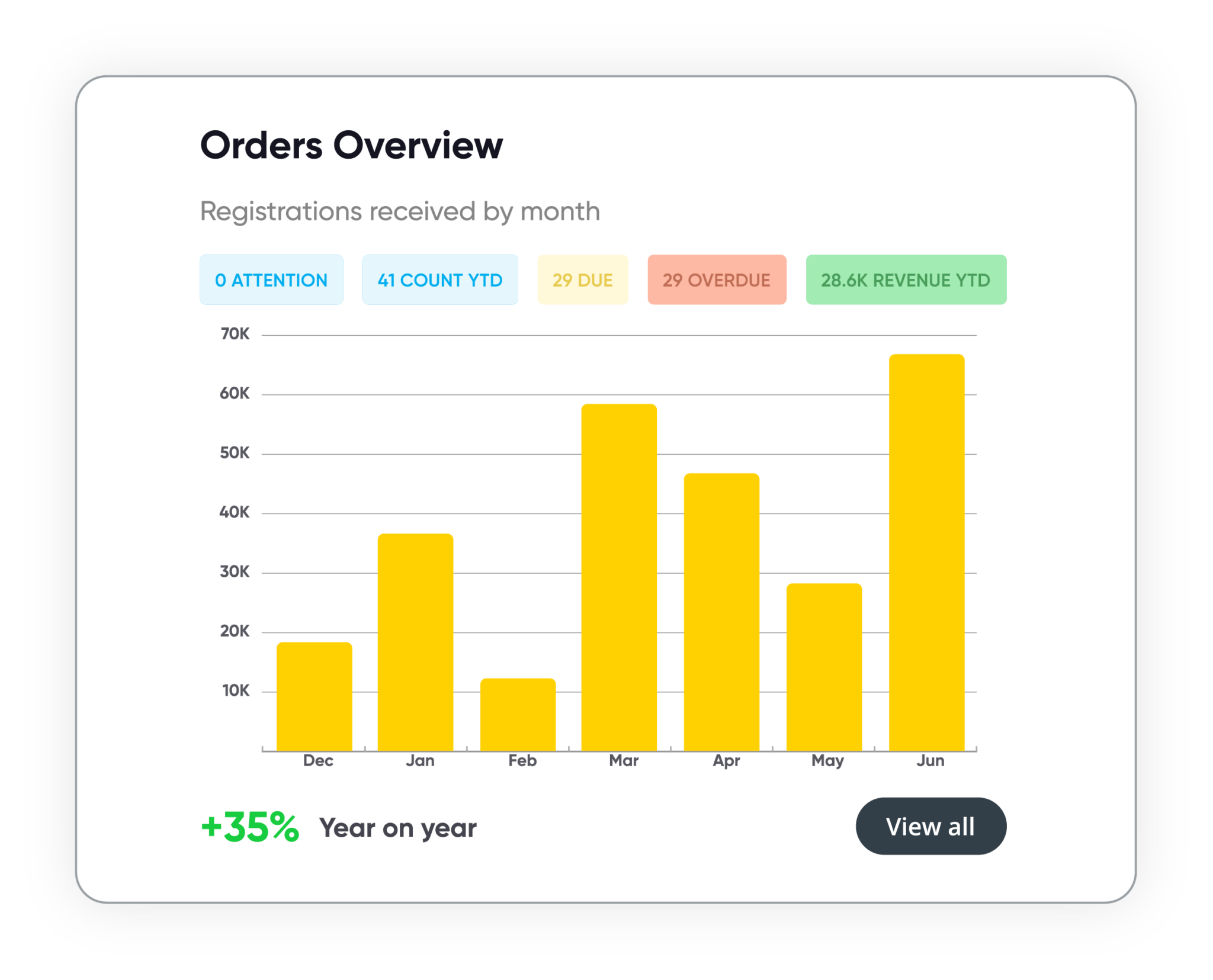
Track course performance, revenue, and customer activity in real time. Manage leads, accounts, and training history in one secure system. Build and schedule custom reports, share them with stakeholders, and more.
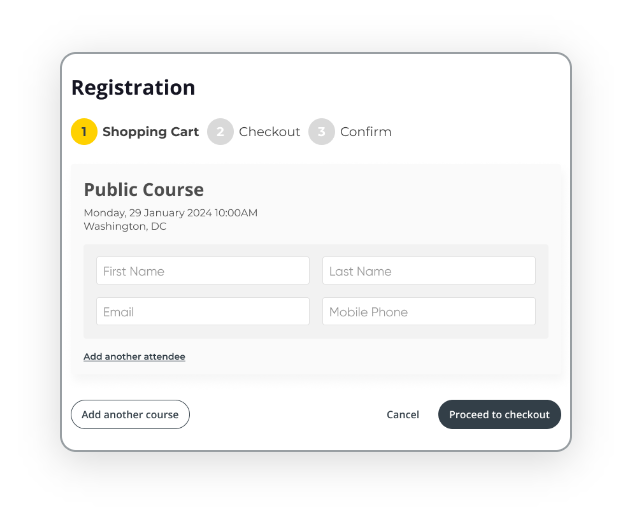
Automate every step of the registration process with smart forms, flexible payment options, and integrated invoicing. Apply discounts, waitlists, and custom rules to support every course type, public or private, paid or free.










A training management system (TMS) is software specifically designed for people who are in the business of selling courses. More powerful and efficient than a maze of spreadsheets, more specialized to the things you need than generic event software.
Start a trial of Arlo TMS
Course management software is used to manage a large program of instructor-led training courses. It organizes and automates course logistics, such as room bookings and sending reminder emails to attendees. It’s also used for commercial tasks, like taking bookings and payments.
Without one, course providers use generic software that is not fit for purpose. These systems often don’t talk to each other, create inefficiencies and slows business growth. Purpose-built course management software helps operations save time, crush sales targets and improve registrant experience.
In-house HR teams, community education providers, membership organizations and commercial training providers all run their operations on course management software. Within those teams, it’s generally course administrators and training managers who use the software day-to-day.
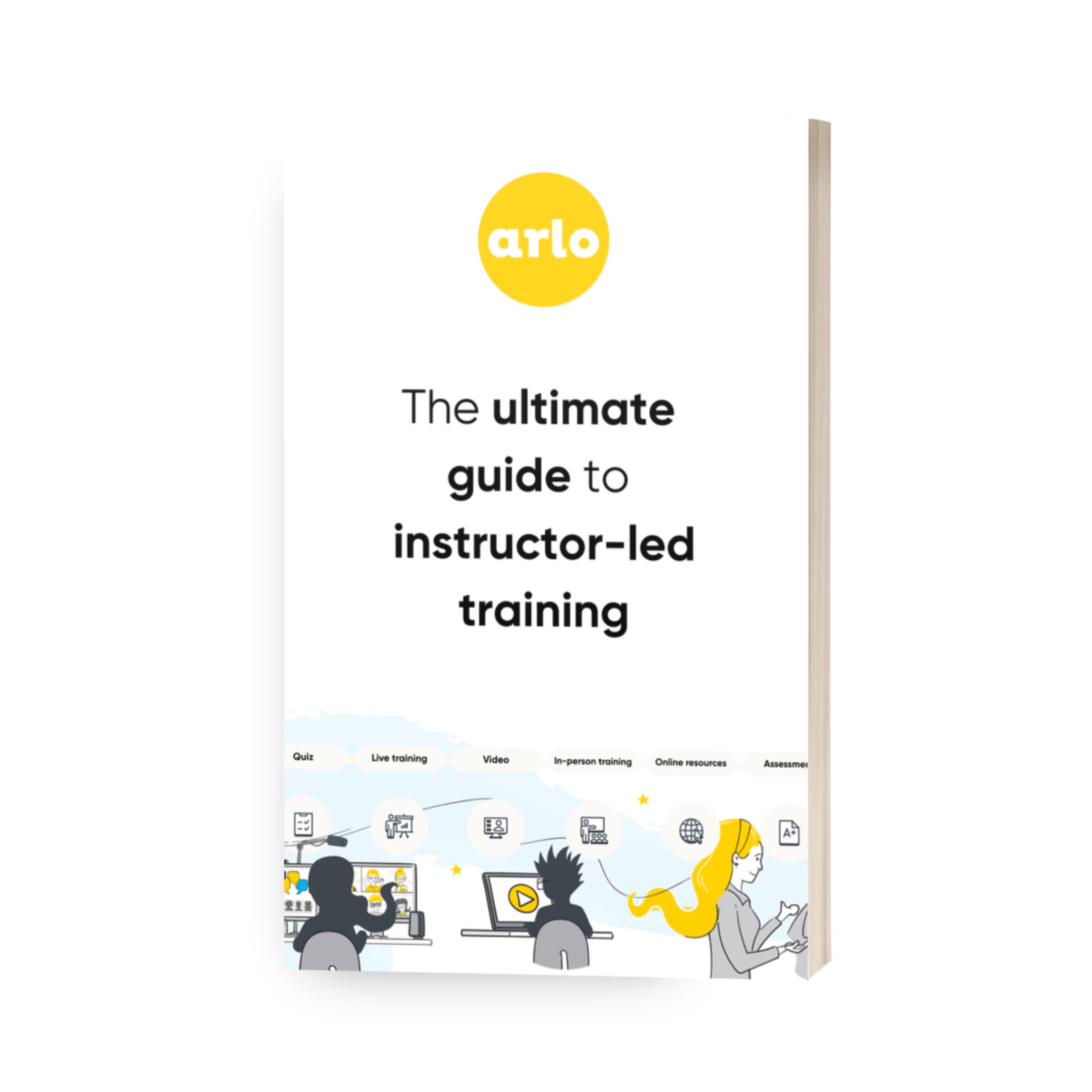
Compare the best training management systems for 2026. See features, pricing, and top tools for training providers.
Read the guideWe get training. With over 16+ years experience, our global team of experts are here to help you every step of the way.
Talk to our expert team