.png)
The slide deck your trainer has been refining for three years. The compliance workbook that's handed out at every session. The PDF that's already been written, tested, and delivered hundreds of times.
Your content is proven. But right now it only works when a trainer is in the room, or on a call.
Arlo changes that, without building from scratch.
The real barrier to building elearning
The hard part of building elearning was never the knowledge. It was the production: structuring, formatting, knowing which tools to use. You'd either pay a specialist to build it, or spend weeks figuring it out yourself, only to have to redo it the moment the course content changed.
Arlo takes that off your plate, so your time is focused on the content that actually requires your expertise, not the scaffolding around it. The right starting point depends on what you have and how quickly you want it online.
1 — Document to course
Best for written materials: reports, workbooks, manuals, compliance guides.
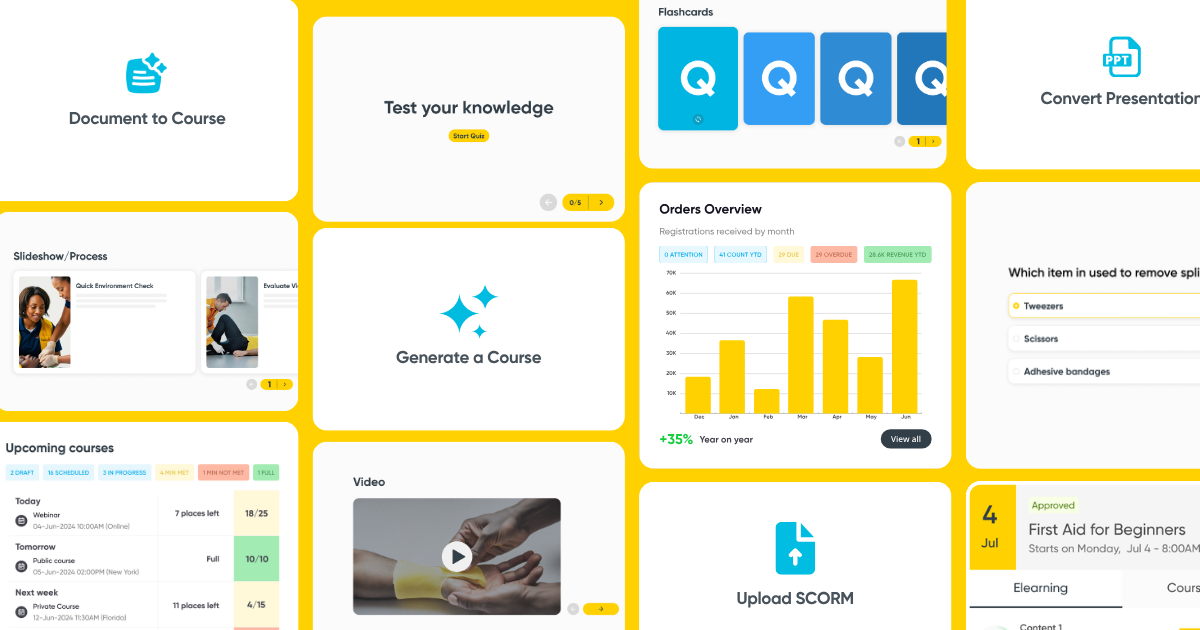
Upload a PDF, Word (.doc, .docx), PowerPoint (.ppt, .pptx), plain text (.txt), or rich text (.rtf) file and the AI extracts the key concepts and structures them into a course with lessons, quizzes, and multimedia. You answer a short series of prompts during upload covering topic focus, depth and tone, and by the time you click generate, the course is ready to refine.
It doesn't reformat the document. It builds on the knowledge and elevates it into a self-paced online learning experience.
2 — Convert presentation
If you've got slide-based material you're using in the classroom or workshop, this one's for you.
Upload a .ppt, .pptx, or .key file and Arlo will rebuild the deck using learning design principles, simplifying and reorganising the content and adding interactive elements like quizzes on top of the existing visual structure.
Where document-to-course extracts knowledge from text, presentation conversion works with the slides as the starting point and reshapes them into something a learner can move through interactively.
3 — Generate a course with AI
For providers who want to build something new without writing it from scratch, the AI course builder generates a structured course from a prompt.
Describe the topic, audience, and tone and Arlo constructs the framework and prepares content across screens. All you need to do is layer in your expertise.
This works well for supporting modules: pre-course preparation, refresher content, scenario-based learning, or onboarding sequences where the knowledge lives with your team rather than in an existing document. It's also a useful option for generating content quickly for niche audiences or one-off scenarios.
.png)
4 — Start from scratch
If you want full control, the course builder lets you construct screen by screen. With a drag-and-drop editor that's intuitive and easy to use, you can go from concept to a working module in a matter of minutes.
Add text, images, video, quizzes, interactive hotspots, and embedded content, then apply your brand kit so every course looks consistent with your wider training materials.
This option takes longer, but gives you complete ownership of every element, useful for key programs and B2B contracts where presentation matters just as much as content.
5 — Upload SCORM file
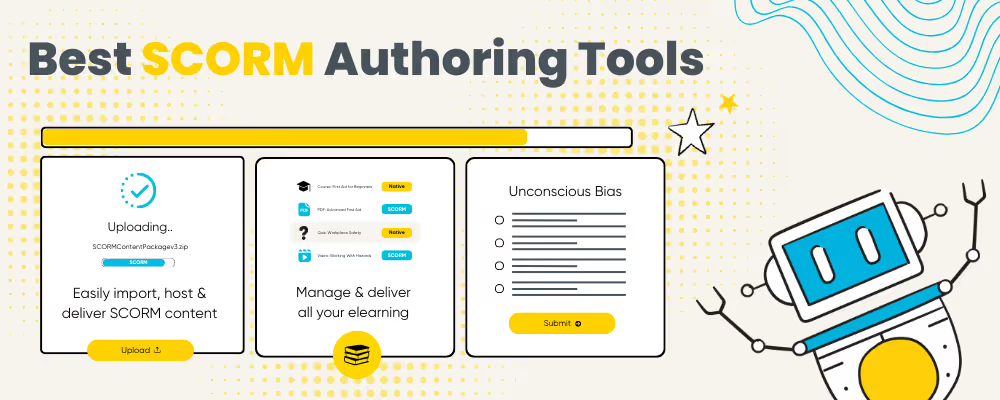
If you're moving away from a standalone LMS, your existing content library comes with you. Import your entire SCORM package library directly into Arlo, then schedule and deliver it alongside your instructor-led training through the same workflow.
Learners access everything through a branded self-service portal where their progress, scores, and completion data are saved and tracked. Built-in versioning means you can keep content up to date without disrupting active learners.
Inside the course builder
Whichever path you start with, the editing experience is consistent.
Once a course is generated or uploaded, you're working in a drag-and-drop editor with a full set of creation tools. AI can help you generate images, rewrite or expand text, and create content blocks without leaving the editor. Quizzes can be generated automatically from the course content, with Arlo identifying the key concepts and building the questions, or you can build your own from scratch. Brand kits keep every course visually on track, without manual formatting.
.png)
Flexible layouts, media libraries, and interactive components like scenario-based learning and assignments give you the range to build anything from a compliance module to a multi-stage certification program.
Your course is built, what’s next?
This is where Arlo's elearning goes beyond a standalone authoring tool.
Once a course is built, it lives inside Arlo alongside your instructor-led training, registrations, communications, and reporting. There's no separate system to manage, no manual syncing, no second login.
You can attach elearning to an existing instructor-led course and create a program that's blended by design. Set up pre-course preparation that learners complete before they arrive, a post-session quiz that reinforces what was covered in the room, or a follow-up module issued a week later. Learners register, get automated access instructions, and complete the course through their learner portal on any device, with progress and quiz data feeding back to Arlo in real time.
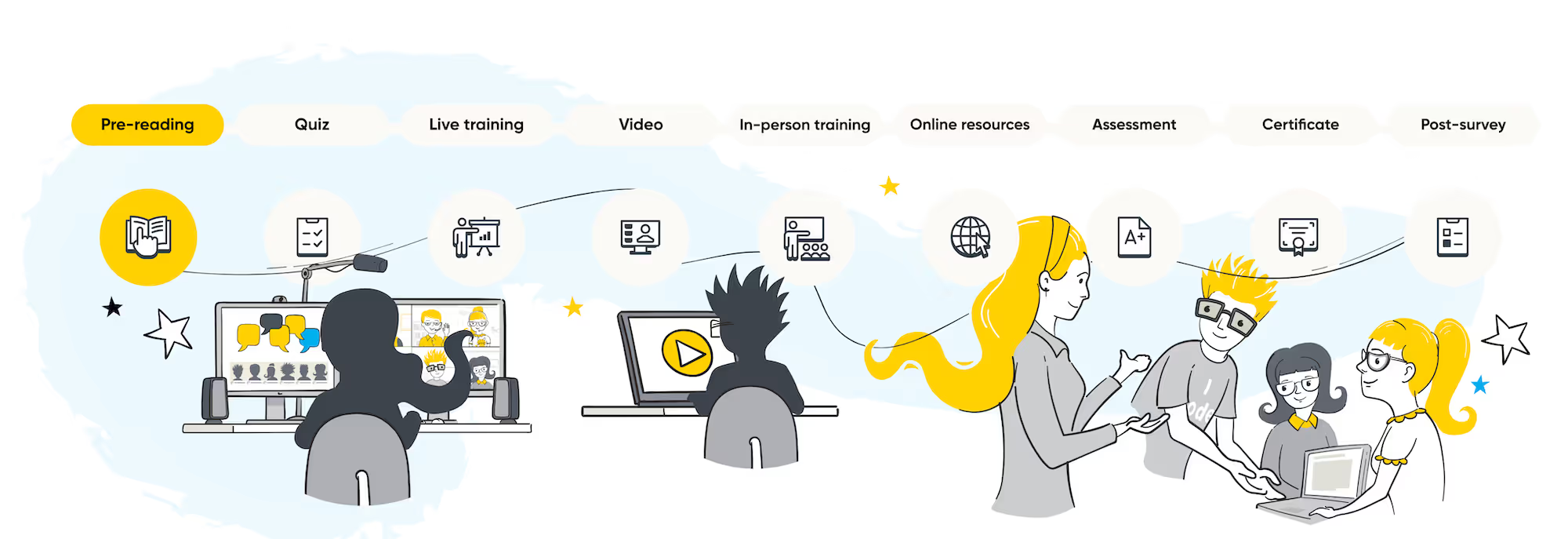
Not only is blended learning achievable in Arlo, but you can publish your new content as a standalone, self-paced course too. Once it's ready, publish modules automatically to your website, open for registration and payment like any other course you run.
You control when each module becomes available, before the live session, during it, or after it wraps up. Set completion dates so learners know what's expected and when. When new content unlocks, they're notified automatically.
Arlo automatically issues branded certificates when learners complete elearning modules or a full course, triggered by whichever completion criteria you set, all modules, specific modules, or a final graded quiz. Certificates are stored against the learner record and accessible through the portal at any time.
The same workflows apply to private training. Corporate clients can log in through the Organisation Portal to see completion status for every registrant on their account, and follow up directly where someone hasn't progressed, without contacting your team for updates.
Where to start
The most common mistake is trying to convert everything at once. The providers getting the most out of elearning in Arlo typically start with one course that already has strong existing materials, a compliance module, a certification prep program, a pre-course reading pack. One course, built properly, then expanded from there.
A single converted document can become a standalone online product, a blended attachment to a live session, or a private module for a corporate client. The same content, delivered three different ways, through one workflow.
If you're an existing Arlo customer, elearning and SCORM are available as a 30-day free trial. If you're not yet using Arlo, book a demo and we can walk through the authoring tool with your specific content in mind.
The content you need to launch is almost certainly already written. It just needs to be put to work.
Already on Arlo? Start your free 30-day elearning trial. New to Arlo? Book a demo and we'll show you how it works with your content.
.png)
.png)
%2520(1).png)