Arlo for Moodle allows you to promote and sell self-paced online, face-to-face, live online, and blended courses.

Use Moodle to create personalized elearning experiences, and Arlo training management software to manage the commercial aspects of running your training business. Combined, the two solutions allow you to not only sell your learning content, but also efficiently manage your instructor-led training and blended learning journeys.
Moodle is a learning platform designed to provide educators, administrators and learners with a single robust, secure and integrated system to create personalised learning environments.

Arlo was built with web developers and designers in mind. Pre-built templates make it easy to install, and shortcodes give you the flexibility to place Arlo content wherever you need it.
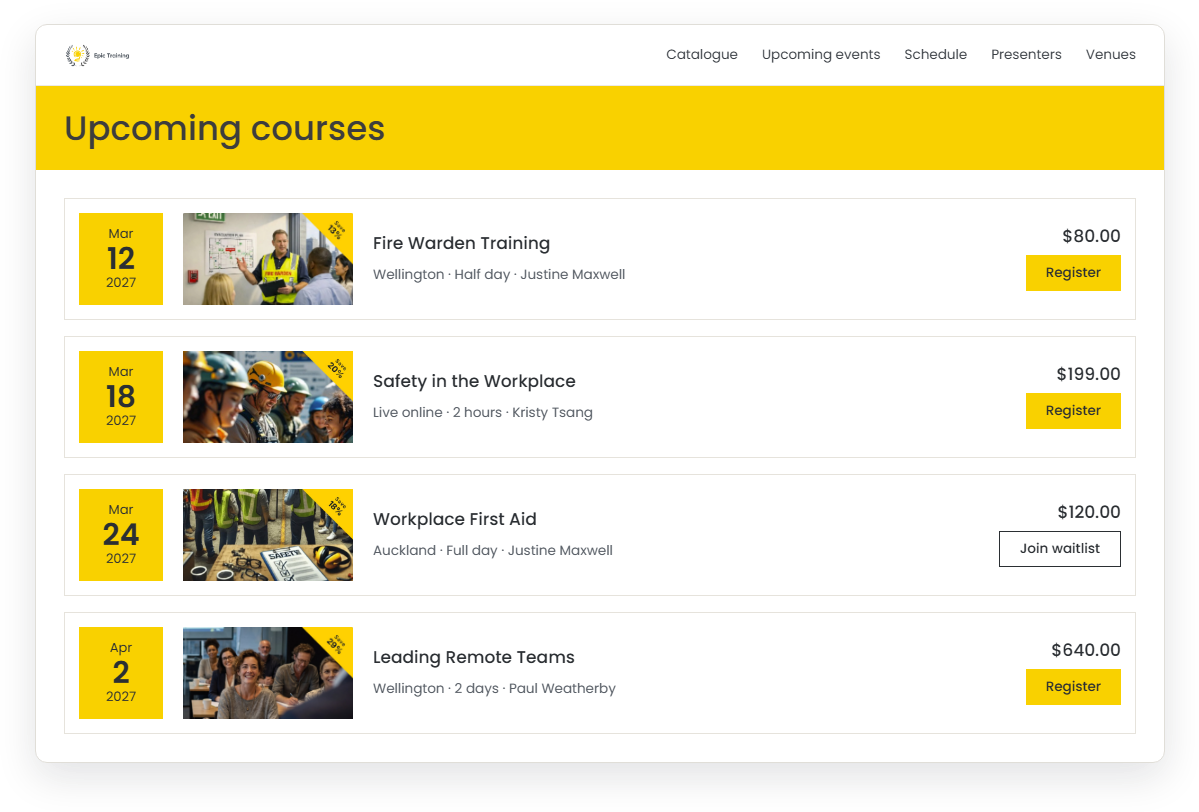
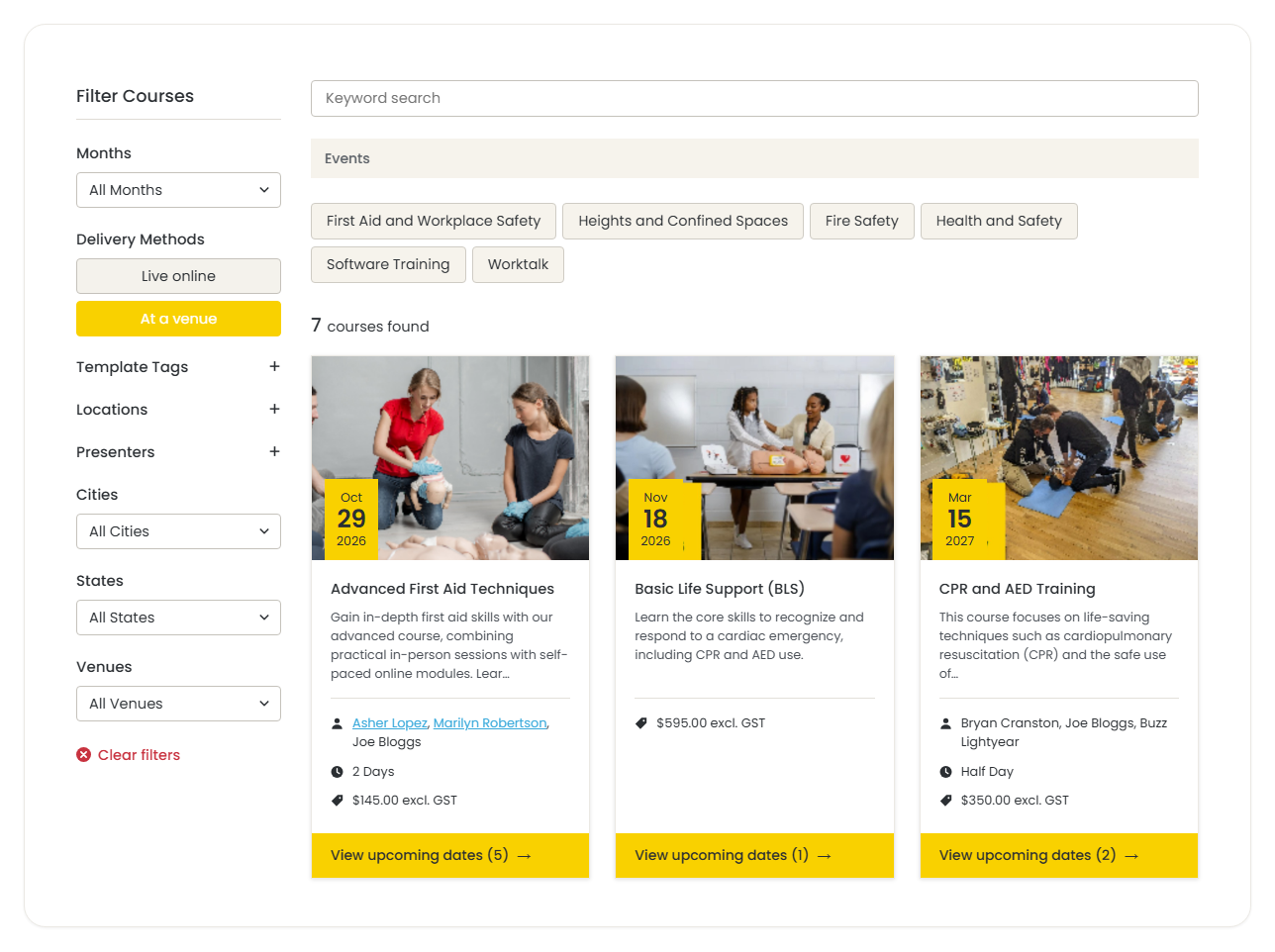
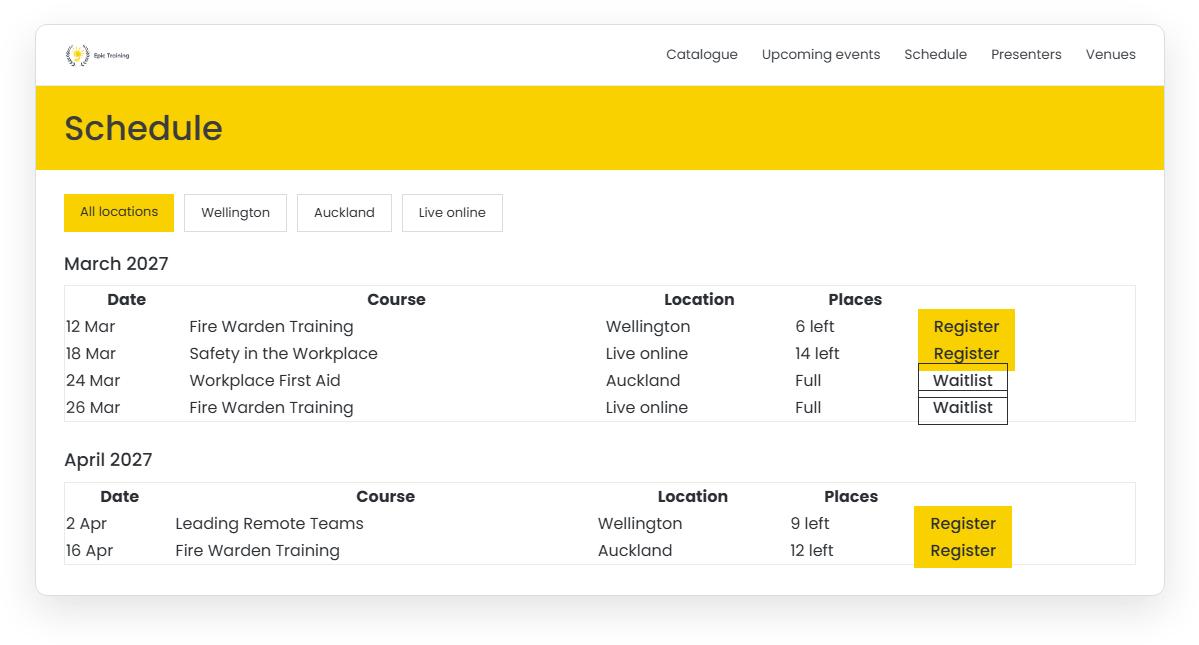
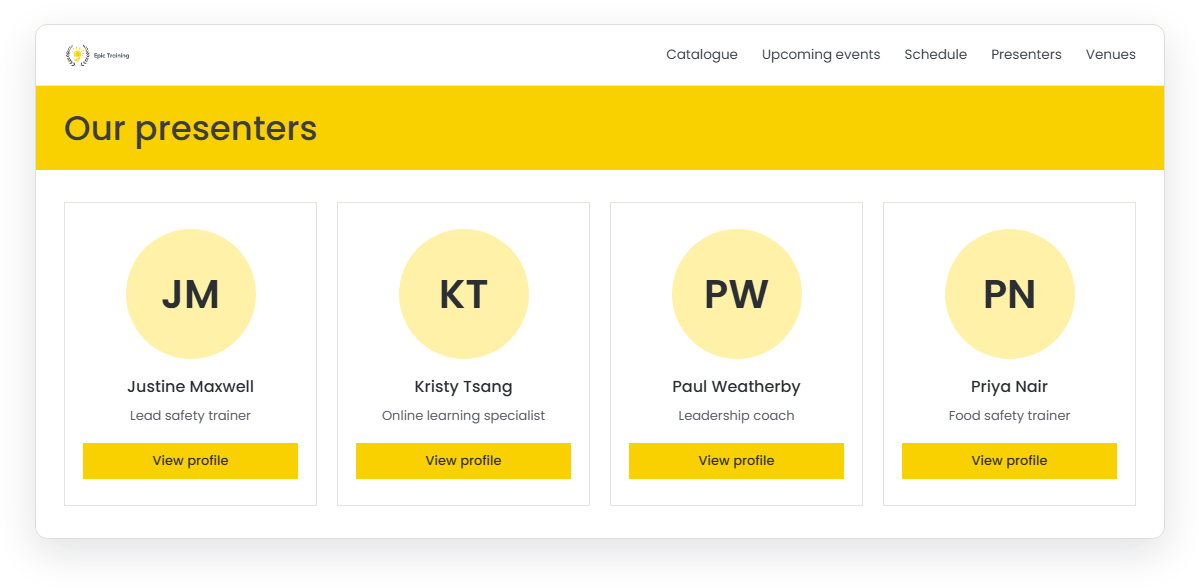
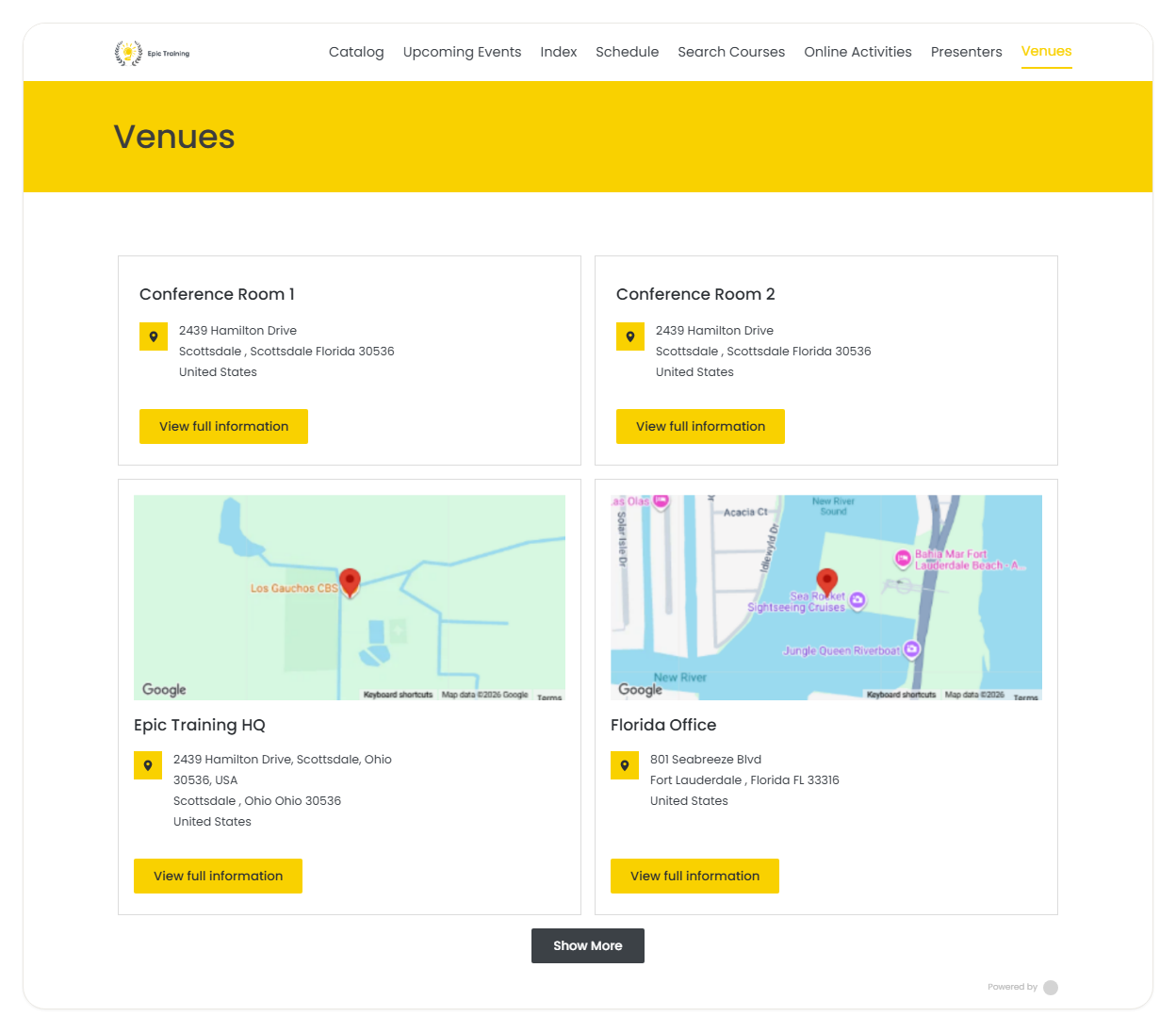
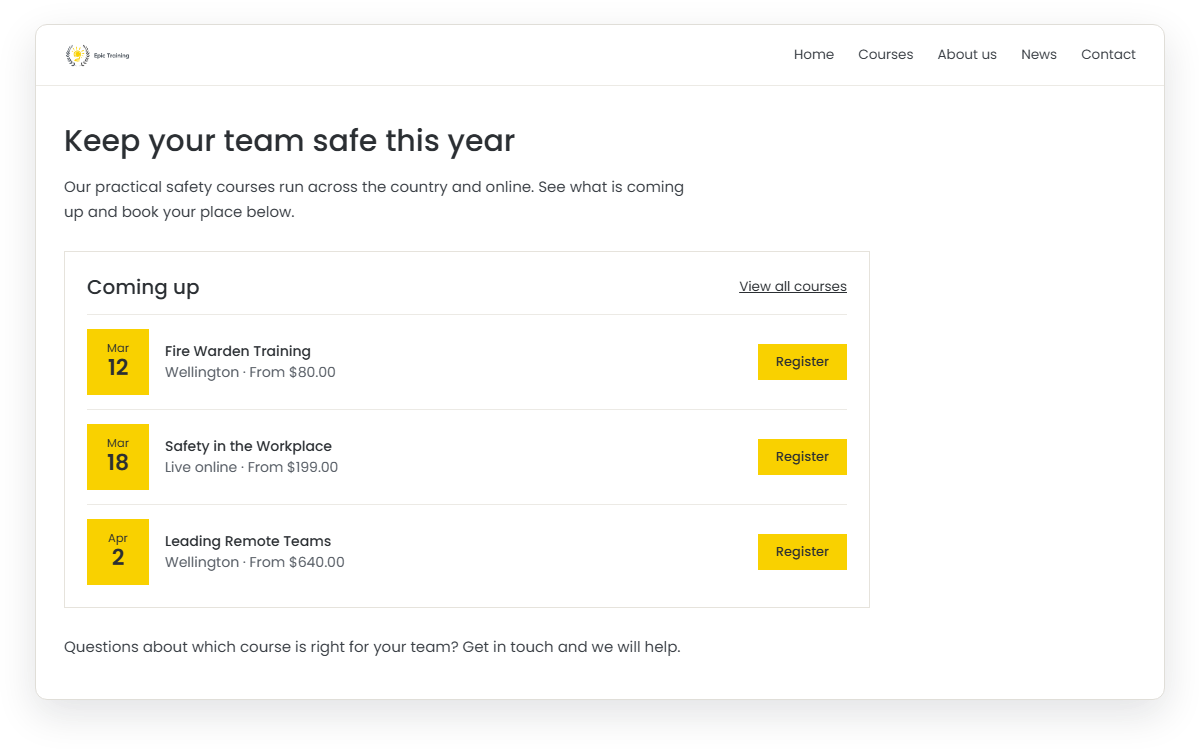

Use Moodle to create personalized elearning experiences, and Arlo training management software to manage the commercial aspects of running your training business. Combined, the two solutions allow you to not only sell your learning content, but also efficiently manage your instructor-led training and blended learning journeys.
Accept online registrations and payments by credit card or invoice. Arlo is the Moodle payment plugin and Moodle registration plugin you’ve been looking for.
Managing client relationships and tracking sales opportunities. Run targeted campaigns, generate leads, integrate marketing automation, and leverage social media to promote your courses.
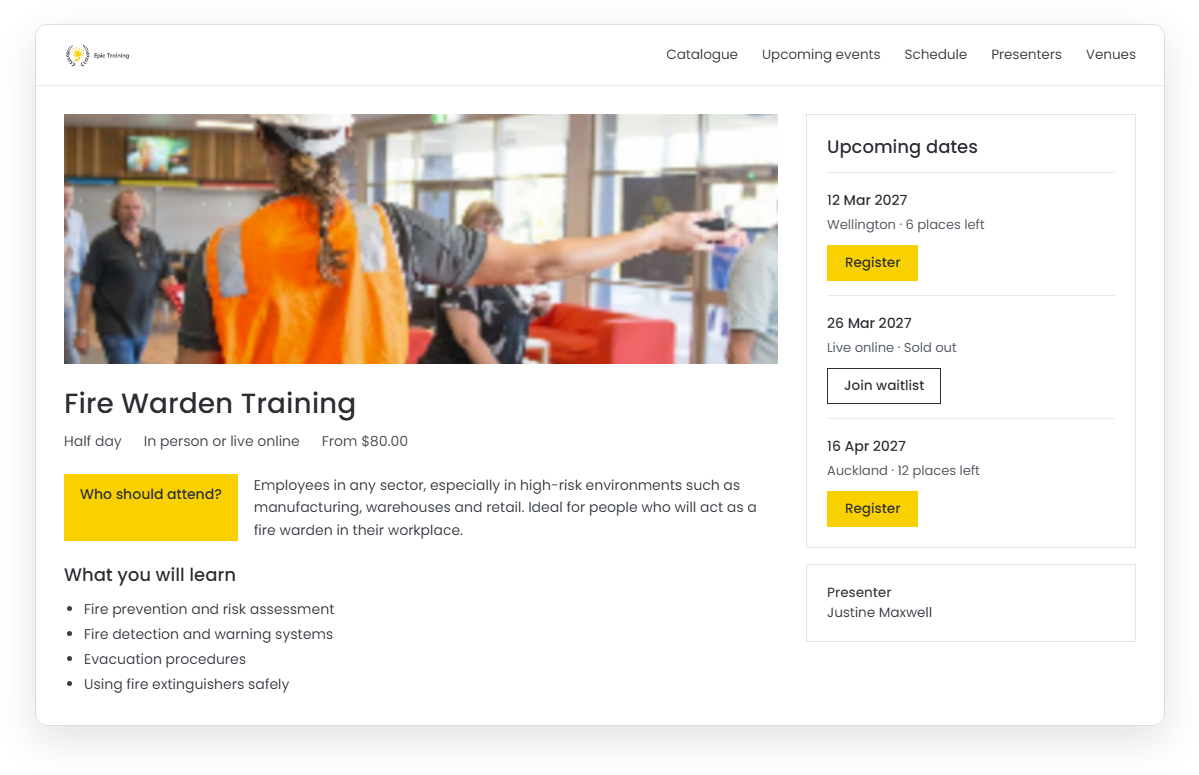
Create beautiful looking course websites to promote and sell your courses.
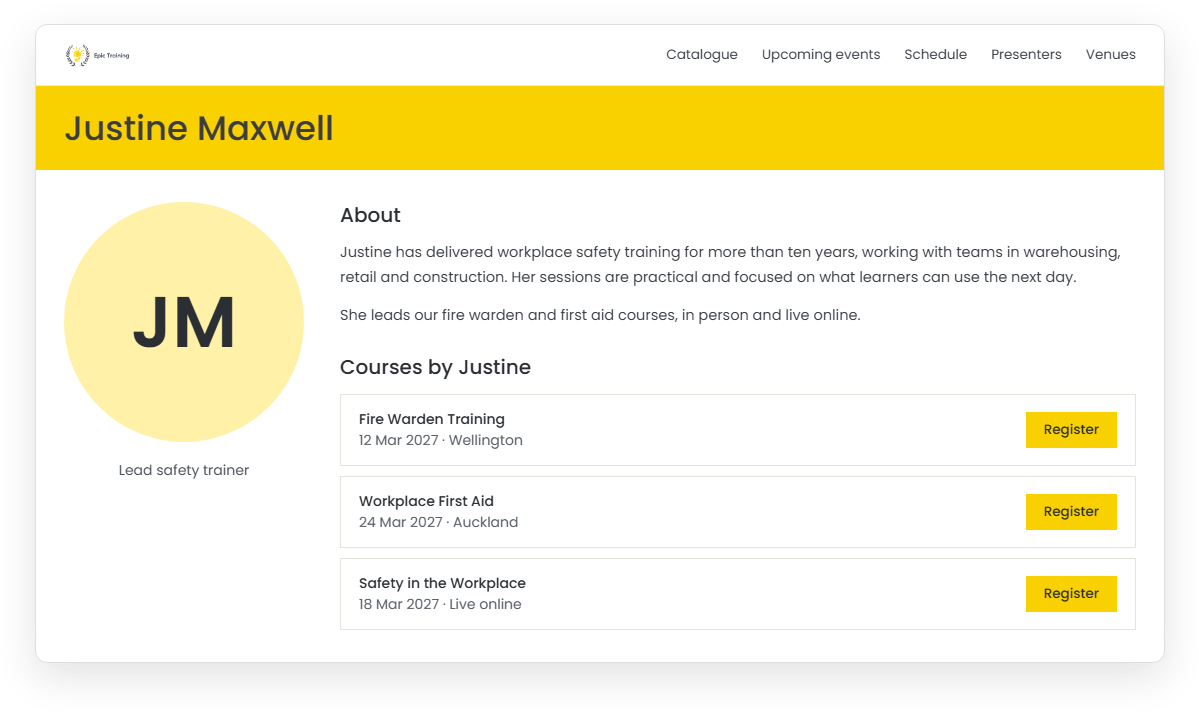
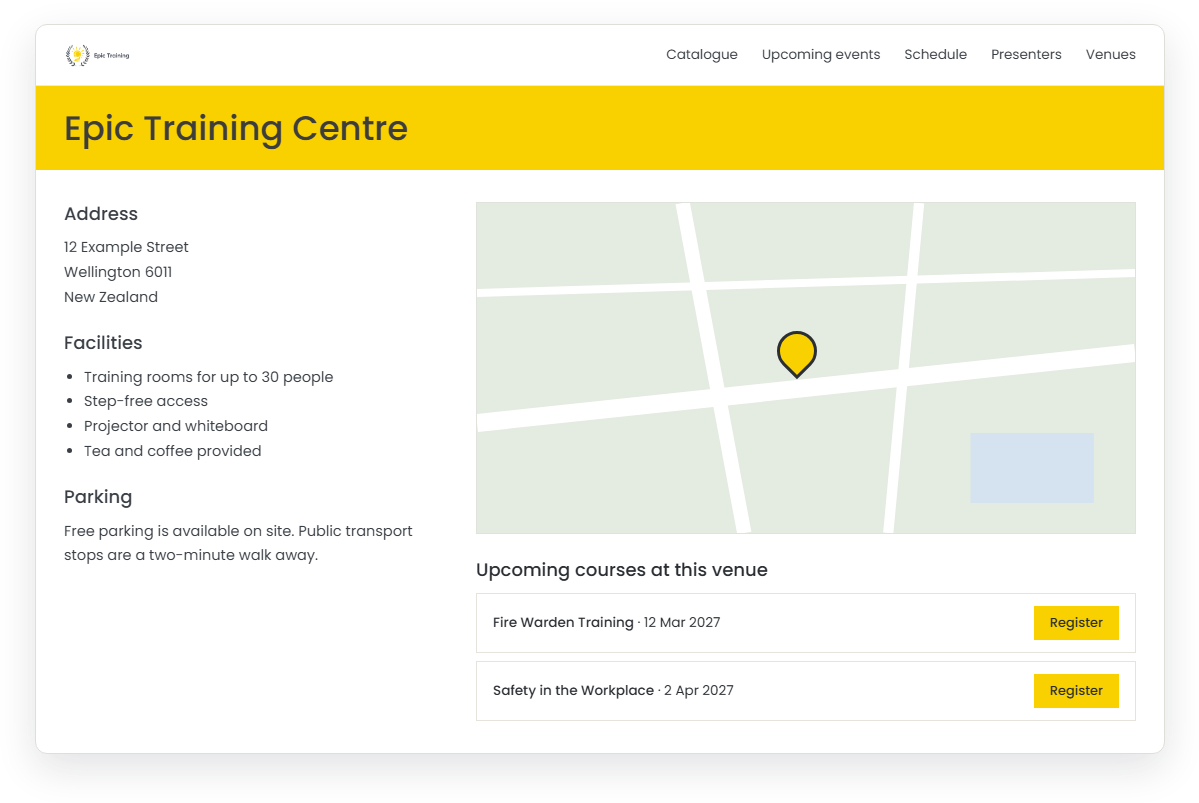
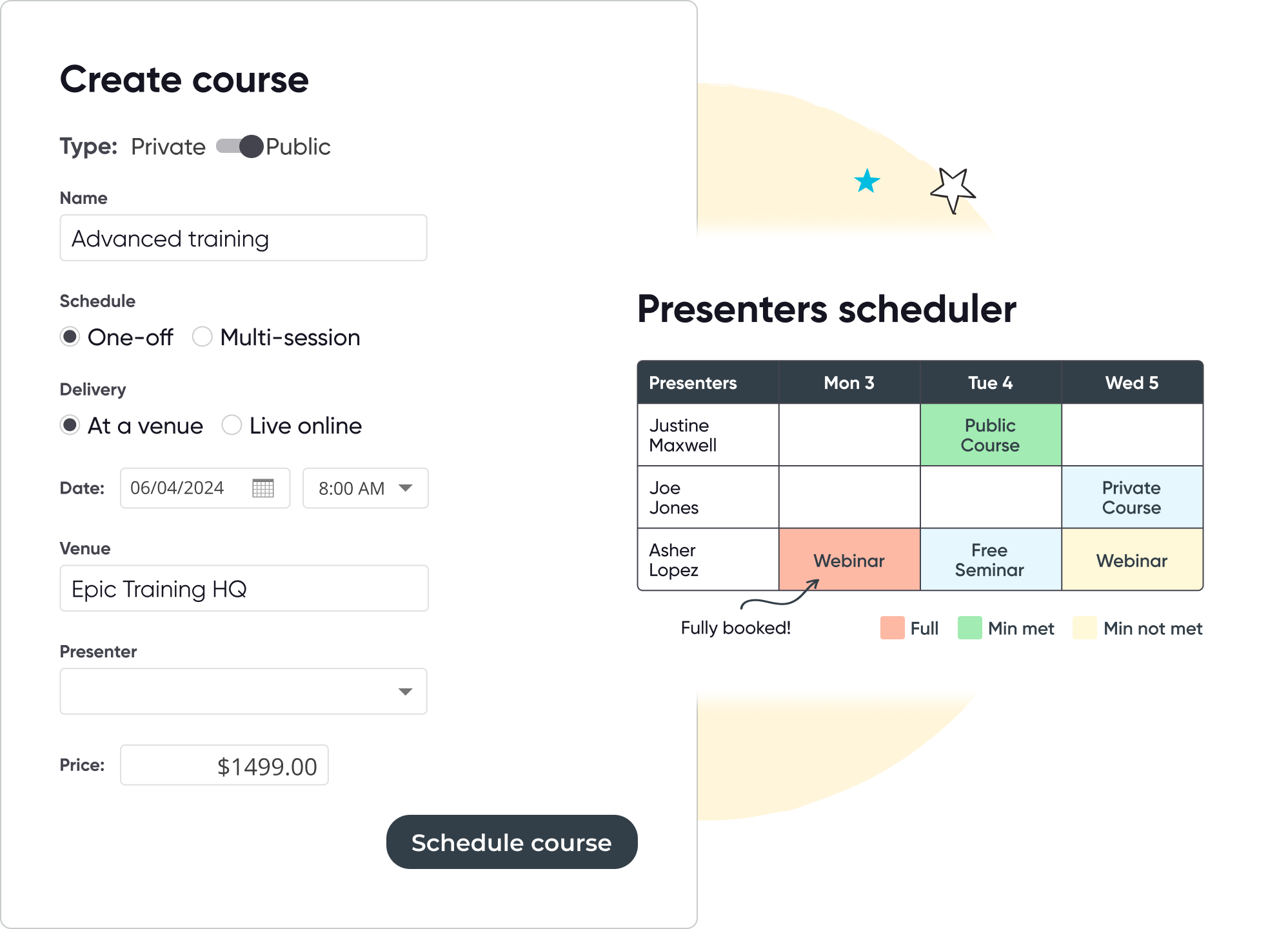
Easily manage a large program of classroom-based courses and events with venue and trainer scheduling requirements. Arlo is a comprehensive Moodle event plugin.
Offer courses delivered online over web conferencing technology.
Provide your trainers and support staff with a mobile app to access classroom course schedules and record attendance.
In Moodle deliver self paced courses and include quizzes, SCORM objects, videos, and other online activities.
Automatically enrol registrants on Moodle courses from Arlo.
Get live visibility and reporting on registrants with all information flowing back to Arlo, this includes learning progress, payment status and grades.


No. The plugin adds Arlo to your existing WordPress site, so you keep your design and branding.
The plugin needs WordPress 7.0 or later and PHP 7.4 or later. You can check both under Tools > Site Health in WordPress.
Yes. Add your own styling in WordPress's Additional CSS and adapt the templates to your brand. Template security filtering is stricter than before, so check any edited templates after you update.
Install the plugin and follow the setup guide. If you'd like help, our web team can set it up for you.
Arlo websites are built to WCAG 2.0 AA out of the box. That includes navigation that works with screen readers and keyboards, descriptive alt text, and colour and contrast defaults built for clarity.
Yes. It works with Zoom for live online and blended courses.
Our web team have managed hundreds of web integrations for training organisations. We can set up the plugin and match it to your brand, from kick-off to go-live.
View website packages
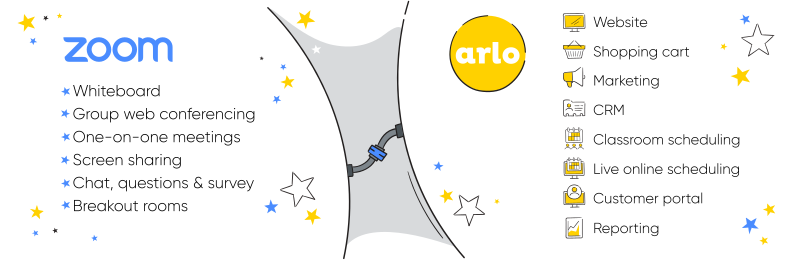
Arlo lets you create courses that consist of multiple live online Zoom sessions, face-to-face events, and elearning activities. Link up to 100 hosts for quick access and selection.
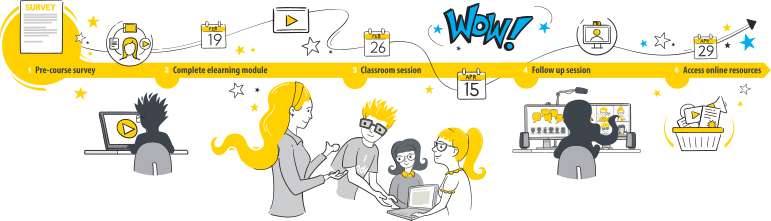
Zoom’s interactive video conferencing and screen sharing tools create a whole new way of communicating.

Create meaningful interactions to keep learners engaged. With Zoom, ask learners for a simple yes/no response or post a survey and view the results live. Registrants can even raise a virtual hand if they need help.

Emulate classroom breakout sessions in Zoom. Allow small groups of participants to work on a topic, then pull everyone together and share the results. Use virtual whiteboards and chat messaging to facilitate the interactions.
With Zoom Whiteboard, you can brainstorm and collaborate on a persistent, expandable, digital canvas. In-person and remote learners can ideate from Zoom-enabled devices, providing the intuitive features you need to extend learning and understanding.
Use Moodle to create personalized elearning experiences, and Arlo training management software to manage the commercial aspects of running your training business. Combined, the two solutions allow you to not only sell your learning content, but also efficiently manage your instructor-led training and blended learning journeys.
Moodle is a learning platform designed to provide educators, administrators and learners with a single robust, secure and integrated system to create personalised learning environments.
In Moodle deliver self paced courses and include quizzes, SCORM objects, videos, and other online activities.
Automatically enrol registrants on Moodle courses from Arlo.
Get live visibility and reporting on registrants with all information flowing back to Arlo, this includes learning progress, payment status and grades.
Some of the world’s leading training companies have been able to pivot to live online training in the wake of Covid-19 using Arlo and Zoom. Join them!











Use Moodle to create personalized elearning experiences, and Arlo training management software to manage the commercial aspects of running your training business. Combined, the two solutions allow you to not only sell your learning content, but also efficiently manage your instructor-led training and blended learning journeys.
Moodle is a learning platform designed to provide educators, administrators and learners with a single robust, secure and integrated system to create personalised learning environments.

In Moodle deliver self paced courses and include quizzes, SCORM objects, videos, and other online activities.

Automatically enrol registrants on Moodle courses from Arlo.

Get live visibility and reporting on registrants with all information flowing back to Arlo, this includes learning progress, payment status and grades.
Arlo for Moodle is far more than a Moodle payment plugin. It's a total solution for training providers who promote and sell self-paced online, face-to-face, live online, and blended courses.
Accept online registrations and payments by credit card or invoice. Arlo is the Moodle payment plugin and Moodle registration plugin you’ve been looking for.
Managing client relationships and tracking sales opportunities. Run targeted campaigns, generate leads, integrate marketing automation, and leverage social media to promote your courses.
Create beautiful looking course websites to promote and sell your courses.
Easily manage a large program of classroom-based courses and events with venue and trainer scheduling requirements. Arlo is a comprehensive Moodle event plugin.
Offer courses delivered online over web conferencing technology.
Provide your trainers and support staff with a mobile app to access classroom course schedules and record attendance.
Some of the world’s leading training companies have been able to pivot to live online training in the wake of Covid-19 using Arlo and Zoom. Join them!
Speak to one of our consultants below.

Moodle US is the services-based division of Moodle, providing a fully managed e-learning solution including implementation, cloud hosting, integration and management services.
Visit Website
Titus is an award-winning Premium Moodle Partner providing innovative e-learning and Moodle services for workplace learning, education providers and training companies around the world.
Visit Website

Synapsys helps businesses create learning solutions by working with them to unleash potential, improve people skills and grow.
Visit Website