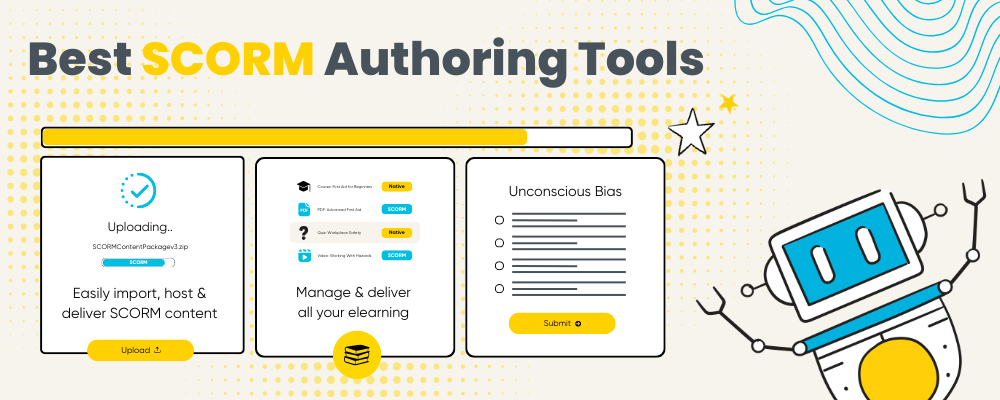
Choosing the right SCORM tools in 2026 isn’t just about how content is created – it’s about how that content is delivered, managed, and scaled as part of a training business.
In this guide, we break down the best SCORM authoring tools used by training providers to create SCORM content, and the platforms required to host, deliver, and manage that content across instructor-led, blended, and self-paced elearning.
SCORM authoring tools allow training providers to create structured, standardized elearning content — such as quizzes, videos, and assessments — and export it as SCORM packages.
To actually deliver that content, training providers also need a platform that can host SCORM packages, control learner access, track progress and completion, and support blended delivery alongside instructor-led training.
In 2026, running SCORM successfully is less about content creation alone, and more about how that content is delivered, managed, and scaled as part of a wider training operation.
In this guide, we compare the top SCORM authoring tools used by training providers to create SCORM content, and explore the platforms needed to host, deliver, and manage that content in practice.
We’ll also cover the basics of what SCORM is, how it differs from other elearning content, and what software training providers need to deliver SCORM across live, virtual, blended, and self-paced elearning.
Let’s go!
What is SCORM?
SCORM (Sharable Content Object Reference Model) is a technical standard used to package and deliver elearning content so learner activity can be tracked consistently across different platforms.
A SCORM package allows training providers to track:
- Course completion
- Pass/fail status
- Quiz scores
- Time spent in a module
- Last access dates
A SCORM package isn’t just a ZIP file — it’s a structured bundle that tells a delivery platform how to run your course.
Inside a SCORM package you’ll typically find:
- An imsmanifest.xml file — a map that lists all content and how it should behave
- The course assets — slides, HTML files, videos, images
- Sequencing and navigation rules
- Tracking metadata
Because SCORM follows a common standard, content created once can be delivered across different systems without needing to be rebuilt.
How is SCORM content created?
SCORM content is typically created using a SCORM authoring tool, which lets you build structured online learning experiences without needing to write code.
Training providers use authoring tools to:
- Build elearning modules from scratch
- Convert existing materials (such as presentations or documents) into structured learning
- Add assessments, quizzes, and completion rules
- Include multimedia like audio and video
Once the content is complete, the authoring tool exports it as a SCORM package — usually a ZIP file. When you export to SCORM, the tool wraps all of the course elements (HTML pages, media files, quizzes, navigation logic, and tracking instructions) into a standardised format that compliant platforms can read. The package also includes a “manifest” file that tells a delivery system exactly how to launch the content and how to record learner activity.
Most authoring tools give you options when exporting, such as:
- SCORM version (e.g., SCORM 1.2 vs SCORM 2004)
- Tracking criteria (what learner actions report back to the system)
- Metadata (course title, description, version, etc.)
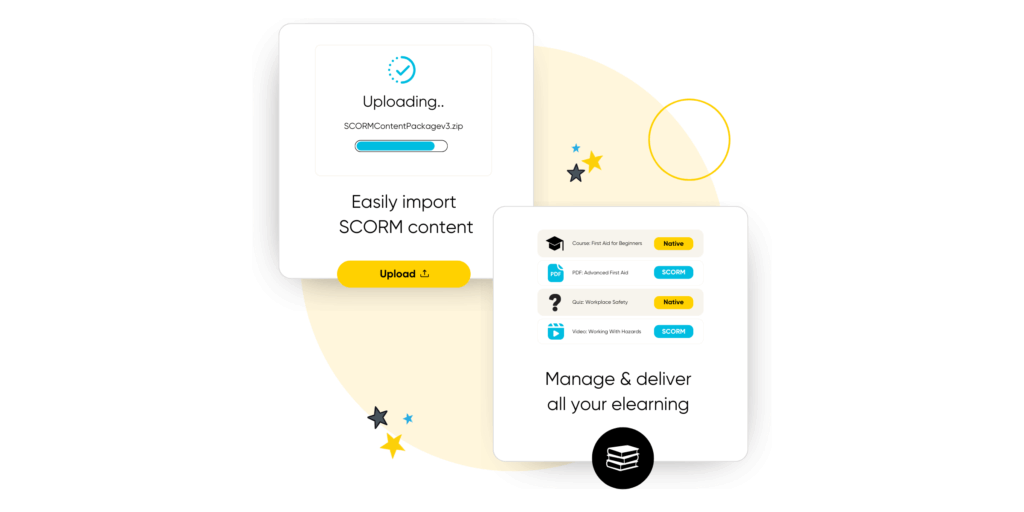
Once the SCORM package is exported, it’s ready to be uploaded to a platform that can host and deliver it — such as a training delivery system, LMS, or an all-in-one training platform like Arlo — where it can launch for learners, track progress, and report results.
How training providers use SCORM in 2026
You may be wondering whether SCORM is still relevant in 2026 — especially with the rise of video-based learning, microlearning, and AI-generated content.
The short answer is yes. SCORM remains highly relevant, particularly for training providers who need structure, tracking, and accountability in their learning programs.
Rather than replacing SCORM, modern training providers are using it more strategically — often as part of blended learning models that combine self-paced content with live instruction.
In 2026, training providers commonly use SCORM to:
- Deliver pre-course learning
SCORM modules are often assigned before instructor-led sessions to cover foundational knowledge, reduce classroom time, and ensure learners arrive prepared. This is especially effective for technical, safety, and compliance-driven training.
Provide post-course assessments and follow-ups
After live training, SCORM is used for knowledge checks, refreshers, and reinforcement modules. This helps measure retention, close learning gaps, and demonstrate outcomes to clients or regulators.
- Sell standalone self-paced courses
Many providers use SCORM to package and sell online courses as standalone products. These can be delivered on demand, tracked automatically, and scaled without additional instructor time.
Track compliance, certification, and outcomes
SCORM’s structured tracking makes it well suited for compliance-based training, continuing education, and certification programs where completion, scores, and time spent need to be recorded and reported.
- Support blended learning at scale
Perhaps most importantly, SCORM enables true blended learning — where elearning, virtual sessions, and in-person training work together. Providers can mix SCORM modules with instructor-led courses while maintaining a consistent learner experience and unified reporting.
In this context, SCORM isn’t outdated — it’s a reliable foundation that continues to support modern, flexible training delivery when paired with the right platform.
The difference between SCORM authoring and hosting
SCORM authoring and SCORM hosting serve two different purposes, and understanding the difference is key to choosing the right tools.
SCORM authoring tools are used to create elearning content. They allow training providers to build modules, add assessments, define completion rules, and export the finished course as a SCORM package.
Once exported, a SCORM package is essentially a structured ZIP file. On its own, it can’t be accessed or tracked by learners.
SCORM hosting platforms are used to deliver that content. They upload and store SCORM packages, launch them for learners, record progress and results, and report on outcomes like completion, scores, and time spent.
For training providers, SCORM hosting also needs to handle things authoring tools don’t, such as:
- Controlling learner access and enrolments
- Delivering SCORM alongside instructor-led or virtual training
- Managing updates and version control
- Providing a learner portal with certificates and communications
To successfully deliver SCORM content to learners, training providers typically need four core components working together:
1. A SCORM authoring tool
This is used to create new elearning modules or package existing content into a SCORM-compliant format. Some authoring tools focus on rapid content creation, while others support more advanced interactions, assessments, and branching.
2. A delivery platform
SCORM packages must be uploaded to a system that can host the content, launch it for learners, and record tracking data such as completion, scores, and time spent. This is often an LMS or training delivery platform.
Without a delivery platform, SCORM files are just ZIP folders — they can’t be accessed or tracked by learners on their own.
3. A learner portal
Learners need a central place to:
- Access assigned courses
- Launch SCORM modules
- Track progress and completion
- Receive certificates and communications
4. Training management system
For commercial training providers, delivering SCORM content is only part of running a successful training business.
In addition to authoring and hosting elearning, providers often need to manage:
- Public course listings and schedules
- Registrations and enrolments
- Payments and invoicing
- Instructor-led and virtual sessions
- Learner communications and reminders
- Certificates, compliance, and reporting
This is where a training management system (TMS) becomes valuable.
A TMS is designed specifically for organizations that sell and deliver training. It brings together elearning delivery, instructor-led training, learner management, and business operations in one platform.
Rather than treating SCORM as a standalone activity, a training management system connects SCORM delivery to the wider training workflow — from registration through to completion, certification, and reporting.
For training providers delivering blended, instructor-led, and self-paced learning, a TMS helps reduce complexity, eliminate disconnected systems, and provide a consistent learner experience across all formats.
A good TMS will be an all-in-one platform that covers SCORM delivery platform, learner portal and a training management system. So that you only need to combine that with a basic SCORM authoring tool. An example of this is Arlo.
Arlo – the platform for hosting, delivering, and managing SCORM
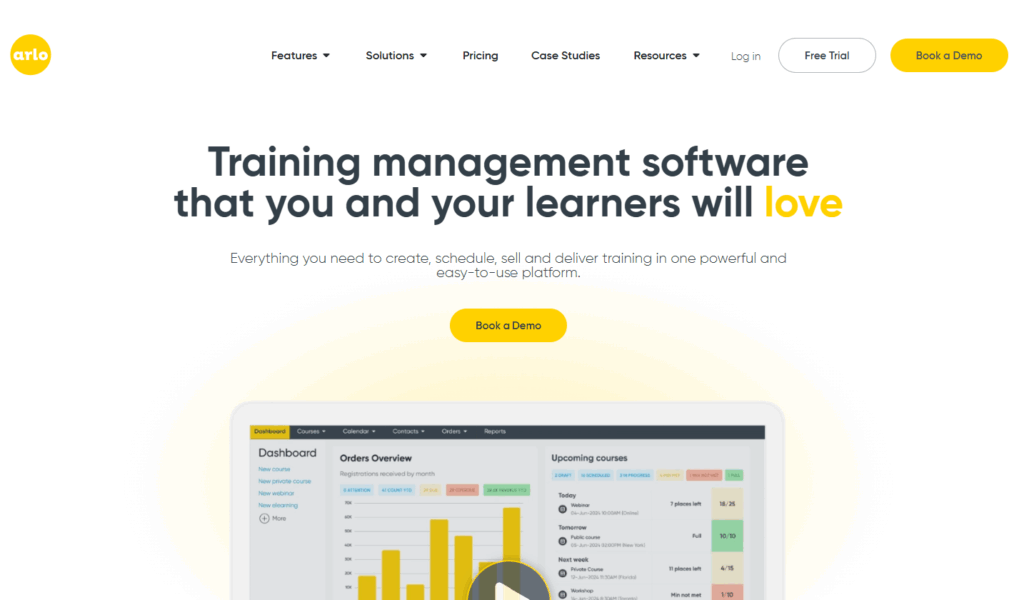
Arlo is not a SCORM authoring tool. Instead, it’s the platform training providers use after content has been authored.
SCORM packages created in tools like Articulate, iSpring, or Gomo can be uploaded into Arlo, where they’re hosted, delivered, and managed alongside instructor-led, virtual, and blended training.
With Arlo, training providers can:
- Import your entire SCORM library in minutes (no redevelopment required)
- Built-in SCORM hosting and delivery
- AI-powered elearning authoring tools for creating new modules
- Manage updates with built-in version control
- Preview and test SCORM content before publishing
- Deliver SCORM as standalone elearning or as part of blended courses
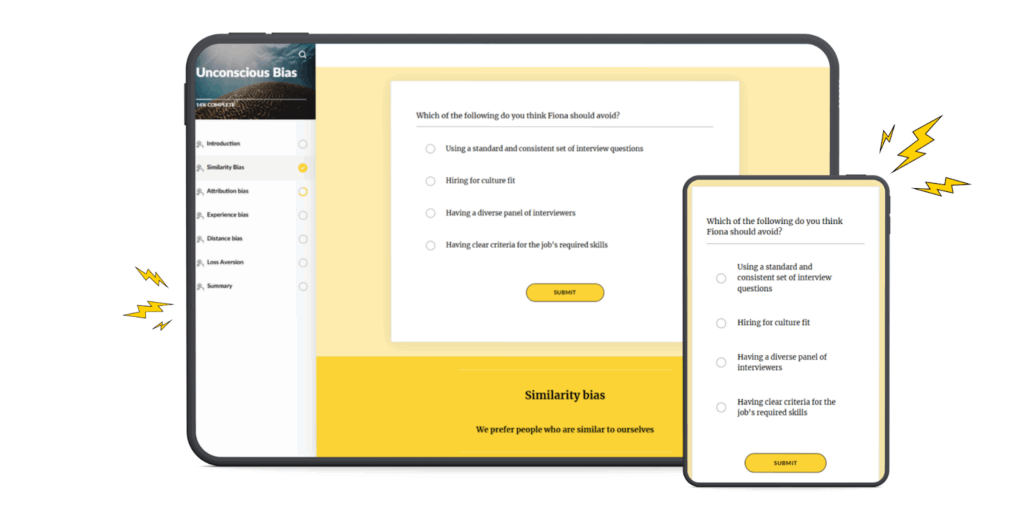
- One learner portal for registrations, access, progress, and certificates
- Track completions, scores, time spent, and learner activity in real time
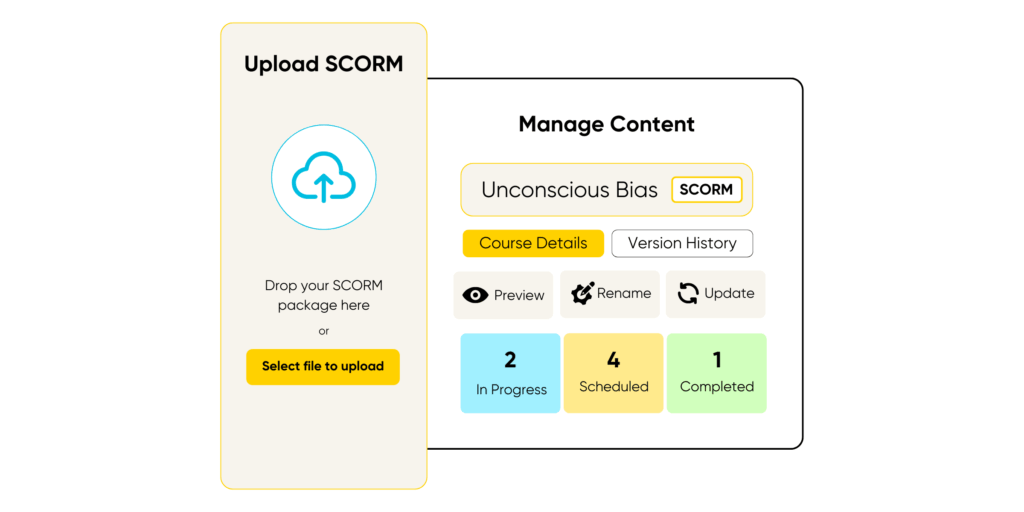
With Arlo, training providers can upload existing SCORM packages, create new elearning with built-in AI authoring tools, and deliver everything through a single branded learner portal alongside live and virtual courses.
Ready to take your training to the next level?
Inside the Ultimate Guide to Training Management Systems, explore how world-class training businesses streamline operations, deliver exceptional learner experiences, and scale with confidence.
Best SCORM Authoring Tools for Training Providers 2026
1. Articulate 360
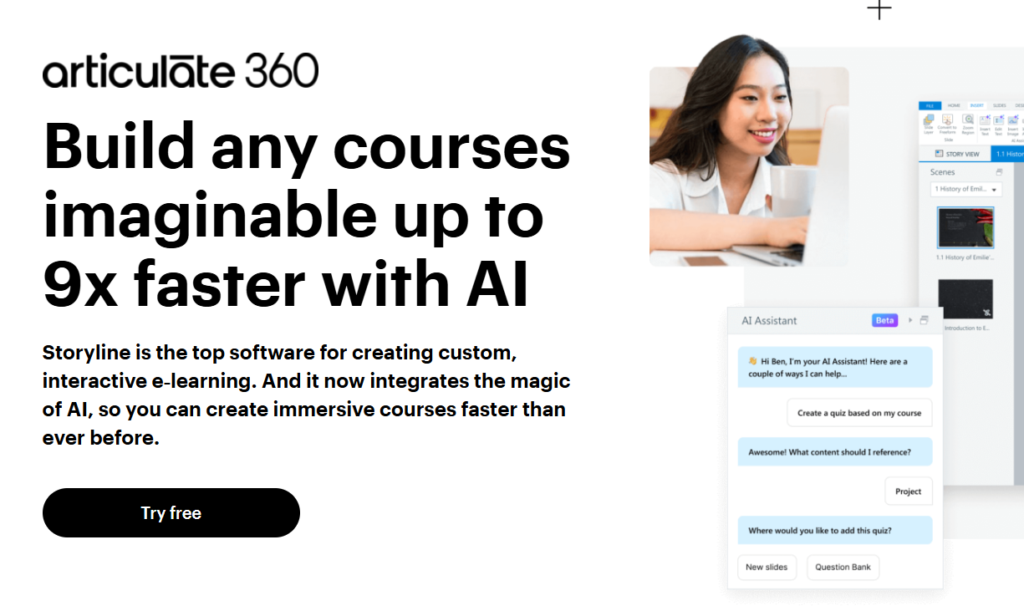
Articulate 360 is one of the most widely used SCORM authoring tools, particularly among instructional designers creating interactive elearning modules.
It includes Storyline for highly custom courses and Rise for rapid, responsive content creation. Courses can be exported as SCORM packages for delivery through an LMS or training platform.
Limitations for training providers:
- No built-in SCORM hosting or delivery
- Requires a separate LMS or platform to sell and manage courses
- No native support for instructor-led or blended training workflows
Best for: Instructional designers and L&D teams focused on content creation
SCORM hosting: No (export only)
2. iSpring
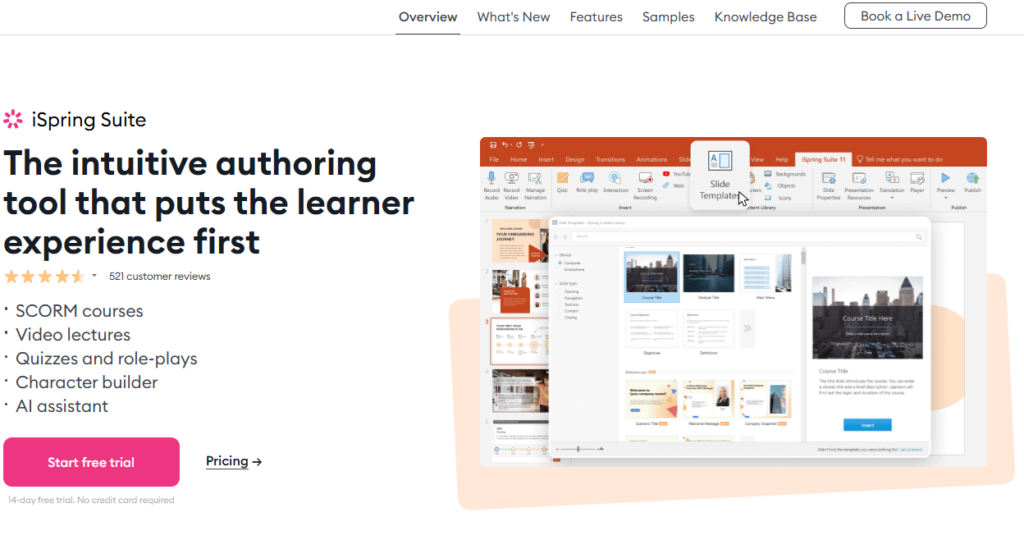
iSpring Suite is a PowerPoint-based SCORM authoring tool designed for fast content creation. It’s popular with teams who want to convert presentations into SCORM-compliant courses quickly.
Strengths:
- Easy to learn
- Strong quiz and assessment tools
- SCORM-compliant exports
Limitations:
- Requires an LMS or delivery platform
- Limited support for blended training delivery
- Reporting depends on the hosting system
Best for: Rapid authoring from existing materials
SCORM hosting: No
3. Gomo
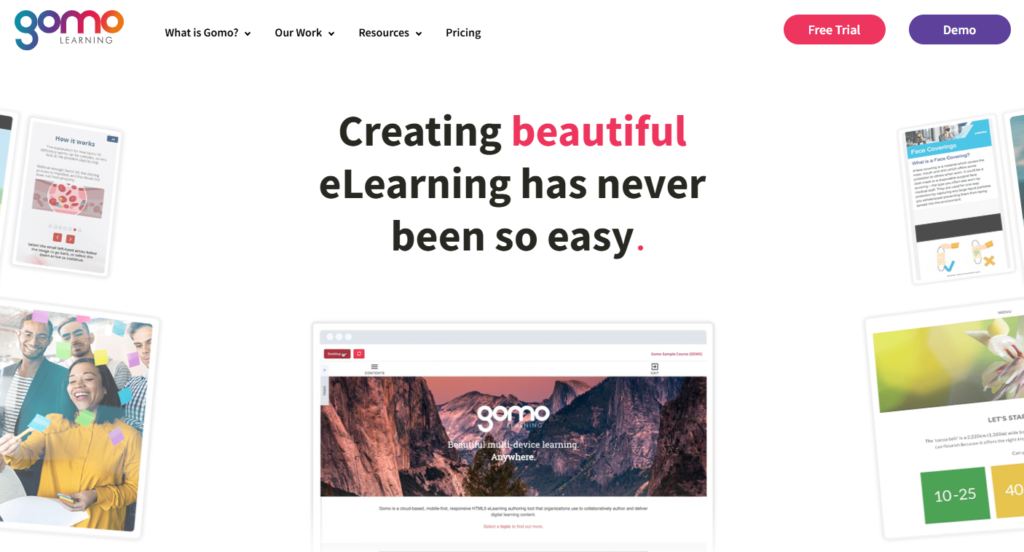
Gomo is a browser-based SCORM authoring tool focused on responsive learning design.
Strengths:
- Cloud-based
- Responsive content
- SCORM exports
Limitations:
- No delivery or learner management
- Requires additional platforms for blended training
Best for: Teams creating responsive elearning
SCORM hosting: No
4. Litmos
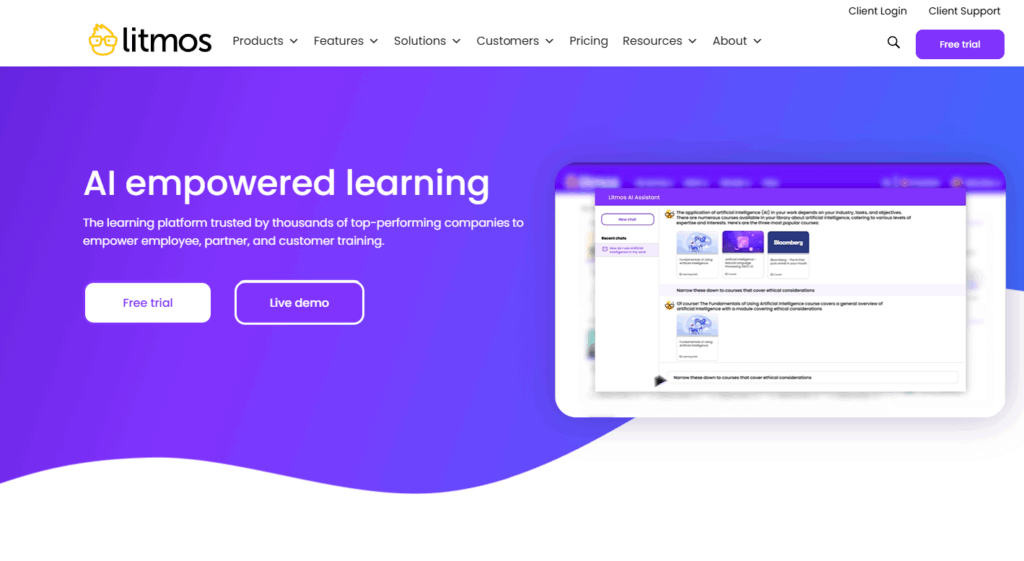
Litmos is a learning management system (LMS) that includes built-in SCORM support and basic course authoring capabilities.
It’s commonly used by organizations delivering internal employee training, onboarding, and compliance programs, and supports uploading and delivering SCORM content to learners.
Strengths:
- Built-in SCORM hosting and delivery
- Reporting on completion and learner activity
- Integrations with HR and enterprise systems
Limitations for training providers:
- Designed primarily for internal L&D, not commercial training delivery
- Limited support for instructor-led scheduling and blended workflows
- Ecommerce, public course listings, and flexible enrolment options are more constrained
- Learner experience and workflows are less suited to selling and managing external training
Best for: Internal training teams and employee learning
SCORM hosting: Yes (within LMS)
Tools Comparison
| Tool | SCORM Authoring | SCORM Hosting & Delivery | Blended Learning Delivery | Training Business Management (registrations, payments, certificates) | Best For |
|---|---|---|---|---|---|
| Arlo | ❌ No | ✅ Built-in | ✅ Yes | ✅ Yes | Training providers delivering blended learning |
| Articulate 360 | ✅ Yes | ❌ No | ❌ No | ❌ No | Instructional designers and content creators |
| iSpring Suite | ✅ Yes | ❌ No | ❌ Limited | ❌ No | Rapid authoring from existing materials |
| Gomo | ✅ Yes | ❌ No | ❌ No | ❌ No | Responsive elearning design teams |
| Litmos | ⚠️ Basic | ✅ Yes | ⚠️ Limited | ⚠️ Limited | Internal employee training teams |
Summary: choosing the right SCORM authoring tool in 2026
SCORM authoring tools serve different purposes depending on how training is delivered.
Standalone authoring tools like Articulate 360, iSpring, and Gomo are well suited to creating SCORM content, but they rely on a separate platform to host, deliver, and track that content. Often these tools are used to create SCORM content, and then a platform like Arlo is used to manage the rest.
For training providers delivering live, virtual, blended, and self-paced learning, platforms like Arlo combine SCORM hosting and delivery with complete training management in a single system — making it easier to manage learners, courses, payments, communications, and reporting without relying on multiple tools.
LMS platforms like Litmos offer built-in SCORM hosting and reporting, but are typically designed for internal employee training rather than commercial, instructor-led, or blended training delivery.
When choosing a SCORM authoring solution in 2026, training providers should consider not just how content is created, but how it’s delivered, managed, and scaled as part of their wider training operation.
FAQs
SCORM tracks predefined activities like completion and scores, whereas xAPI can record learning outside traditional platforms and supports more granular data. For most training providers focused on compliance and structured courses, SCORM is still the widely supported choice in 2026.
Not always. SCORM content is created using an authoring tool, but it must be uploaded to a platform that can host the content, launch it for learners, and track progress and completion.
For some organizations, this role is filled by a traditional LMS. For training providers, however, SCORM delivery often needs to work alongside instructor-led training, registrations, payments, learner communications, and certification.
In these cases, a training management system can handle SCORM hosting and tracking without relying on a separate LMS, connecting elearning and instructor-led training within a single system.
Yes. SCORM is commonly used as part of blended learning programs, where self-paced modules are combined with instructor-led or virtual training. SCORM works well for pre-course learning, assessments, and follow-up activities, while live sessions focus on discussion and application.nd Teaching others.
Yes, but selling SCORM courses typically requires more than an authoring tool. Training providers need a platform that supports registrations, payments, learner access, and progress tracking. When SCORM delivery is integrated with ecommerce and course management, providers can sell self-paced courses without relying on multiple systems.
Yes. SCORM remains widely supported across authoring tools and delivery platforms. While newer standards exist, SCORM continues to be a reliable and practical choice for structured training, compliance, and certification — particularly for training providers delivering professional education.
See Arlo in action
Schedule a personalized demo with our expert team and see how Arlo can automate all your training admin, so you can spend more time delivering great learning experiences.