Why go with Arlo over CourseStorm? If you’ve outgrown CourseStorm, you’re not alone. Many training providers start there for its simplicity, but quickly discover its limits as their operations expand.
Arlo gives growing training organizations the end-to-end platform they need: CRM & learner tracking, powerful reporting, automation, payments, in-built LMS and elearning creation with blended learning delivery, and more. CourseStorm may have got you started, but you’ve outgrown the “registration plus” model and need the full training-management system that Arlo offers.

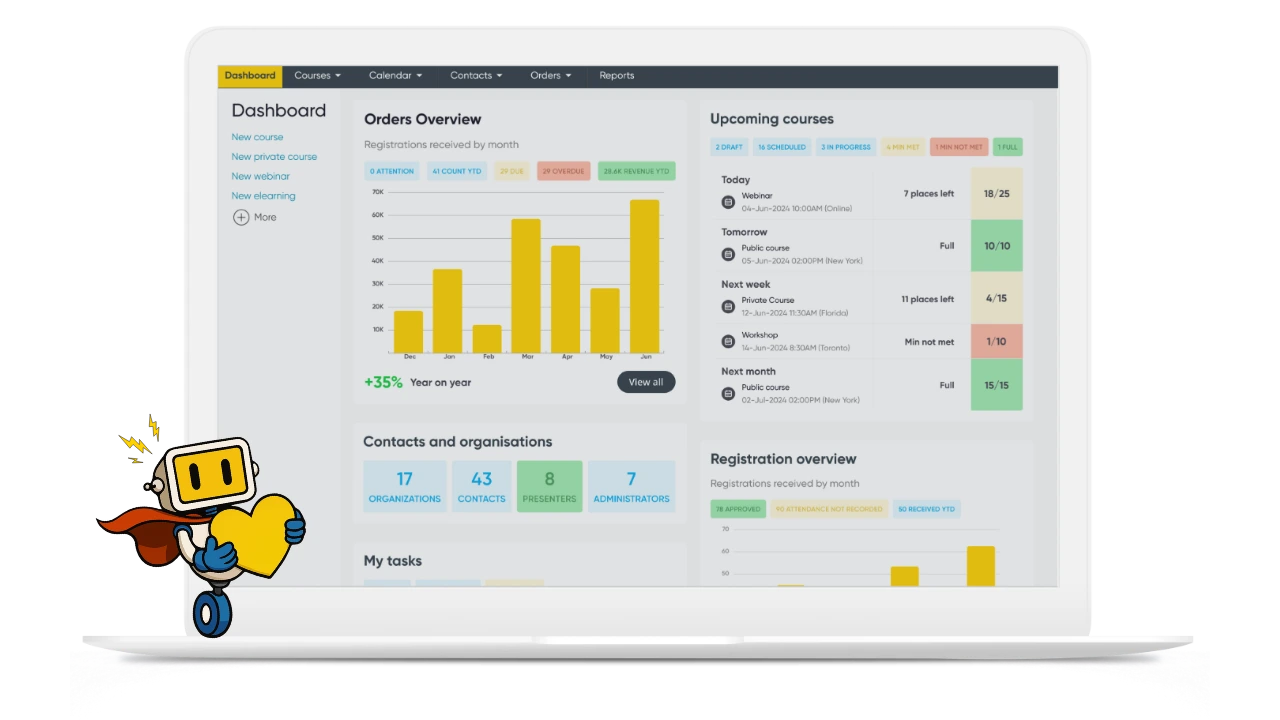








Offer public courses, private sessions, webinars, and create and delivery elearning in one powerful system.

Get venue, room, resource and trainer availability built-in to your scheduling workflows for complete confidence.

Instructors can manage courses, mark attendance, record grades, and engage with registrants on the go from their mobile device.

Automated certificates, presenter requests, application workflows, waitlists and more free you to focus on training.
CourseStorm gets you started with simple class registrations but that’s where it stops.
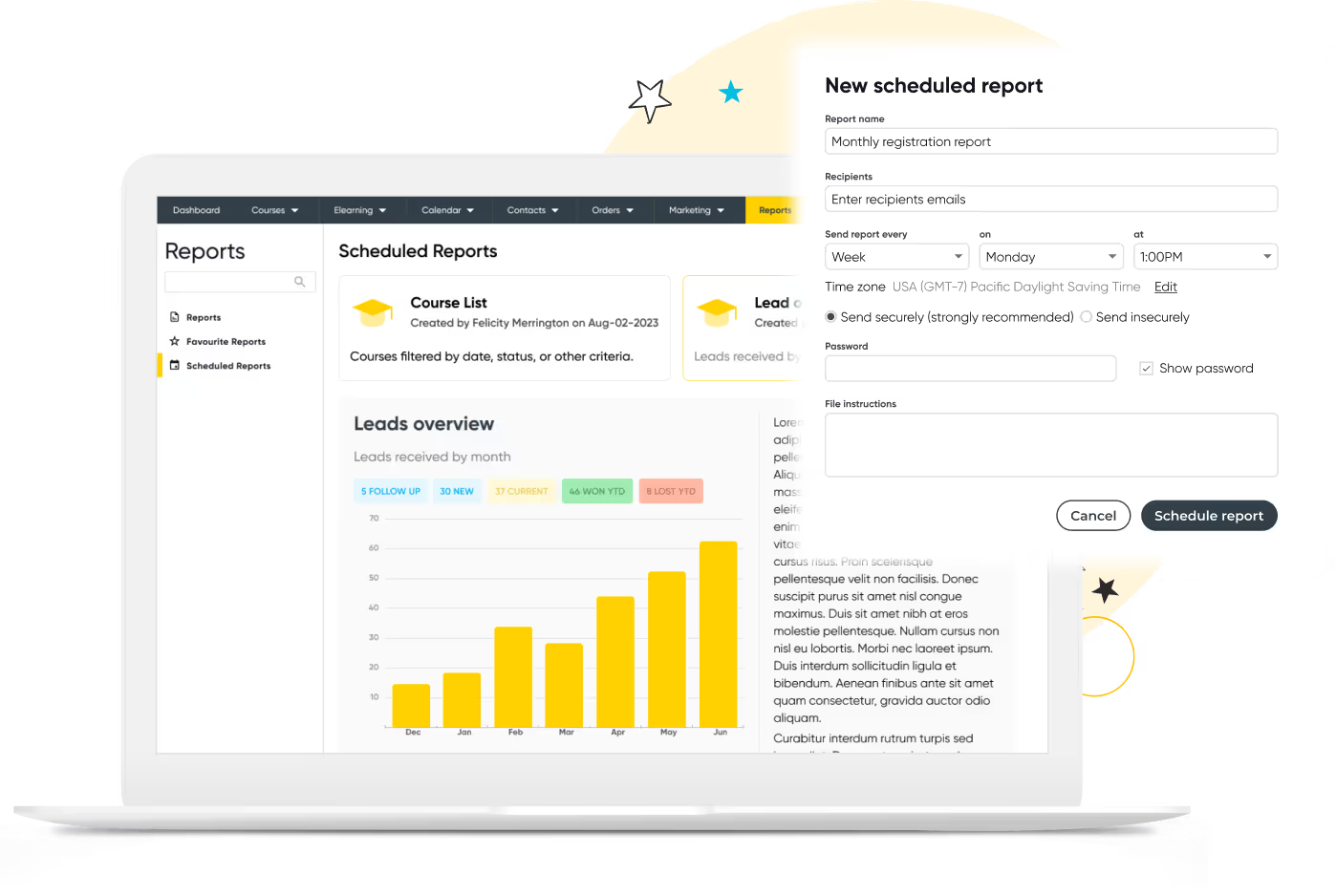
As your courses, instructors, and data needs grow, CourseStorm’s basic CRM, limited tracking, and lightweight reporting keep you stuck. No full activity history. No segmentation. No deep insights.
Arlo gives you the visibility and control CourseStorm can’t:
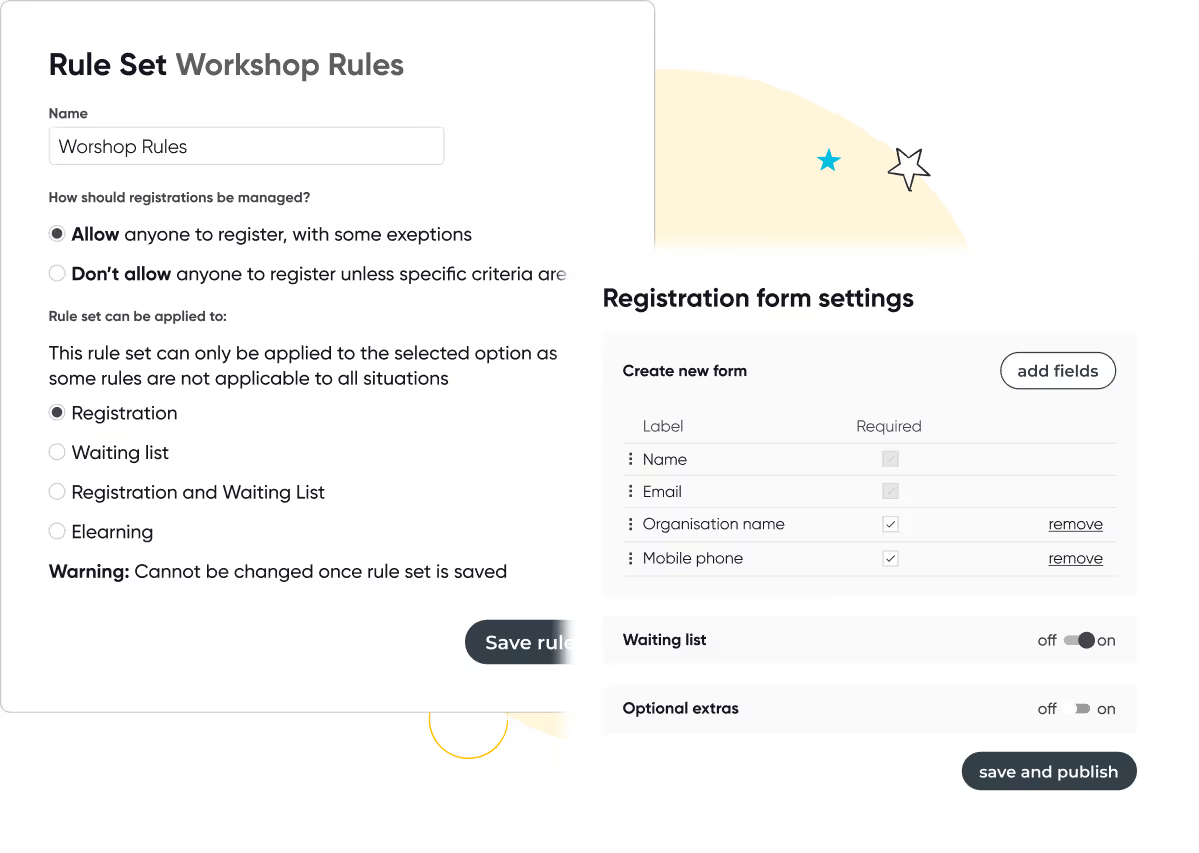

CourseStorm covers the basics, but when you scale, you need flexibility. Arlo supports complex pricing and payment models – including partial payments, group bookings, discounts, vouchers and invoicing.
Integrate Arlo with leading payment and finance tools like Stripe and Xero to streamline reconciliation and reduce admin.
Arlo gives you the flexibility to grow revenue your way:
CourseStorm lists 77 features on GetApp and is rated 4.5 (35 reviews) vs Arlo’s 4.7 stars (145 reviews). Fine for small businesses, but limiting when your programs expand. Arlo lists 106 features, offering the depth you need for high-volume courses, complex scheduling, and multi-instructor operations.
Arlo gives you enterprise-grade capability without the complexity:
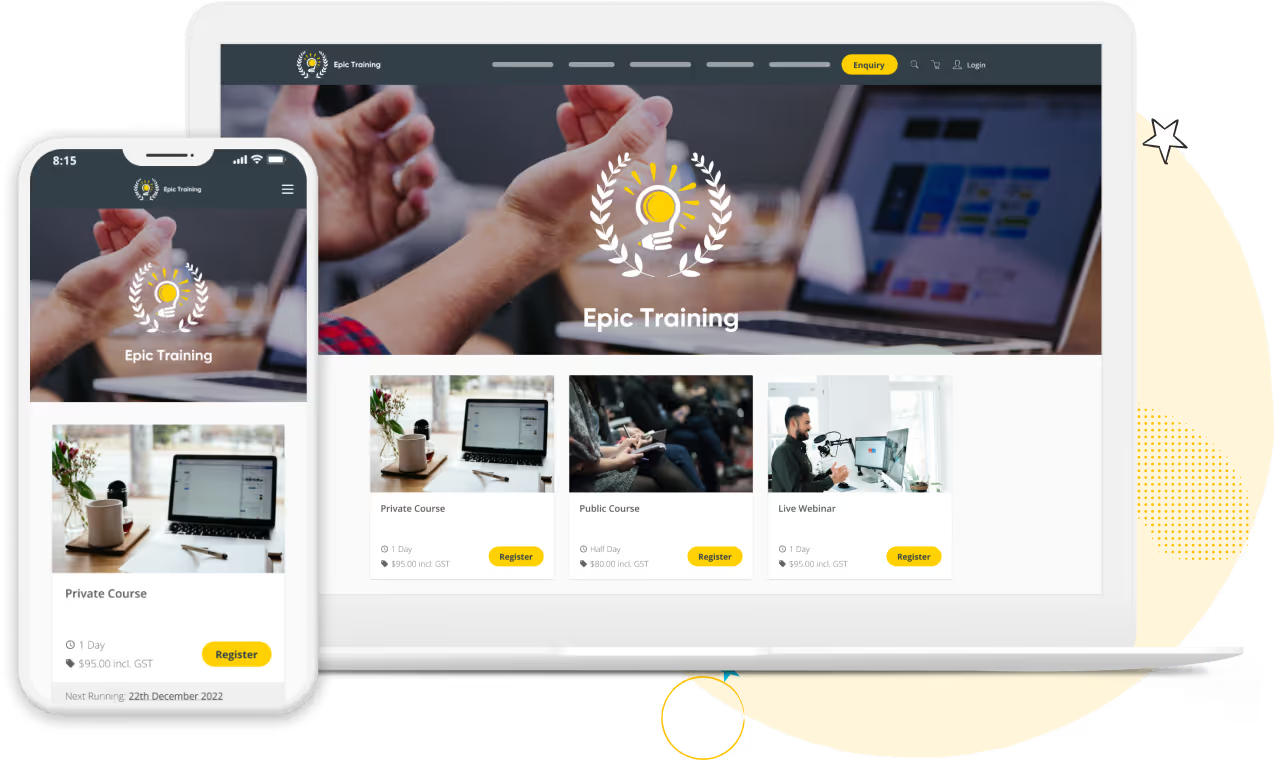
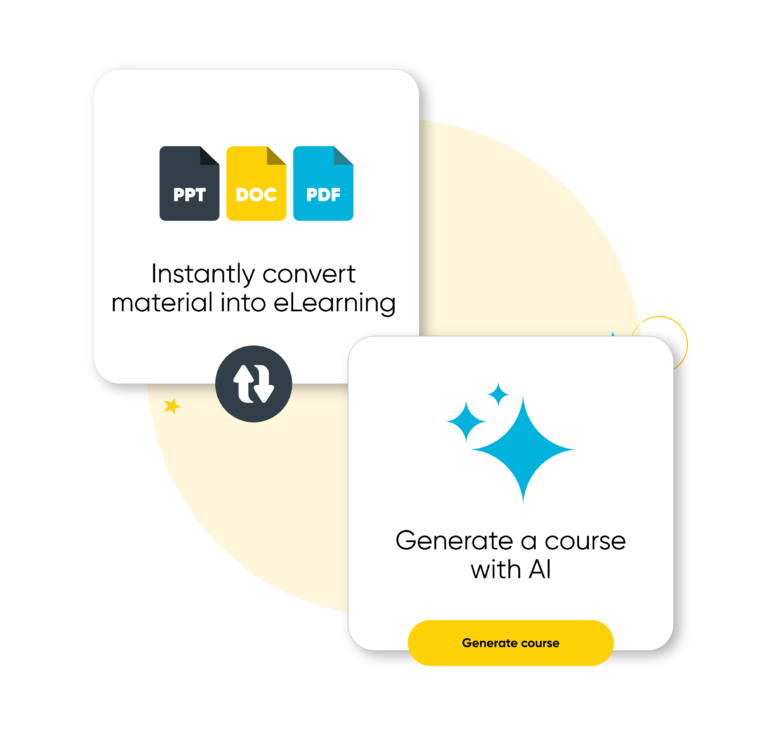
If you’re only running face-to-face sessions, CourseStorm works. But the moment you introduce online modules, blended learning, or digital assessments, CourseStorm can’t support you.
Arlo gives you a modern, unified delivery platform:
Both platforms offer help articles and email support, but Arlo goes much further.
With CourseStorm, support is primarily online and ticket-based.
With Arlo, you’re never on your own – real people, real support, whenever you need it:
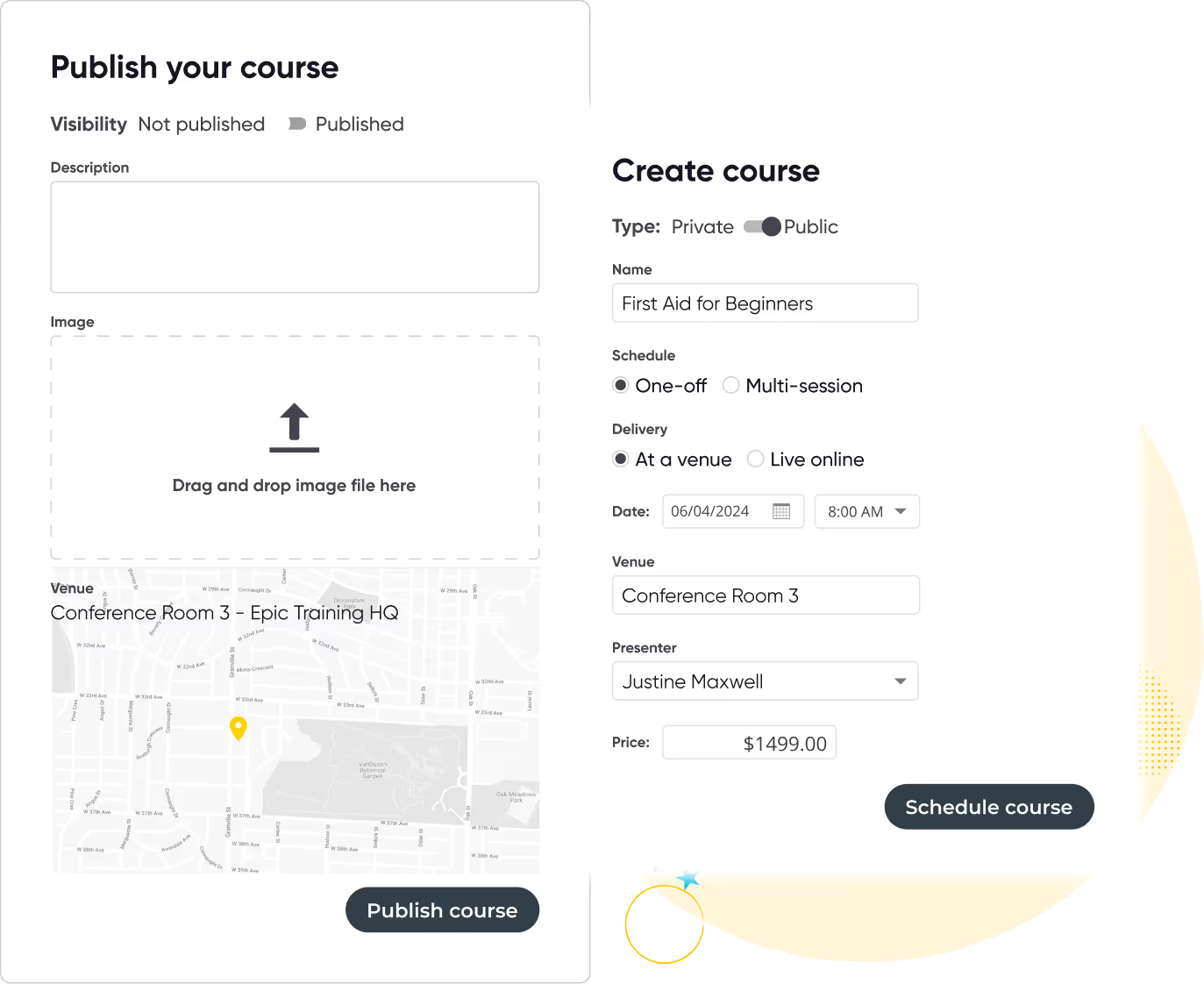
Run your training business like a pro with Arlo’s purpose-built training management software
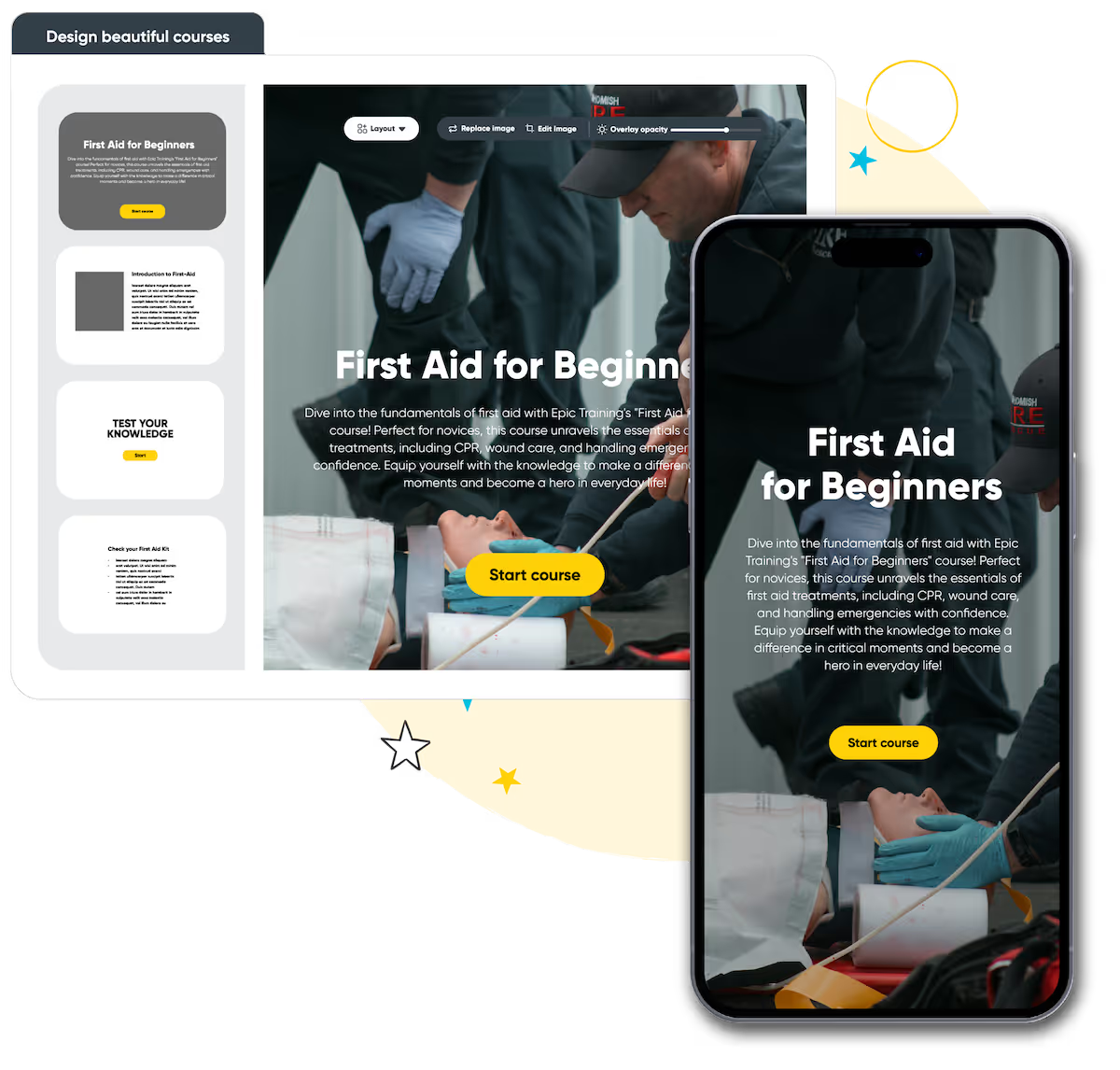
Build beautiful online courses with AI-powered workflows. Transform existing material, brand content your way, and deliver to learners with a self-service portal, seamlessly with your instructor-led training.
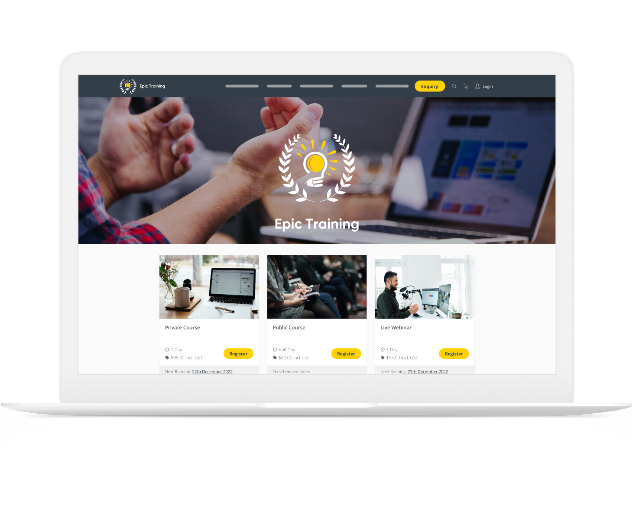
Get a modern website that’s always up to date, built to convert, and fully customizable. Course details, pricing, and changes update in real-time, providing a smooth & professional experience for your customers.
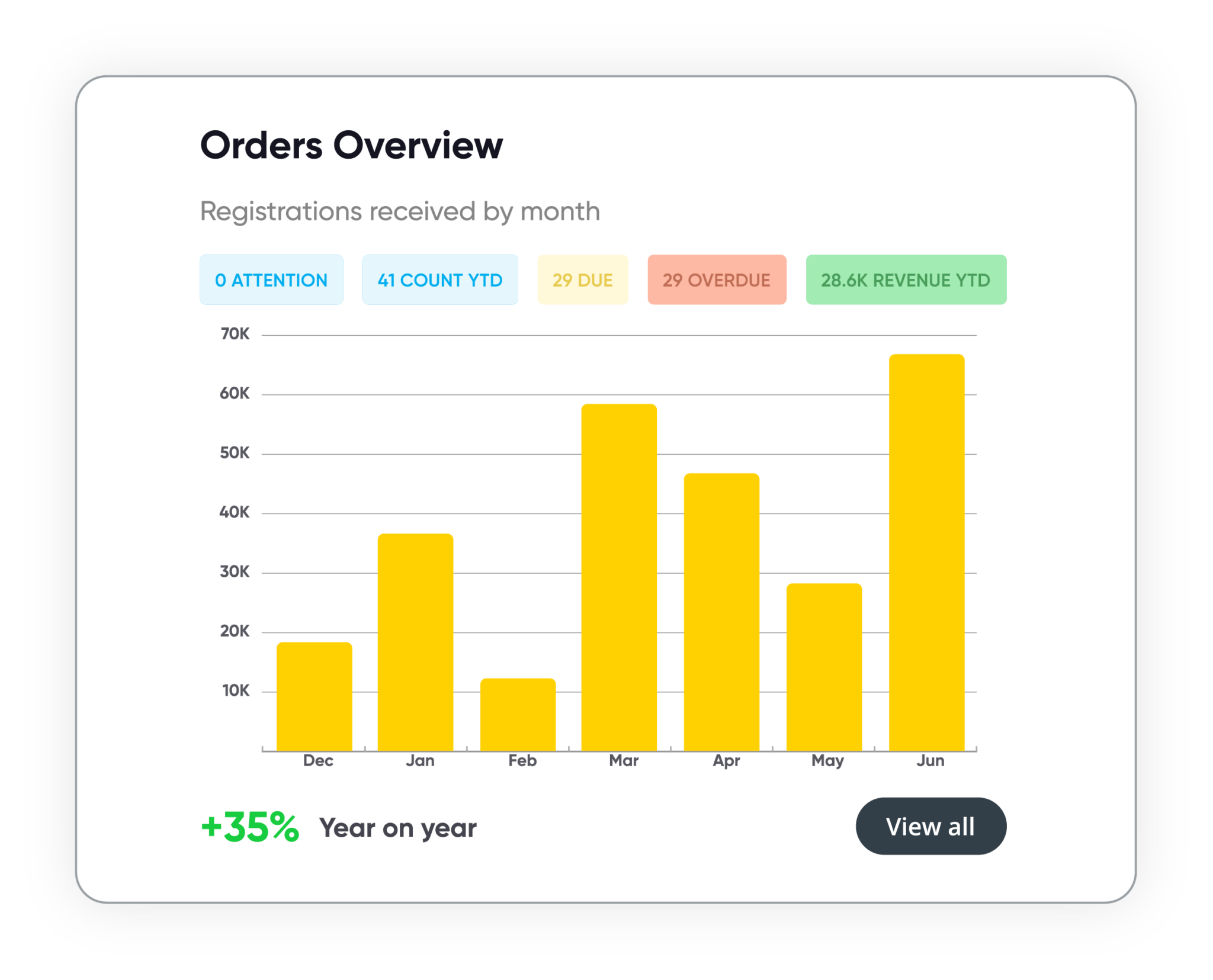
Track course performance, revenue, and customer activity in real time. Manage leads, accounts, and training history in one secure system. Build and schedule custom reports, share them with stakeholders, and more.
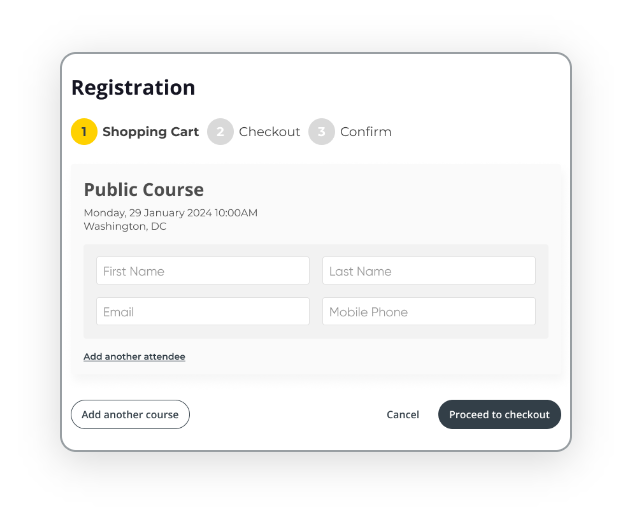
Automate every step of the registration process with smart forms, flexible payment options, and integrated invoicing. Apply discounts, waitlists, and custom rules to support every course type, public or private, paid or free.



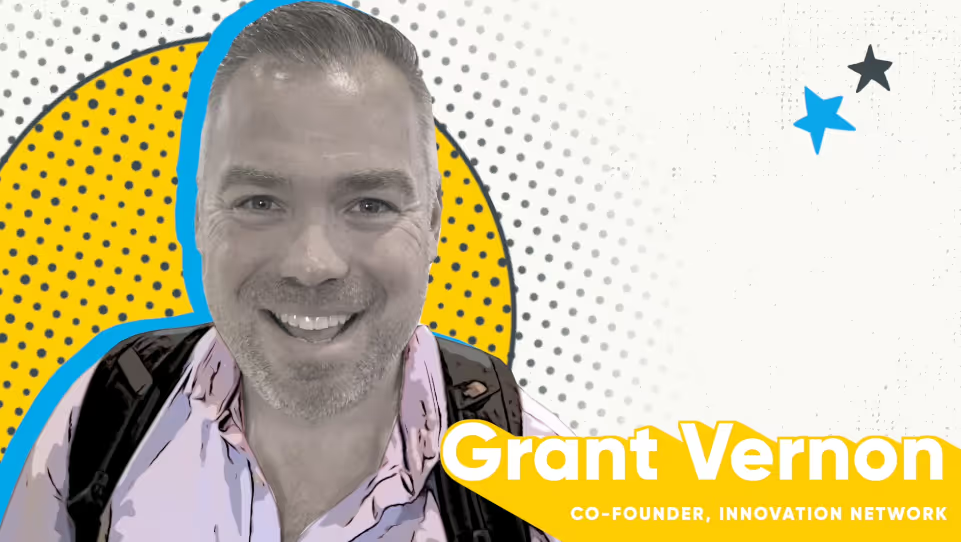

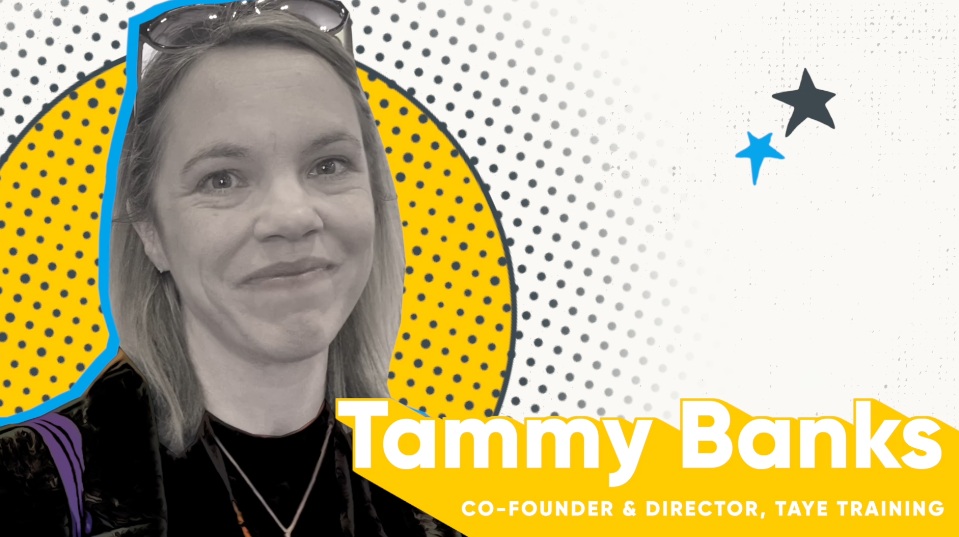


We get training. With over 16+ years experience, our global team of experts are here to help you every step of the way.
Talk to our expert team