Why choose Arlo over Administrate? Administrate is heavy, enterprise-leaning, and often requires complex setup or professional services to get the most out of it. For training providers who want a modern, easy-to-use system with strong automation, blended learning, streamlined scheduling, and transparent pricing, Arlo delivers more agility with far less overhead.

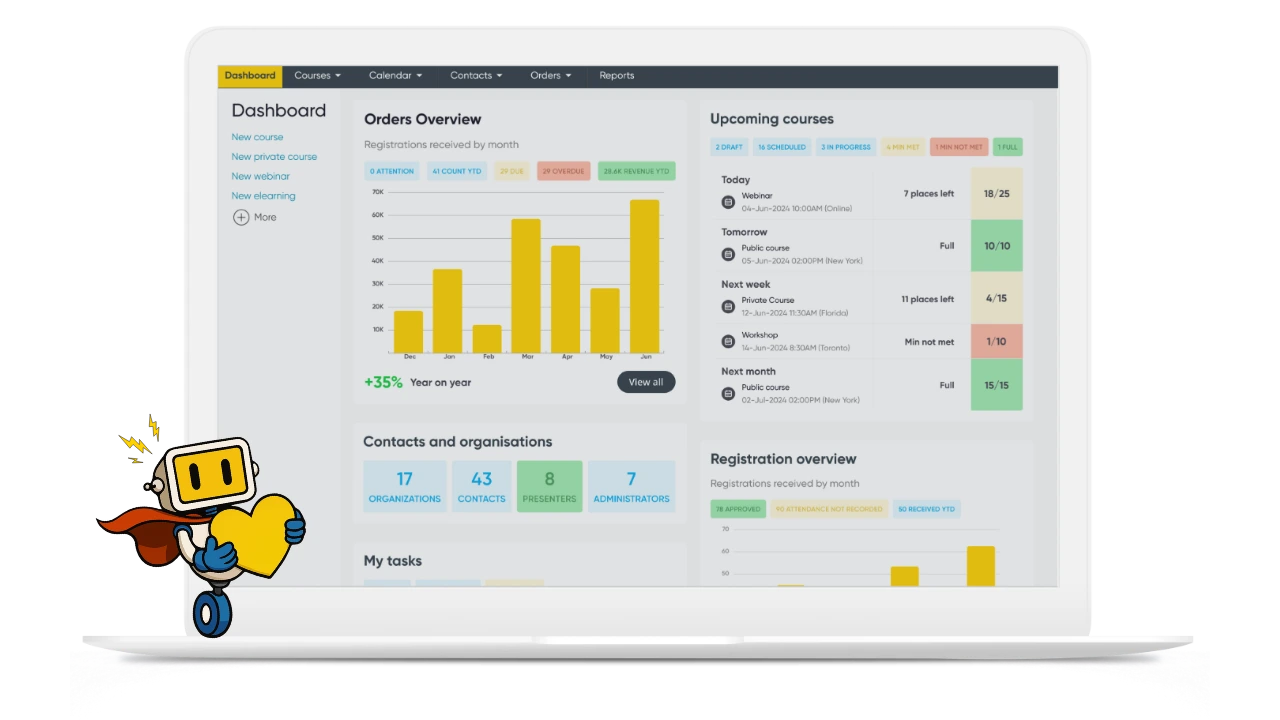








Offer public courses, private sessions, webinars, and create and delivery elearning in one powerful system.

Get venue, room, resource and trainer availability built-in to your scheduling workflows for complete confidence.

Instructors can manage courses, mark attendance, record grades, and engage with registrants on the go from their mobile device.

Automated certificates, presenter requests, application workflows, waitlists and more free you to focus on training.
Administrate offers a broad set of features, but many reviewers highlight its learning curve, dated UI, and the need for configuration help.
Arlo is designed for speed, simplicity, and real-world training operations. So your team can work faster without relying on technical specialists to adopt and configure new technology.
Arlo helps you run training without the complexity:

Administrate’s pricing skews enterprise with long contracts, higher implementation fees and heavier onboarding. Reviews on G2 frequently call out cost and complexity.
Arlo keeps pricing predictable and scalable.
Arlo pricing allows you to:
Administrate markets “enterprise-level” resource management, but in practice the scheduling tools are limited. Administrate offers a basic staff calendar, no advanced venue or presenter scheduler, no enforcement of minimum/maximum limits, no alerts when registrations exceed limits and tasks don’t update when course dates change.
Arlo does all of that, plus:
Administrate has historically struggled with support quality, and many reviews on G2 and GetApp highlight limited documentation, no phone support, support tickets only, and training videos only available behind a Zendesk login.
Arlo stands out for:
Administrate advertises the ability to integrate with other tools, but in practice many of its integrations are shallow, limited, or require custom development.
Reviewers on G2 and GetApp highlight challenges with Xero, Salesforce, WordPress and LMS workflows, as well as relying on costly professional services to achieve basic integration outcomes. For example, reviews mention that the Xero sync is invoice-only with no tracking codes or refund sync, and the Salesforce integration does not sync events, registrations, or outcomes.
Arlo’s integrations, API, and ecosystem are stronger, easier to use, and specifically designed for commercial training teams.
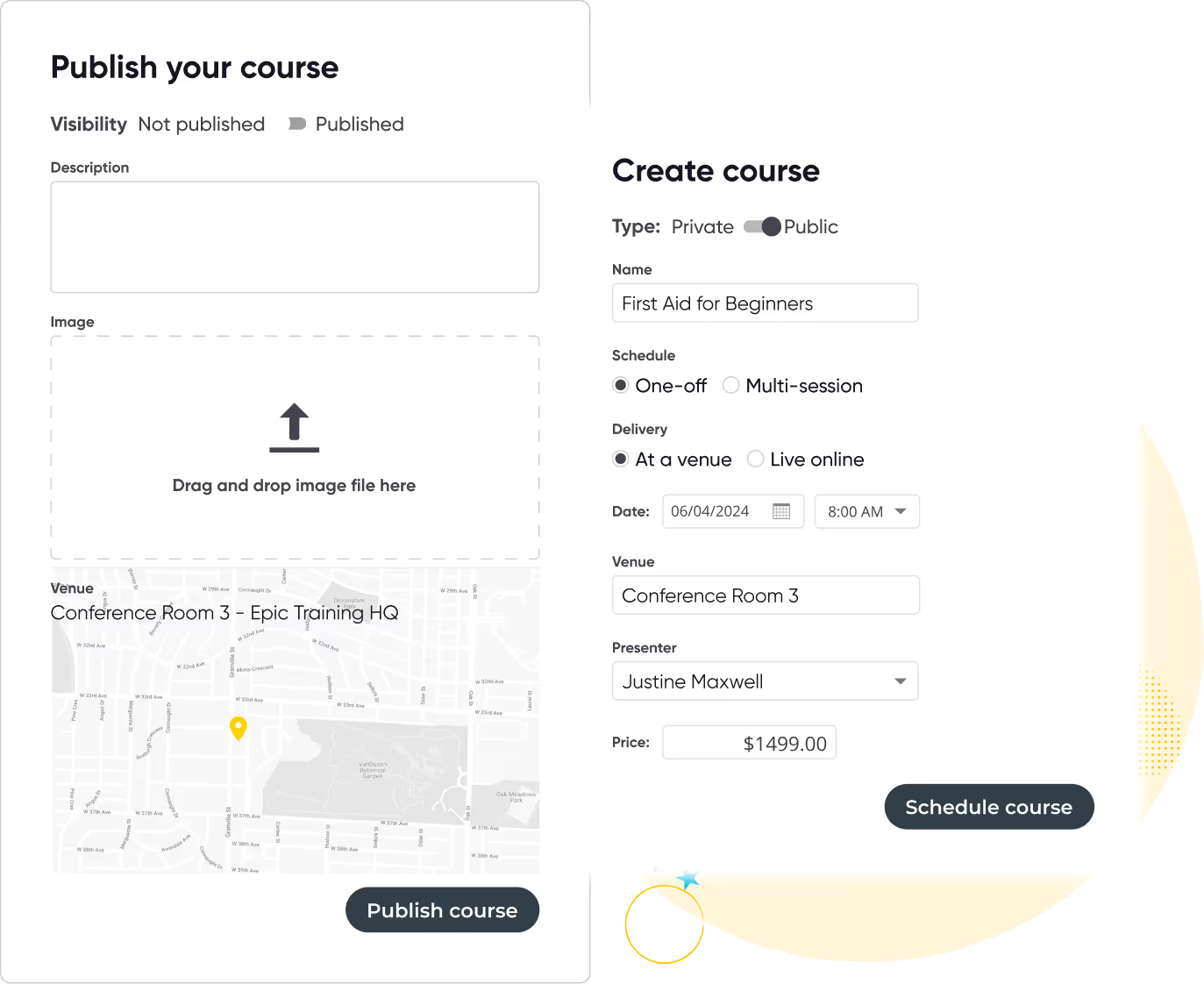
Run your training business like a pro with Arlo’s purpose-built training management software
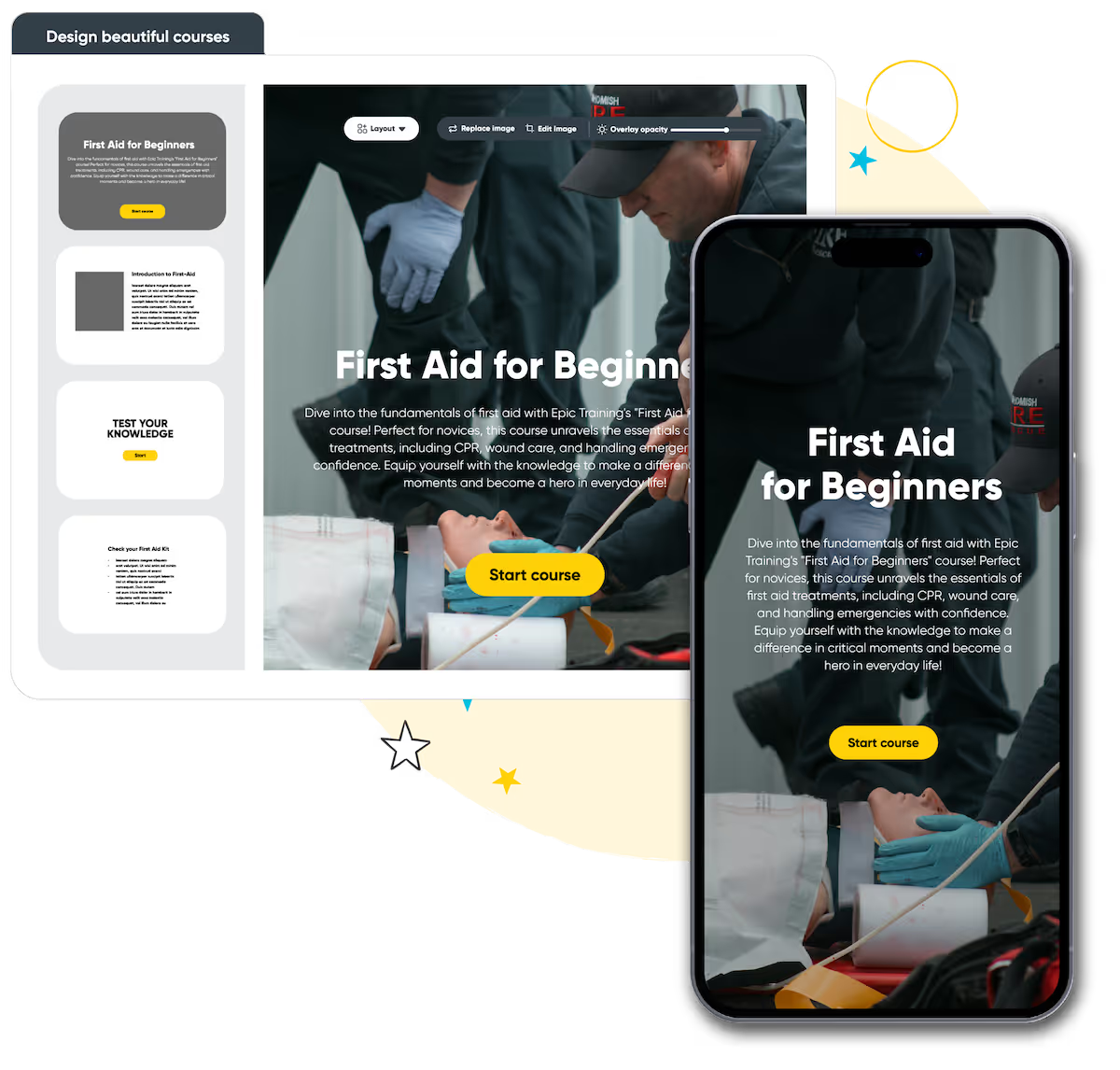
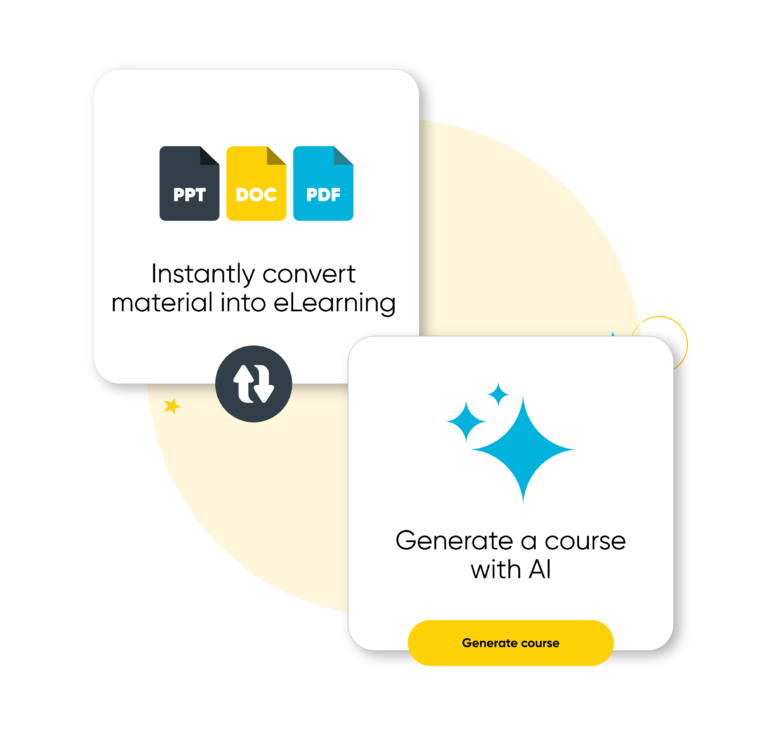
Build beautiful online courses with AI-powered workflows. Transform existing material, brand content your way, and deliver to learners with a self-service portal, seamlessly with your instructor-led training.
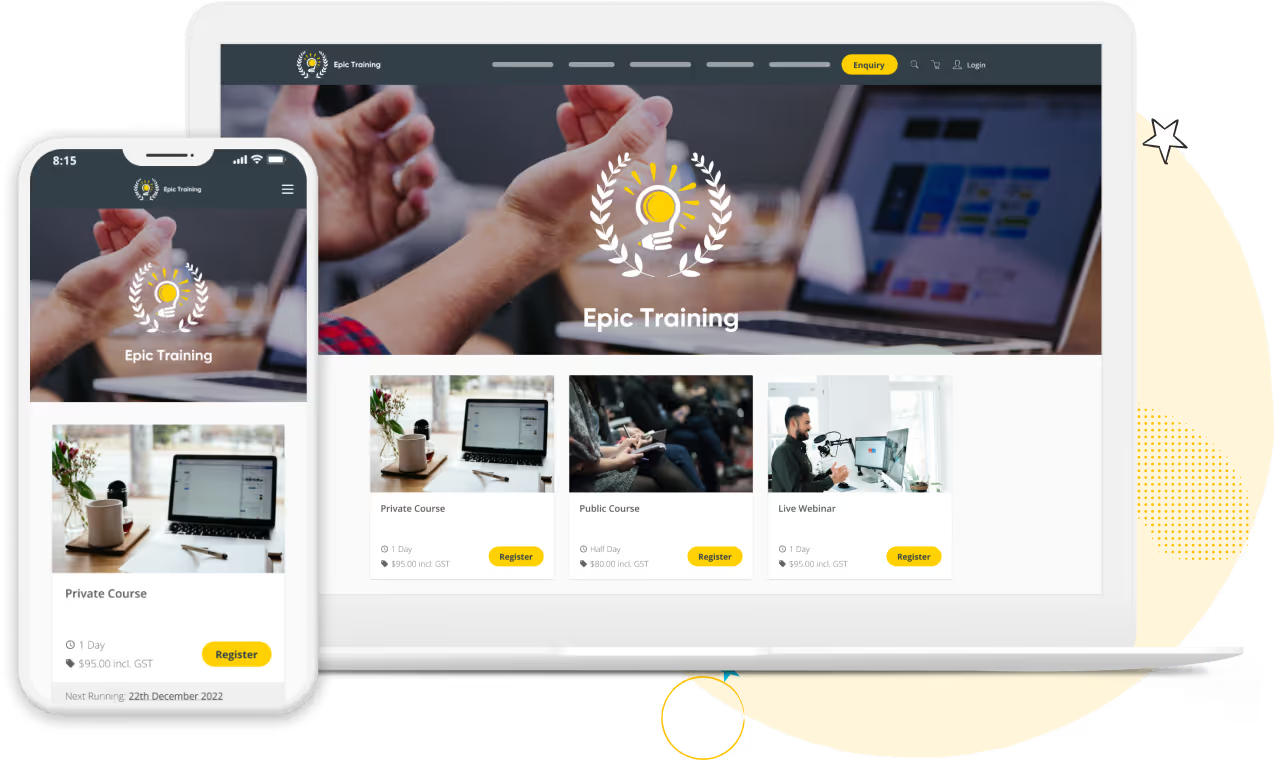
Get a modern website that’s always up to date, built to convert, and fully customizable. Course details, pricing, and changes update in real-time, providing a smooth & professional experience for your customers.
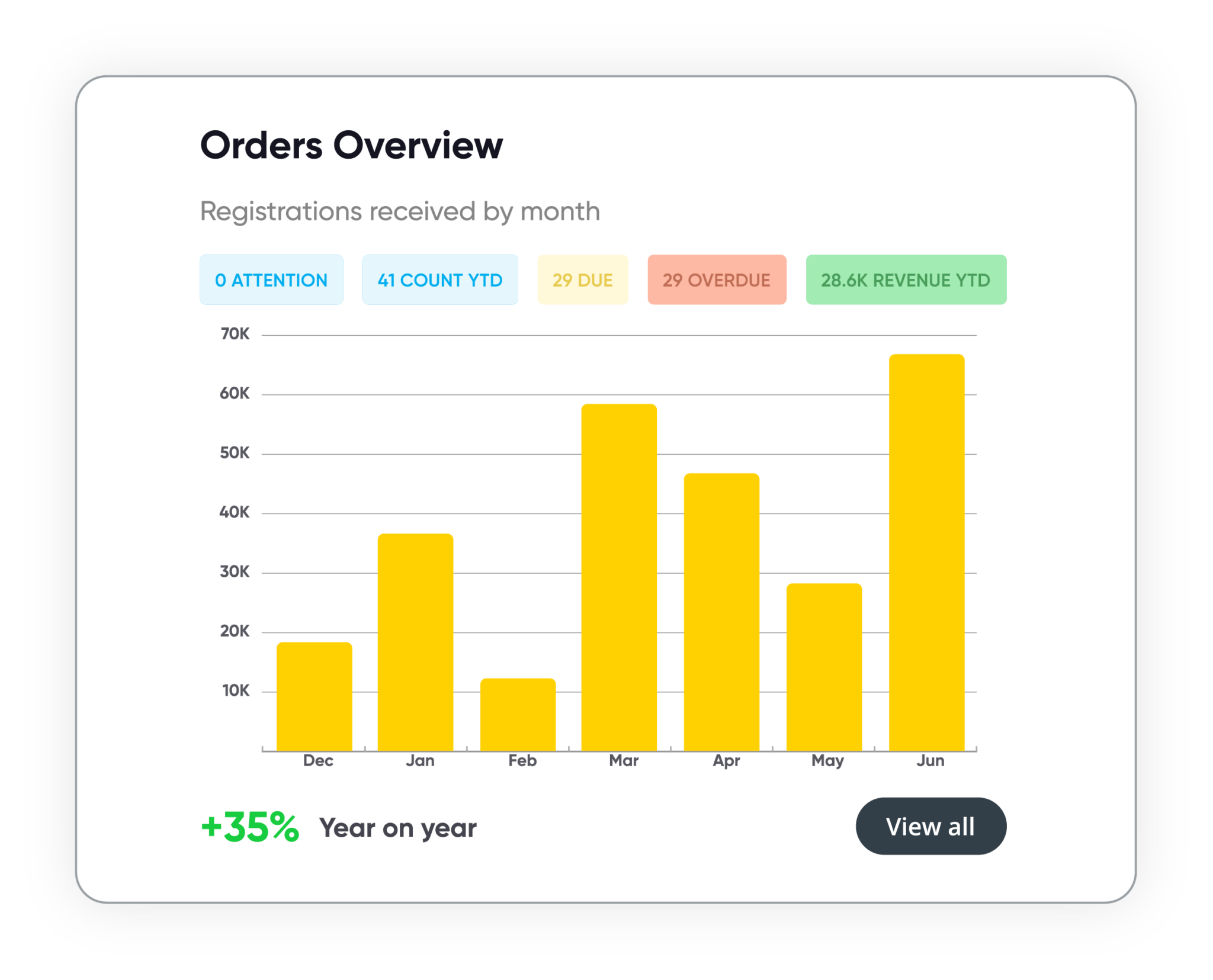
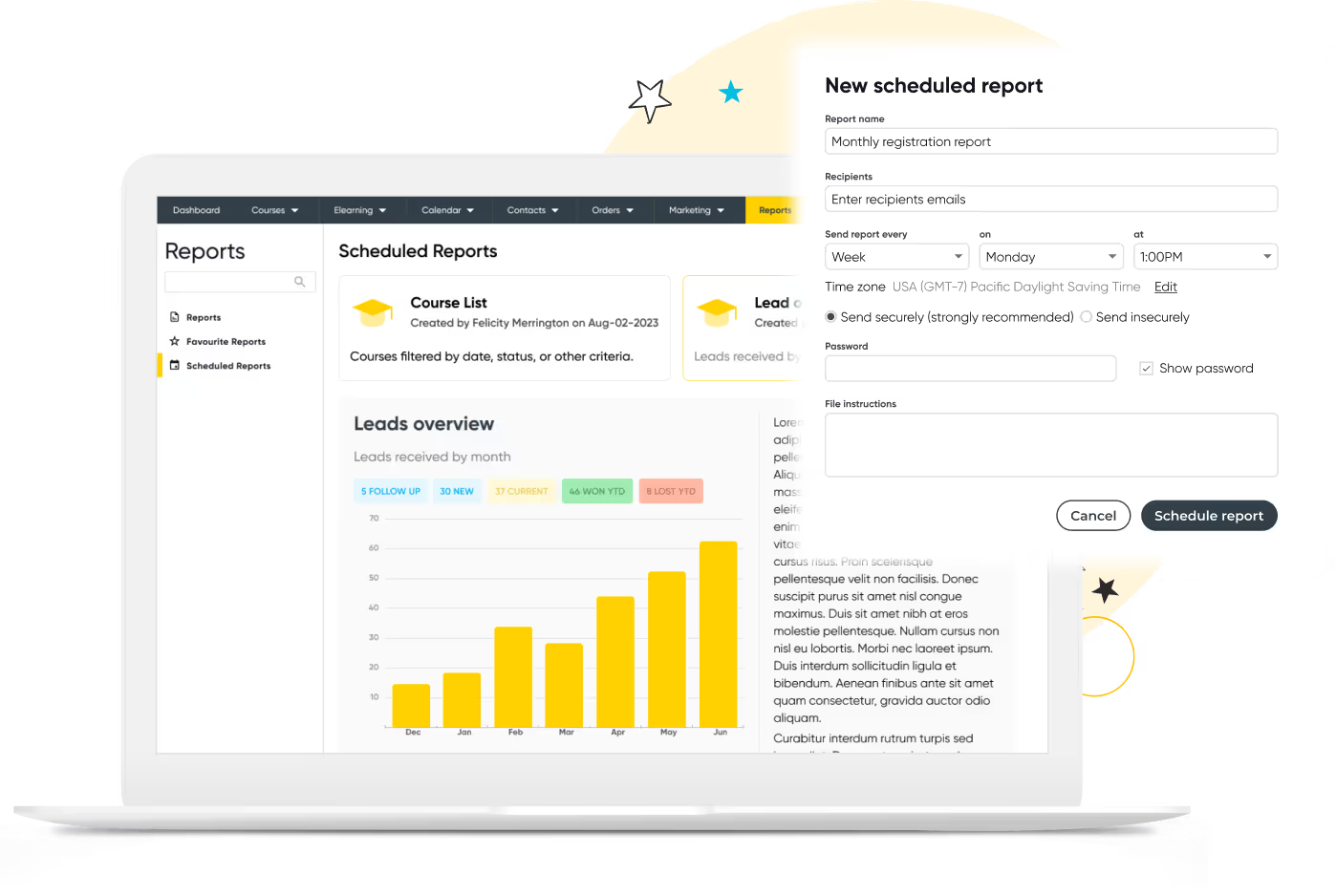
Track course performance, revenue, and customer activity in real time. Manage leads, accounts, and training history in one secure system. Build and schedule custom reports, share them with stakeholders, and more.
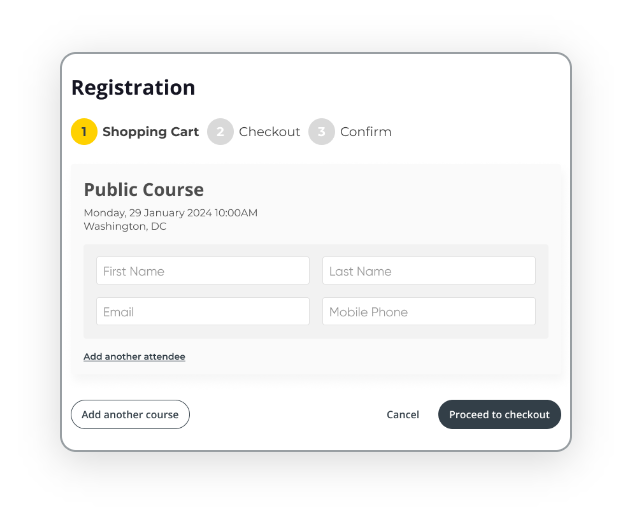
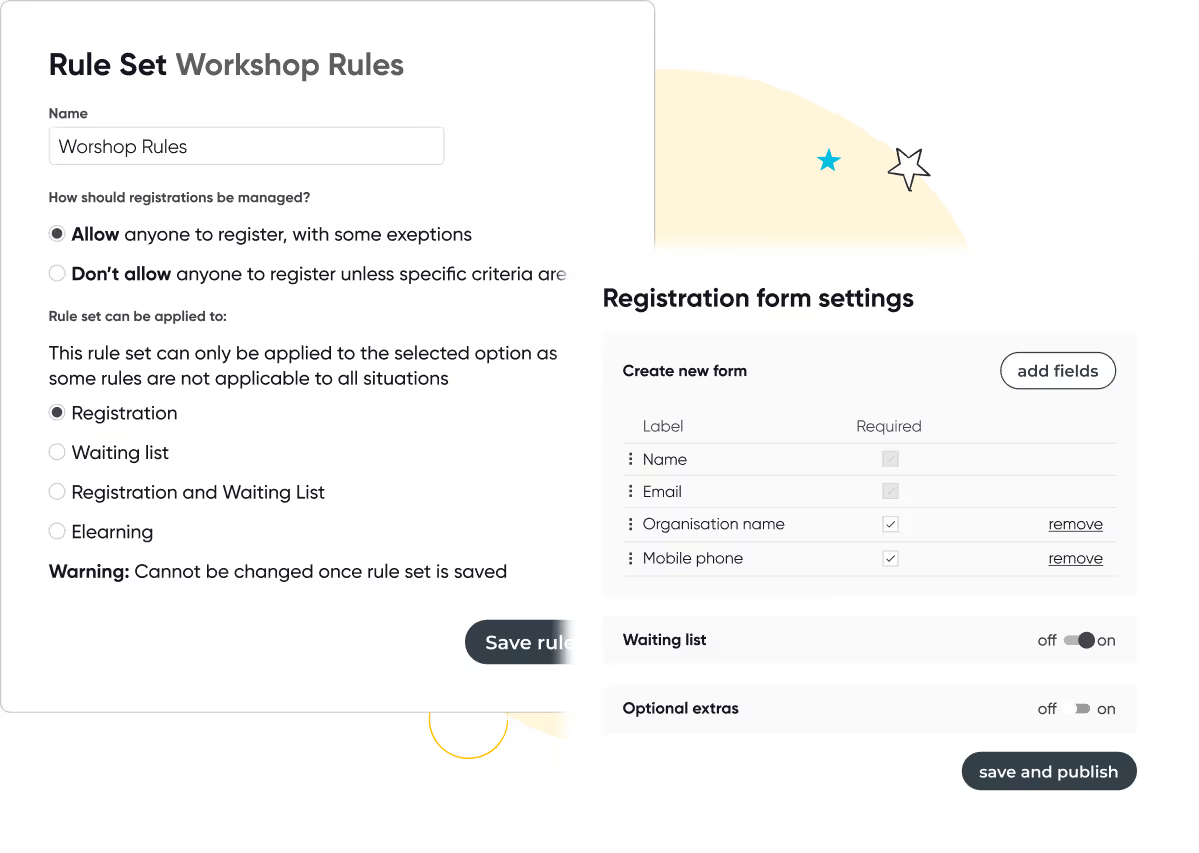
Automate every step of the registration process with smart forms, flexible payment options, and integrated invoicing. Apply discounts, waitlists, and custom rules to support every course type, public or private, paid or free.









We get training. With over 16+ years experience, our global team of experts are here to help you every step of the way.
Talk to our expert team