Get close to your customers. A CRM built for training providers; track course activities, capture and nurture leads, and manage client records and relationships.
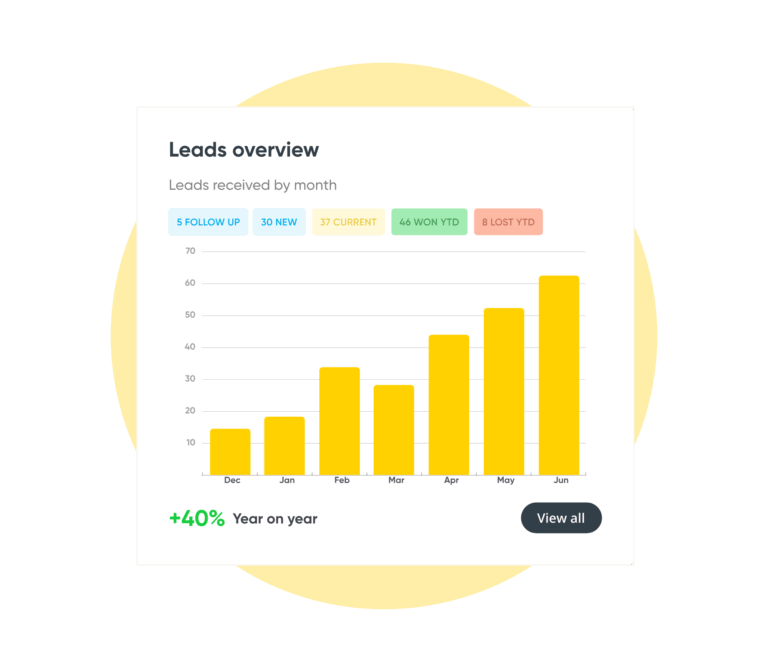
Capture leads from your website and through outbound sales campaigns, then nurture and grow each opportunity with purpose-built sales pipeline management for training.

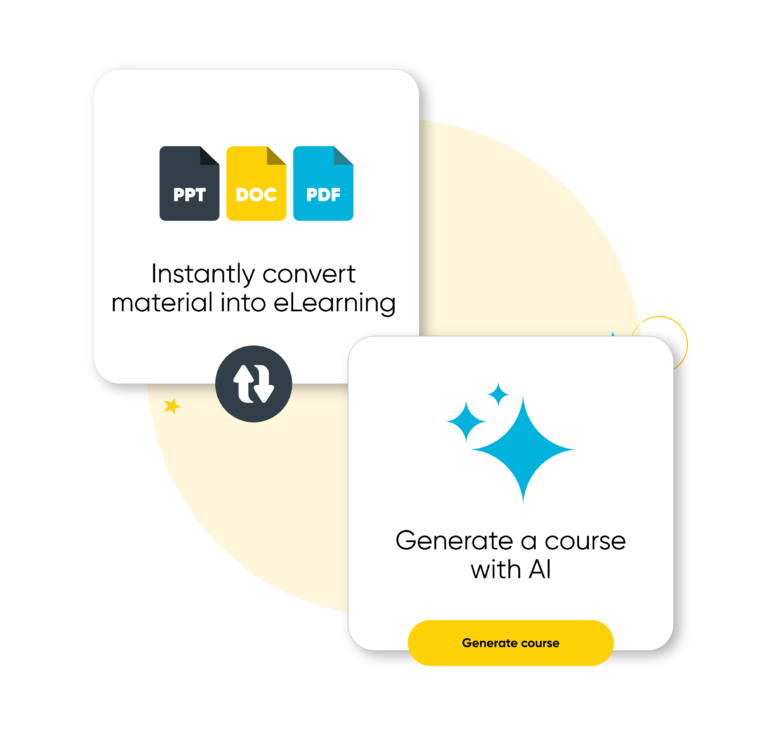
Record and track attendance, course completion, grades, and results. Produce reports for the individuals and for their manager, department, or organisation. See the status of your learners completion for all your Arlo authored elearning content, automatically send them new content on release and more.

Salesforce for Arlo 2.0 brings you instant two-way synchronization, a modern UI built on Lightning, advanced logging, duplication management, and a whole lot more — all designed to give you greater speed and accuracy.
Synchronize contacts, organizations, leads, courses, events, elearning, registrations and so much more.
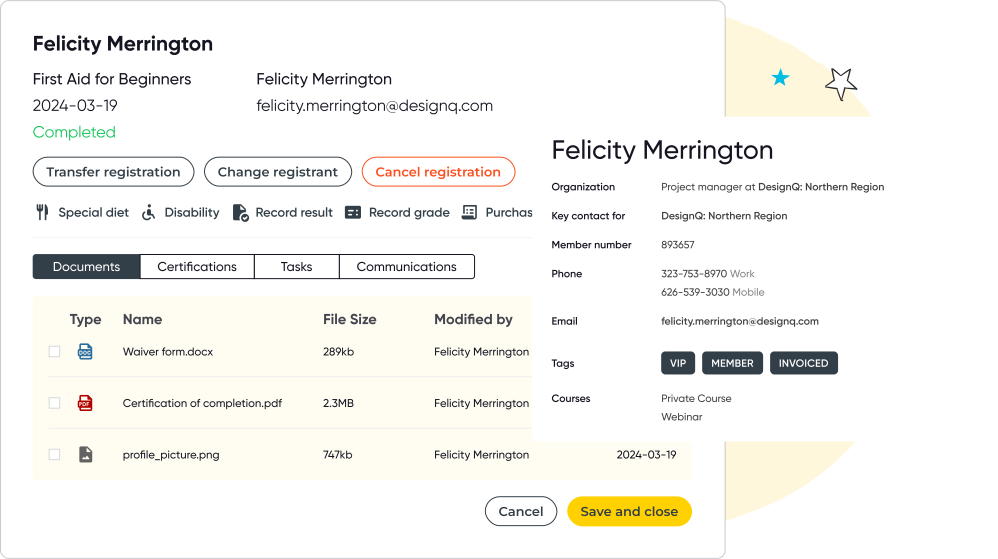
Arlo helps salespeople track activity within their accounts by offering aggregated views of notes and emails. Arlo’s also packed with other account management tools such as the Account Manager Activity, all designed to make it easy to stay on top of your accounts.
Arlo automatically builds and maintains client information for you. When a person registers for an event or course on your website, Arlo matches the contact with an existing record in the database and updates the details. If the contact doesn’t already exist, a new record will be added.
Add additional fields to contacts, organisations, and other entities. Include these fields on your website registration form to capture the information when a person registers for a course or event.
Store documents against contacts and organisations. Your team will then be able to access and download them online anywhere and anytime.
Arlo displays a list of possible matches to choose from to prevent a duplicate from being created. If a duplicate is created, no problem: Arlo allows you to easily merge the records and will copy all associated items from both records.
Manage and track each of your sales opportunities. Give them a rating, record the value and estimated close date, store quotes and proposals, and record notes and tasks.
Arlo allows you to manage your newsletter subscribers, including capturing interest topics and preferred delivery methods.
Record parent and child relationships on organisation records and configure default billing entities for each
Record notes on contacts and organizations and create associated tasks. Assign tasks to other people in your organization.
View a log of all communications sent via the system and forward or re-send if necessary.
Arlo’s powerful search tool allows you to find what you are looking for fast. It intuitively ranks your results and includes helpful links to associated items such as current event registrations.
Use tags to describe and categorise contacts, organisations, and events. For example, tag important contacts with the term “Key contact” or “Decision maker”.
Arlo uses intelligent logic to automatically add the email domain used for linking contacts to the organisation. Making it easy to see and manage all contact belonging to an organisation.
Add flags to contacts and organisations so that a special note is displayed when you open the record or add them to an order.
Arlo integrates with all of your favorite providers, from eLearning, payments, accounting, marketing and more.
Easily connect with the software you already use, or discover new ways to elevate your workflow.
View integrations.avif)
Start your 14-day free trial now. No credit card required. Unlimited users.
We get training. With over 16+ years experience, our global team of experts are here to help you every step of the way.
Talk to our expert team