Remote training

Deliver engaging online training with remote training software

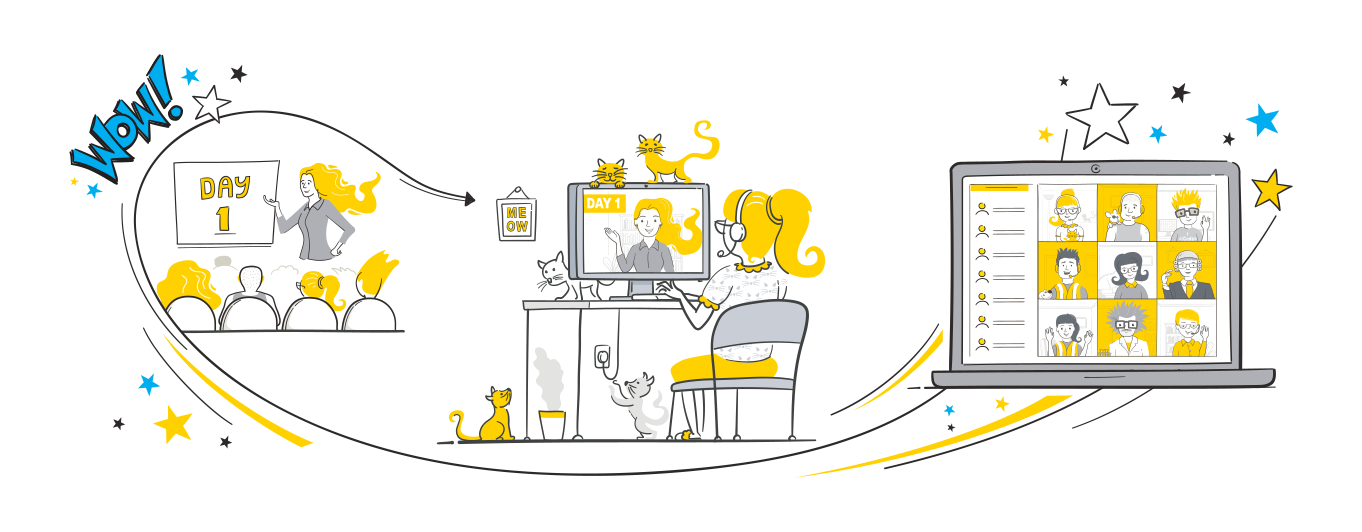
With all the tools and integrations you need to deliver remote training, Arlo training management software helps you deliver virtual instructor-led training to your learners no matter where they’re located, all in-one-easy to use platform.

Run all kinds of remote training

Arlo lets you create courses that consist of multiple live online Zoom sessions, face-to-face events, and elearning activities. Link up to 100 hosts for quick access and selection.
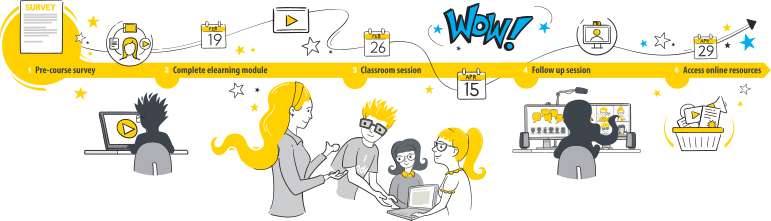
Illustration of a six-step learning process timeline showing icons and people at each stage: 1. Pre-course survey with a paper labeled 'SURVEY' and a person watching a video on a laptop; 2. Complete elearning module with headphones icon and calendar date 19; 3. Classroom session with a teacher interacting with two students and calendar date 26; 4. Follow up session with a person watching a presentation on a screen and calendar date 15 labeled APR; 5. (Skipped to 6) Access online resources with a basket of papers and calendar date 29; bright yellow highlight and star accents emphasize the flow.
Video and desktop sharing

Effectively communicate, live online

Zoom’s interactive video conferencing and screen sharing tools create a whole new way of communicating.
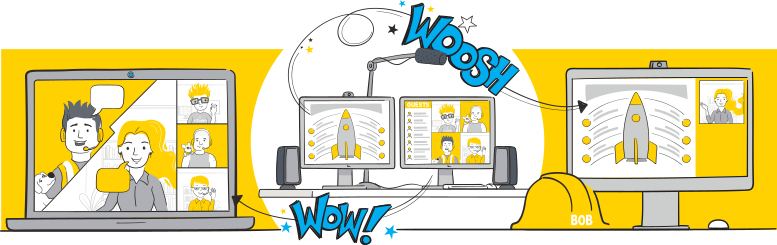
Illustration showing three computer screens involved in live online communication: the left screen displays a video call with four participants, two with speech bubbles; the middle setup has two monitors, one showing a rocket launch animation and the other a guest list with four faces; the right screen shows another rocket launch and a person in a smaller video window labeled 'BOB' wearing a yellow headset. The text 'Woosh' and 'Wow!' highlight the dynamic nature of the communication.
Questions, surveys, hand raising and more!

Engage your learners

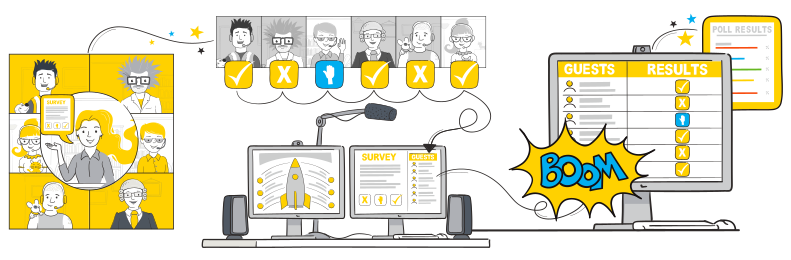
Create meaningful interactions to keep learners engaged. With Zoom, ask learners for a simple yes/no response or post a survey and view the results live. Registrants can even raise a virtual hand if they need help.
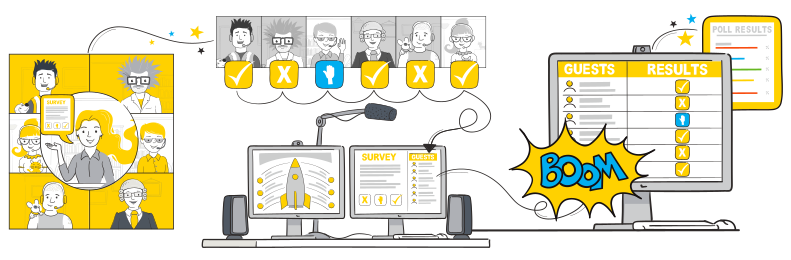
Illustration of an online survey process with multiple participants; left side shows a group video call with one holding a 'Survey' tablet, top row displays participant icons with various poll responses; center shows dual computer screens displaying a rocket and survey results; right side features a large monitor with guest names and poll results, accompanied by a comic-style 'BOOM' graphic.
Breakout rooms, virtual whiteboard and messaging

Foster collaboration

Emulate classroom breakout sessions in Zoom. Allow small groups of participants to work on a topic, then pull everyone together and share the results. Use virtual whiteboards and chat messaging to facilitate the interactions.

With Zoom Whiteboard, you can brainstorm and collaborate on a persistent, expandable, digital canvas. In-person and remote learners can ideate from Zoom-enabled devices, providing the intuitive features you need to extend learning and understanding.
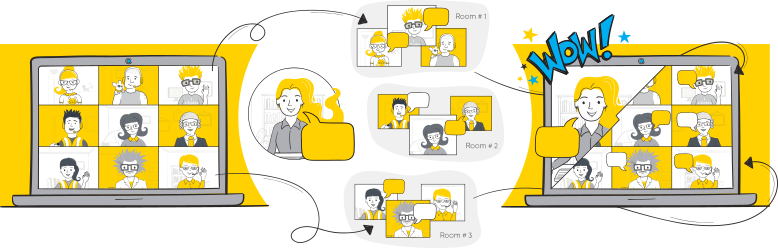
Illustration showing virtual collaboration with two laptop screens on either side, each displaying a video call grid of people. Between them are three smaller chat bubbles labeled Room #1, Room #2, and Room #3, depicting smaller group discussions. Lines connect the laptops and bubbles, symbolizing communication and interaction. The right laptop has a 'WOW!' comic-style emphasis near a woman participant, indicating a positive or impressed reaction during the virtual meeting.
Blended learning

Run courses with multiple sessions and activities

Arlo lets you create courses that consist of multiple live online sessions, face to face events, and elearning activities. Utilize our library of course templates that pre-fill key information for quick scheduling of repeat courses that re-run on multiple dates and times.

Illustration of a six-step learning process timeline showing icons and people at each stage: 1. Pre-course survey with a paper labeled 'SURVEY' and a person watching a video on a laptop; 2. Complete elearning module with headphones icon and calendar date 19; 3. Classroom session with a teacher interacting with two students and calendar date 26; 4. Follow up session with a person watching a presentation on a screen and calendar date 15 labeled APR; 5. (Skipped to 6) Access online resources with a basket of papers and calendar date 29; bright yellow highlight and star accents emphasize the flow.

Get the Free Ultimate Guide to Blended Learning

Get the Guide
Zoom and GotoWebinar

Powered by the best web conferencing solutions

Arlo integrates seamlessly with market-leading webinar and web conferencing solutions.
Curved yellow line looping with white and black stars around the loop on a black background.
Credit card payment

Accept payments and issue invoices

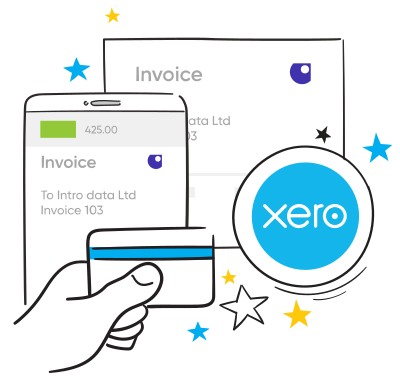
Arlo’s remote training software lets you accept payment by credit card, then automatically sends the invoice through to your accounting system so there is no double entry of data.

Yellow swirling line with two white star shapes on a transparent background.
Website

Create beautiful web experiences

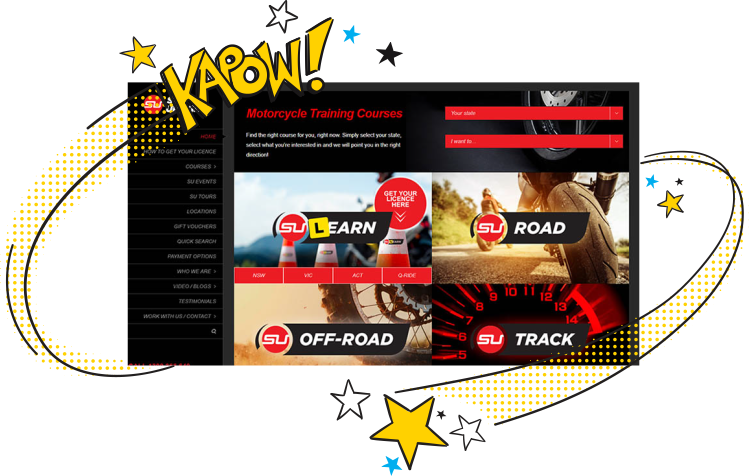
Arlo offers a built-in website so you can be up and running in no time. Alternatively, integrate Arlo into your main website to offer your website visitors a seamless experience.
Curved yellow line looping with white and black stars around the loop on a black background.
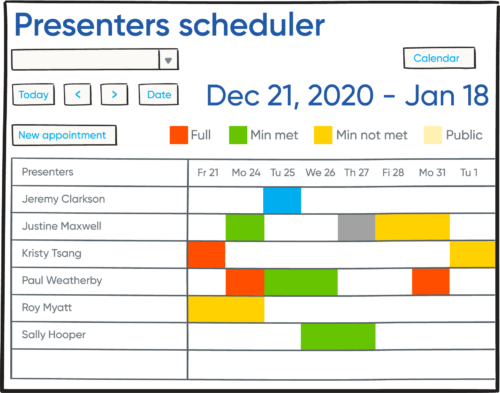
Screenshot of a calendar scheduling interface showing a weekly view with colored blocks representing appointments and navigation buttons for today, date selection, and new appointment.
Scheduling tool

Easily find available presenters

Arlo’s powerful course scheduling tool makes it easy to run a large programme of courses. Find available presenters, manage leave, and schedule appointments in no time.

Yellow swirling line with two white star shapes on a transparent background.
Marketing tools

Sell more training

Arlo is packed with marketing features and ecommerce that help you promote your courses. Run targeted campaigns, offer promotional discounts, integrate your online advertising and generate leads from your website.
Curved yellow line looping with white and black stars around the loop on a black background.
Integrations

Connect to more than 1,500 apps!

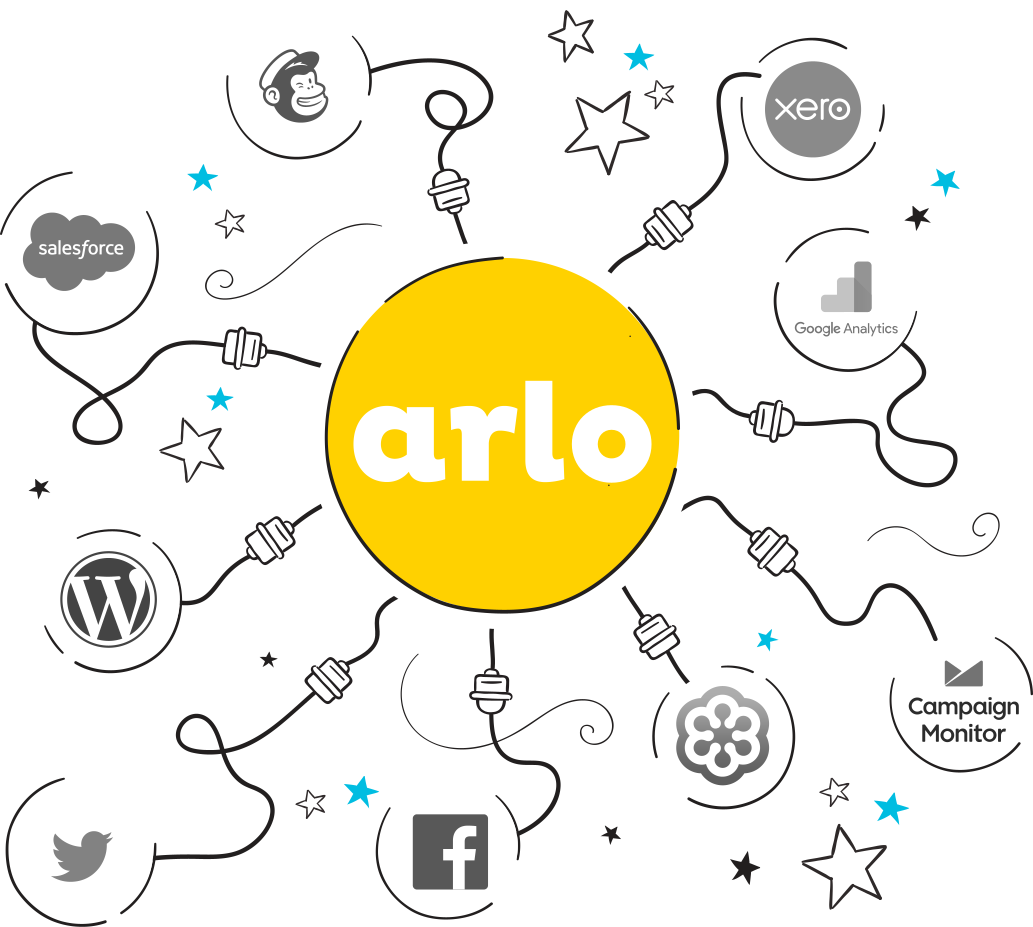
Arlo connects all your business applications so information flows freely. Connect your accounting system, online advertising accounts, marketing automation tools, campaign tools, surveys, CRM, and more!

Yellow swirling line with two white star shapes on a transparent background.
Recordings

Share and sell recordings

Create a new revenue stream by selling recordings of your webinar and training sessions.

Private course management

Deliver private courses and manage training contracts

Arlo helps you create and manage custom courses for individual clients. Manage the whole process, from profiling learners, identifying learning outcomes, designing and building course content, through to scheduling and delivering the live sessions.
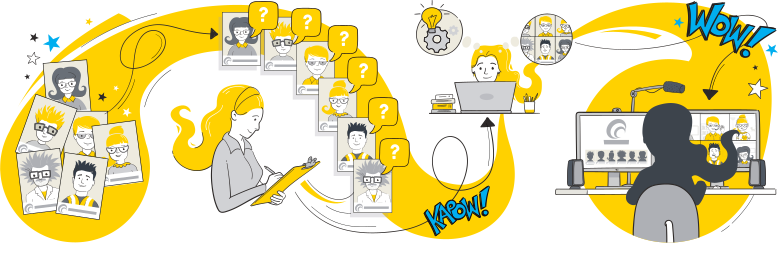
Illustration showing a woman organizing photos of people, then reviewing multiple user profiles with question marks, taking notes on a clipboard, working on a laptop with a lightbulb symbolizing ideas, and finally participating in a video conference on a large screen displaying many participants, emphasizing private courses or personalized learning.

Plus a whole lot more!

Integrated Course Certificates & Learner Surveys

Automatically issue personalized certificates upon course completion and collect valuable feedback with surveys, helping you measure success and improve your offerings.

Icon of two documents with a yellow bar chart and a calculator with yellow display.

Real-Time Dashboards & Reporting

Track registrations, payments, course performance, and marketing effectiveness in one easy-to-use dashboard. Make data-driven decisions to grow your training business.

Computer monitor displaying a user profile icon with a yellow background.

Customer Self-Service Portal

Empower your learners with a branded portal to manage their registrations, view upcoming courses, access course materials, and download certificates — all with secure logins and autofill convenience.

Yellow and black megaphone icon.

Marketing & SEO Tools

Promote your live training effectively using Arlo’s built-in marketing features. Run targeted campaigns, offer discounts, optimize your website for SEO, and outrank competitors to drive more traffic and registrations.

Yellow gear icon symbolizing settings on a dark background.

Presenter Mobile Access for Attendance & Results

Give presenters mobile tools to mark attendance and record results directly from their phones. No chasing paperwork or manual entry, updates sync instantly to Arlo and can trigger automatic certificate issuance, saving admin time and improving accuracy.

Integrated Task Management for Pre & Post-Course Workflows

Create reusable task sets tied to course schedules and auto-assign them to staff with due-date logic. Team members are notified automatically, so you can manage logistics, from setup to follow-up, without relying on separate tools or emails.

Remote Training Software FAQs

Start 14-day trial
What is the best remote training software?
Grey Dropdown Icon

While Arlo integrates with all video conferencing platforms, including GoToWebinar and Demio, we recommend Zoom as our preferred platform for hosting. We’ve picked this solution because it’s secure, reliable, fairly priced, professional and is an easy to use online training platform. See Training Providers Guide to Zoom to get started and kickstart your remote learning journey.

How do I run a successful remote training course?
Grey Dropdown Icon

Know your software, support learners through the technical set-up, create a professional environment just as you would in classroom, and keep your learners engaged. For more information, see 5 tips for running a successful webinar course.

Are face to face classes better than live online?
Grey Dropdown Icon

Not necessarily; the best training delivery method depends on the needs of your learners, and the specific training program you’re delivering. Live online courses can be more accessible, flexible, and affordable, but they may lack the personal touch of face-to-face classes. Take the time to see what your learners prefer and assess whether you have the technology to facilitate both face-to-face training and online options.

Many training providers also offer courses in a blended format, providing in person training, virtual, or module-based training in various formats. If you work in-house and are employee training then a mixture of face to face and remote training (if you have a remote workforce, remote employees or remote teams) will probably suit your needs well. The key is to make sure you have the technology, and training materials in place to deliver effective instructor-led training, whether in person or virtual.

What equipment do I need for online teaching?
Grey Dropdown Icon
  1. A laptop or desktop with a webcam (more reliable than a tablet and other mobile devices)
  2. Audio input and speakers (use a high-quality headset if you have one)
  3. Reliable internet connection (if your wifi is spotty, use an ethernet cable to ensure your connection doesn’t drop off)
  4. A power cable. The last thing you want to do is run out of battery, so we recommend that you’re plugged into a power source for the entire duration of your webinar.
  5. If you’re looking to deliver or host eLearning you’ll also need course authoring software, or a remote training LMS with specific functionality.
What other remote training tools are useful for delivering effective virtual learning?
Grey Dropdown Icon

In addition to video conferencing platforms, and training management systems there are several software categories that can enhance your remote training experience. Consider the following:

‍Learning Management Systems (LMS) – These platforms help you manage course content, track learner progress, and facilitate assessments.

‍Course Authoring Tools – Useful for creating engaging and interactive eLearning content.

‍Collaboration Tools – Platforms that support group work, discussions, and real-time feedback among participants.

‍Assessment and Survey Tools – Essential for creating quizzes, surveys, and feedback forms to gauge learner understanding and satisfaction.

‍Content Creation Software – Applications for developing multimedia materials like videos, infographics, and presentations.

‍Screen Sharing and Recording Tools – Helpful for sharing your screen during sessions and recording them for future reference.

‍Project Management Software – Useful for planning, organizing, and tracking the progress of your training programs.

Adapt and thrive

Some of the world’s leading training companies have been able to pivot to live online training using Arlo’s remote training sfotware Join them!


Microsoft logo with four square panes forming a window beside the company name.Pearson company logo.St John Ambulance emblem with an eight-pointed Maltese cross inside a circle above the word 'St John'.Thomson Reuters logoUniversity of Auckland Business School logo with shield featuring three birds and stars.Sitecore company logoLogo of Bill of Rights Institute with stylized text in uppercase.TAFE NSW logo in dark gray letters on a transparent background.Victoria University logo.Watkins Wellness logo with stylized W design above the text.Stay Upright logo with circular SU icon and stylized text.Bastow company logo with stylized geometric shapes above the text.

“We’ve been able to quickly transition our whole CPD training programme to webinars”

Zara, Head of Nothern Ireland
Chartered Accountants Ireland
Zara, Head of Nothern Ireland

Ready to see Arlo in action?

Try Arlo yourself: 14 transformational days, free.
Thanks, we will get back to you shortly.
Oops! Something went wrong while submitting the form.