Apps
Marketing
Powered by Zapier

Hubspot
 Integration 
Grow your pipeline, nurture your opportunities

Integrates Hubspot’s all-in-one CRM and Marketing Automation solution with the the #1 course management software to take your training business to the next level.

Integrate Hubspot with Arlo, combining the best marketing automation software with the global-leading training management system.

Integration powered by Zapier

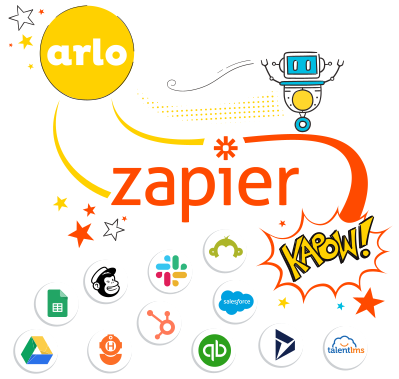
Arlo connects to Hubspot using Zapier, allowing you to create your own custom automations.

Getting started with Arlo for Wordpress is as easy as installing our Plugin and following our detailed guide!

A library of pre-built webpages & widgets

Arlo has been built with web developers and designers in mind. Prebuilt themes make it easy to install, while the extensive range of shortcodes offer maximum flexibility.

Integration powered by Zapier

Arlo connects to Hubspot using Zapier, allowing you to create your own custom automations.

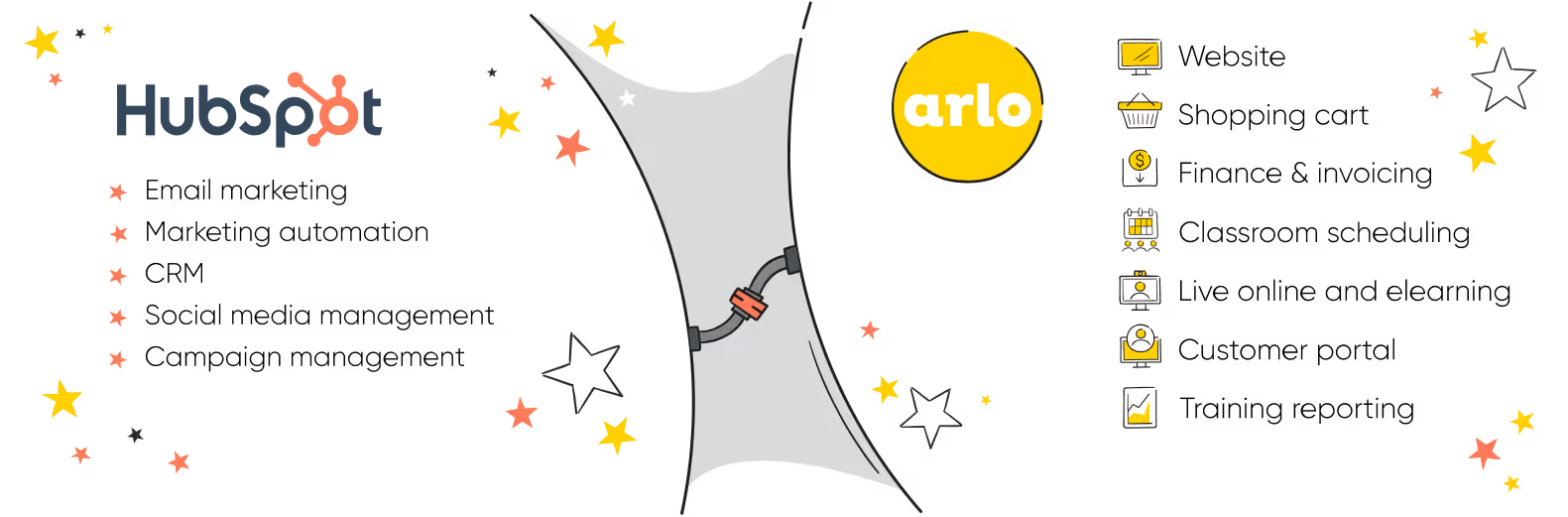
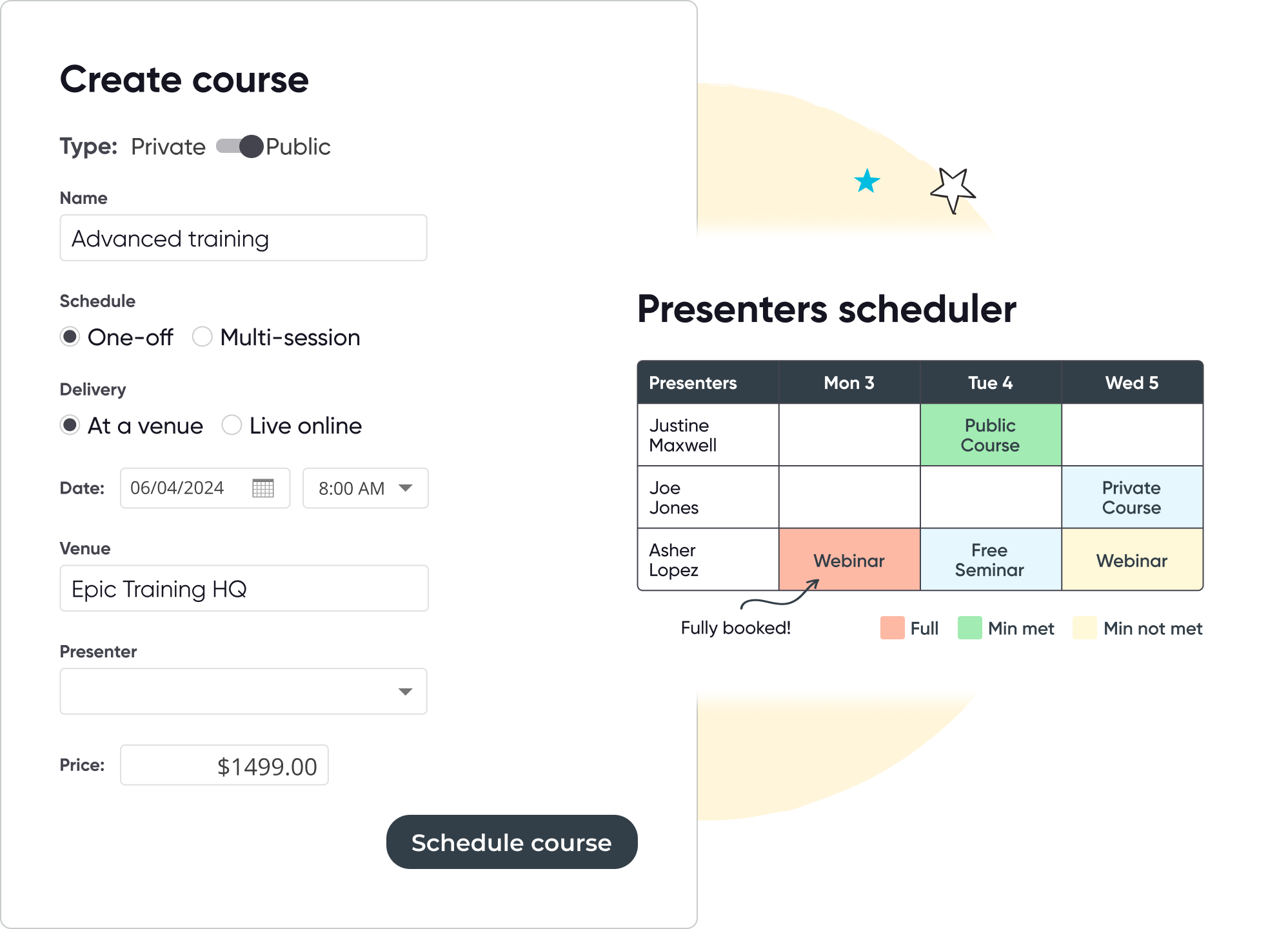
Hubspot and Arlo Total solution for training providers

Promote, sell, and deliver self-paced elearning, live online, face-to-face and blended courses.
Arlo and Zoom

Total solution for training providers

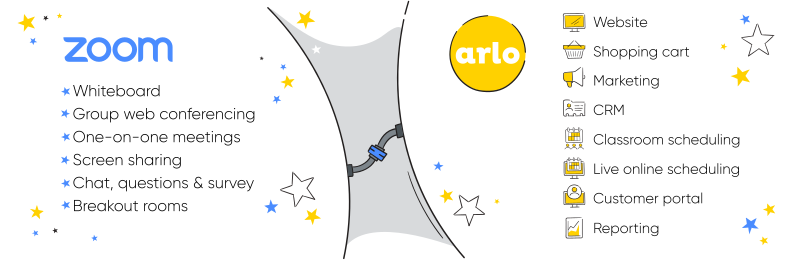
Illustration showing a Zoom logo with a list of features: Whiteboard, Group web conferencing, One-on-one meetings, Screen sharing, Chat, questions & survey, Breakout rooms; connected by a cable to a yellow circle labeled 'arlo' on the right with icons and features: Website, Shopping cart, Marketing, CRM, Classroom scheduling, Live online scheduling, Customer portal, Reporting, surrounded by decorative blue, yellow, and white stars.
Blended learning

Run courses with multiple sessions and activities

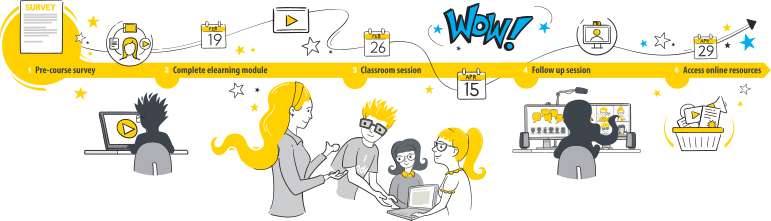
Arlo lets you create courses that consist of multiple live online Zoom sessions, face-to-face events, and elearning activities. Link up to 100 hosts for quick access and selection.

Illustration of a six-step learning process timeline showing icons and people at each stage: 1. Pre-course survey with a paper labeled 'SURVEY' and a person watching a video on a laptop; 2. Complete elearning module with headphones icon and calendar date 19; 3. Classroom session with a teacher interacting with two students and calendar date 26; 4. Follow up session with a person watching a presentation on a screen and calendar date 15 labeled APR; 5. (Skipped to 6) Access online resources with a basket of papers and calendar date 29; bright yellow highlight and star accents emphasize the flow.
Video and desktop sharing

Effectively communicate, live online

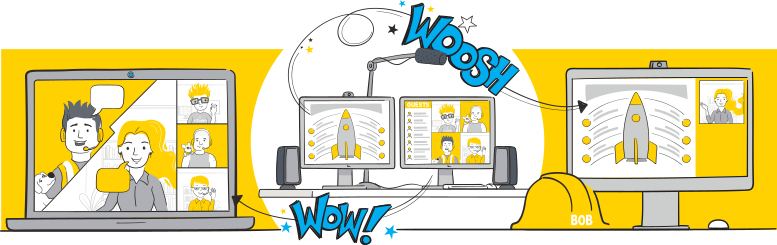
Zoom’s interactive video conferencing and screen sharing tools create a whole new way of communicating.

Illustration showing three computer screens involved in live online communication: the left screen displays a video call with four participants, two with speech bubbles; the middle setup has two monitors, one showing a rocket launch animation and the other a guest list with four faces; the right screen shows another rocket launch and a person in a smaller video window labeled 'BOB' wearing a yellow headset. The text 'Woosh' and 'Wow!' highlight the dynamic nature of the communication.
Questions, surveys, hand raising and more!

Engage your learners

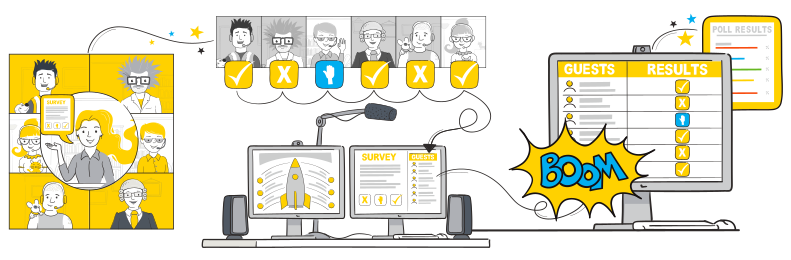
Create meaningful interactions to keep learners engaged. With Zoom, ask learners for a simple yes/no response or post a survey and view the results live. Registrants can even raise a virtual hand if they need help.

Illustration of an online survey process with multiple participants; left side shows a group video call with one holding a 'Survey' tablet, top row displays participant icons with various poll responses; center shows dual computer screens displaying a rocket and survey results; right side features a large monitor with guest names and poll results, accompanied by a comic-style 'BOOM' graphic.
Breakout rooms, virtual whiteboard and messaging

Foster collaboration

Emulate classroom breakout sessions in Zoom. Allow small groups of participants to work on a topic, then pull everyone together and share the results. Use virtual whiteboards and chat messaging to facilitate the interactions.

With Zoom Whiteboard, you can brainstorm and collaborate on a persistent, expandable, digital canvas. In-person and remote learners can ideate from Zoom-enabled devices, providing the intuitive features you need to extend learning and understanding.

Illustration of an online survey process with multiple participants; left side shows a group video call with one holding a 'Survey' tablet, top row displays participant icons with various poll responses; center shows dual computer screens displaying a rocket and survey results; right side features a large monitor with guest names and poll results, accompanied by a comic-style 'BOOM' graphic.

Integration powered by Zapier

Arlo connects to Hubspot using Zapier, allowing you to create your own custom automations.

Hubspot and Arlo Total solution for training providers

Promote, sell, and deliver self-paced elearning, live online, face-to-face and blended courses.
Adapt and thrive

Some of the world’s leading training companies have been able to pivot to live online training in the wake of Covid-19 using Arlo and Zoom. Join them!

Microsoft logo with four square panes forming a window beside the company name.Pearson company logo.St John Ambulance emblem with an eight-pointed Maltese cross inside a circle above the word 'St John'.Stay Upright logo with stylized 'SU' inside a circle on the left.University of Auckland Business School logo with shield featuring three birds and stars.Sitecore company logoSitecore company logoTAFE NSW logo in dark gray letters on a transparent background.Victoria University logo.Watkins Wellness logo with stylized W design above the text.Stay Upright logo with circular SU icon and stylized text.Bastow company logo with stylized geometric shapes above the text.

Integration powered by Zapier

Arlo connects to Hubspot using Zapier, allowing you to create your own custom automations.

Hubspot and Arlo Total solution for training providers

Promote, sell, and deliver self-paced elearning, live online, face-to-face and blended courses.
Adapt and thrive

Some of the world’s leading training companies have been able to pivot to live online training in the wake of Covid-19 using Arlo and Zoom. Join them!


Microsoft logo with four square panes forming a window beside the company name.Pearson company logo.St John Ambulance emblem with an eight-pointed Maltese cross inside a circle above the word 'St John'.Stay Upright logo with stylized 'SU' inside a circle on the left.University of Auckland Business School logo with shield featuring three birds and stars.Sitecore company logoSitecore company logoTAFE NSW logo in dark gray letters on a transparent background.Victoria University logo.Watkins Wellness logo with stylized W design above the text.Stay Upright logo with circular SU icon and stylized text.Bastow company logo with stylized geometric shapes above the text.
Black-and-white stylized illustration of a woman with hair in a bun wearing a blue shirt making an OK hand gesture inside a circular frame on the right, connected by a dotted arrow curved to the left ending at colorful comic-style text saying 'Wow!' surrounded by small stars.

See how 
Hubspot
 integrates with Arlo today