Deepen your understanding of the learner experience by integrating Coursecheck with Arlo. Improve training quality, grow your reviews, boost rankings and deliver measurable business benefits that resonate with your learners.

Get instant input into the quality of your training with QR codes for classroom training and survey links for online learning, ensuring you’ll always be able to capture feedback regardless of your training delivery method.
Automate your feedback request processes, maximizing response rates and extending the functionality of Arlo with minimal effort. Information about upcoming events and courses are automatically synchronized with Coursecheck using Arlo’s robust API. Survey forms are then easily generated, pre-populated with all the relevant information including course and instructor details. See all features

Designing a good feedback form is easier said than done. Coursecheck’s training evaluation software provides a simple way to create unique forms for individual courses. Leverage industry expertise with recommended questions that’ll net you further insight into your learners' experience.
Analysis by course or trainer makes it easy to see what’s working well and where improvements could be made. Response rates tell you who’s best at collecting feedback and trend indicators show you where the numbers are heading. Get comment summary reports and negative feedback alerts delivered straight to your inbox paving a way for decisive responses.
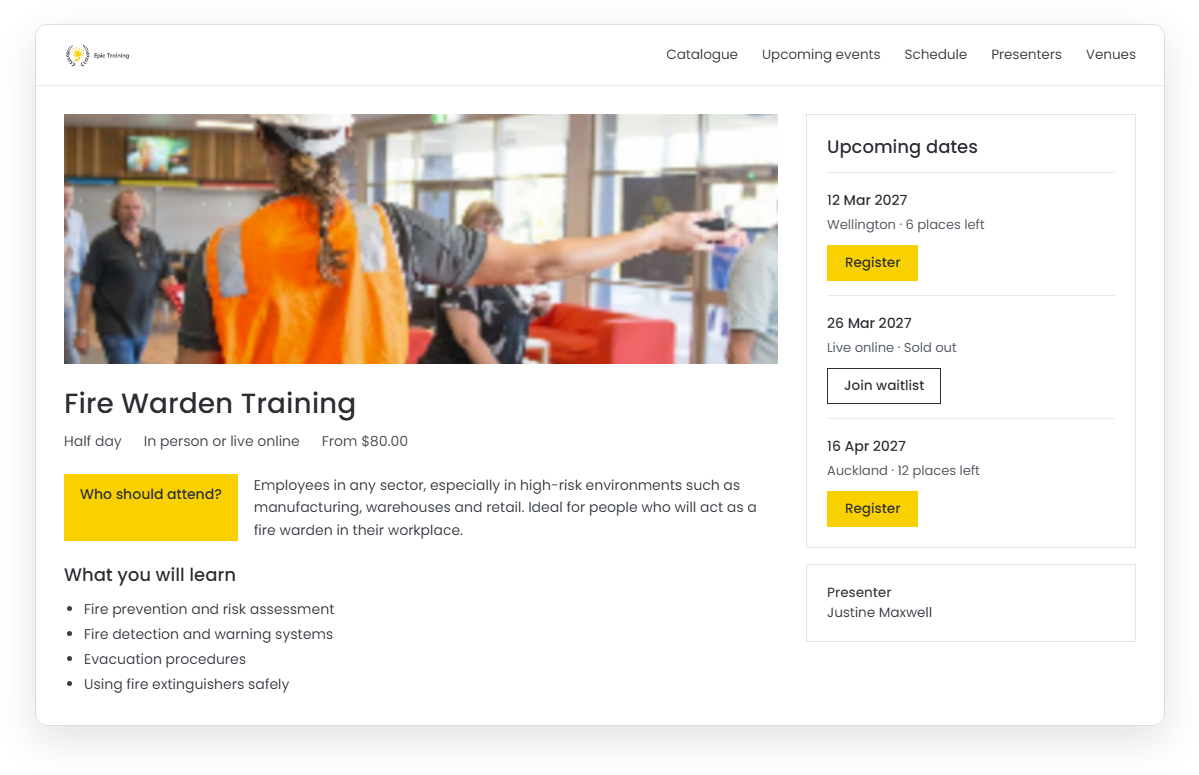
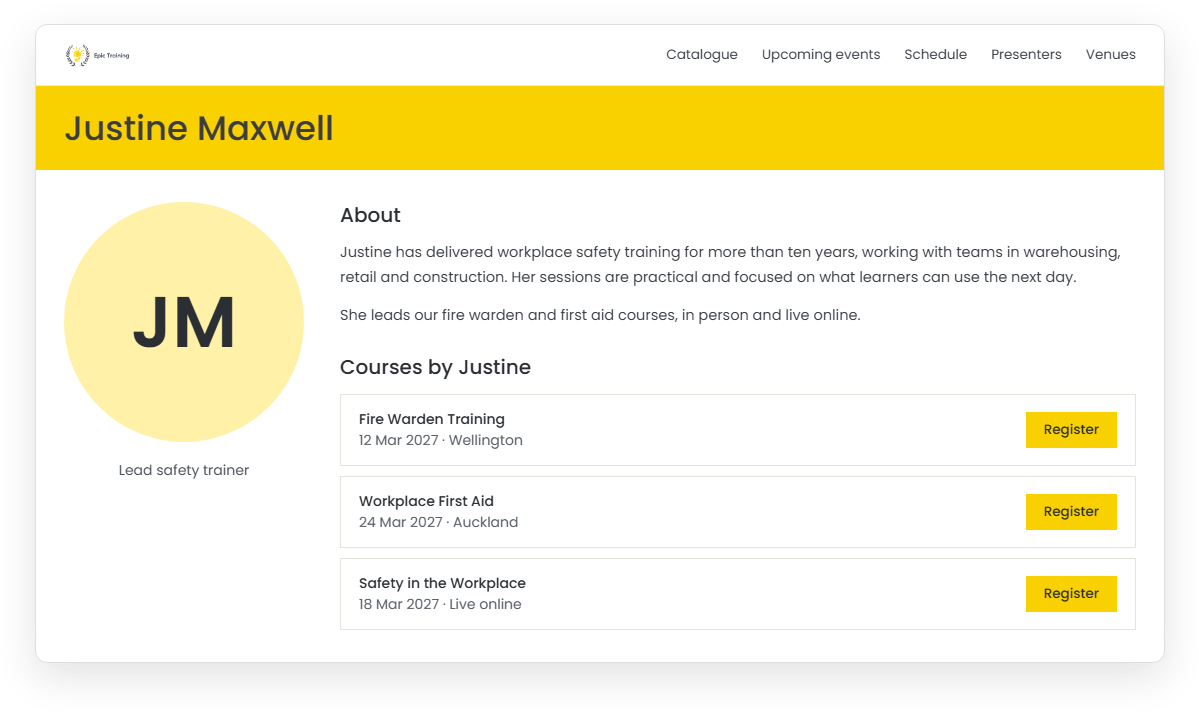
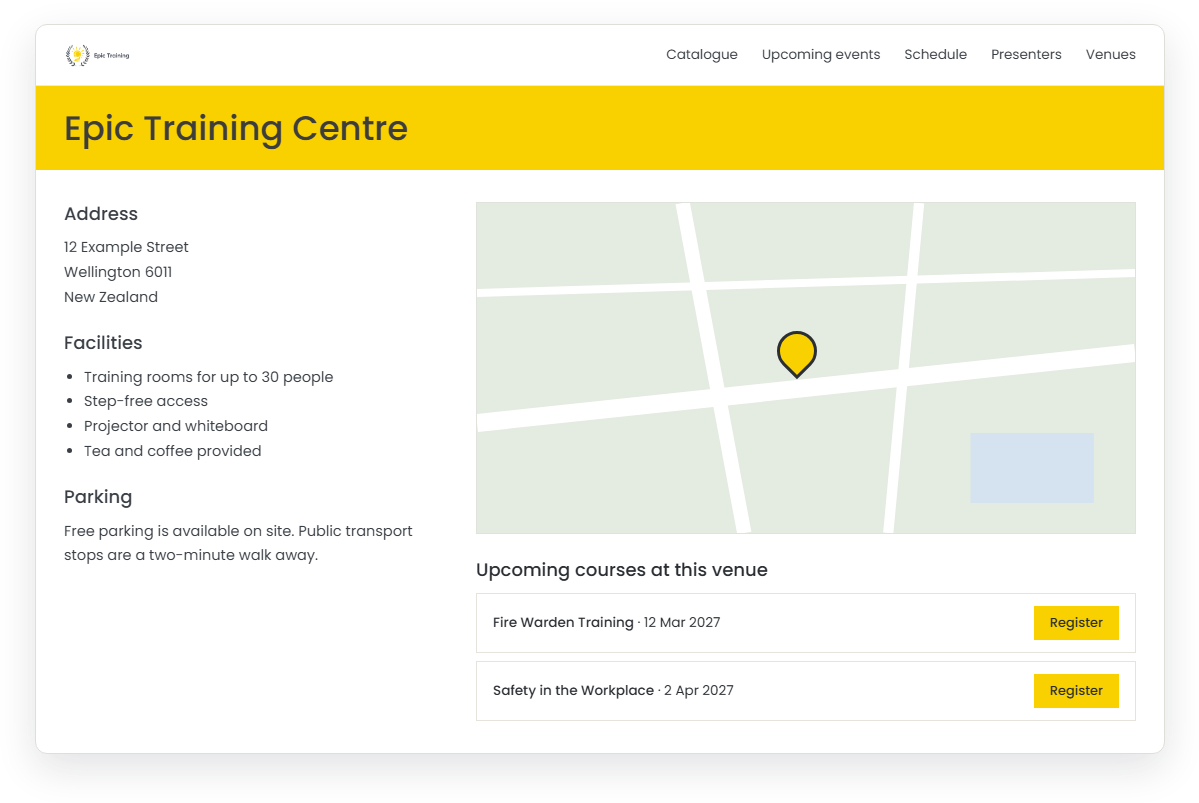
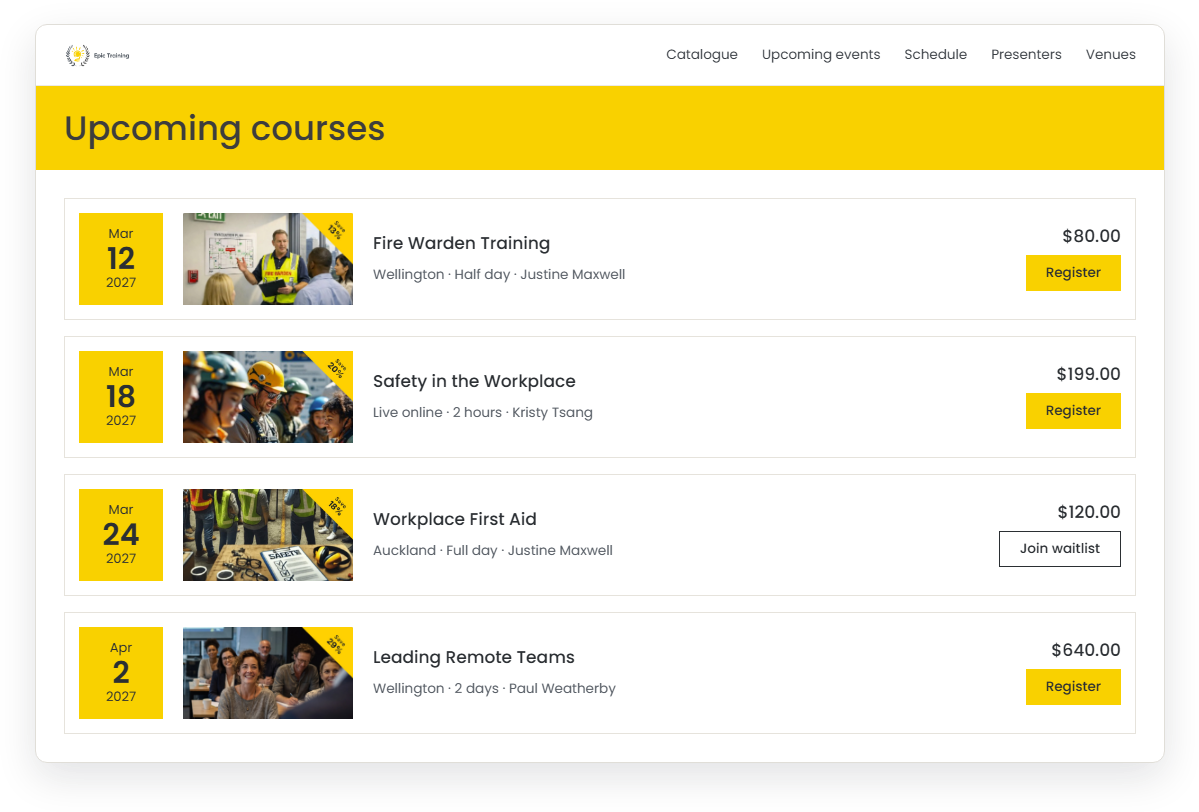
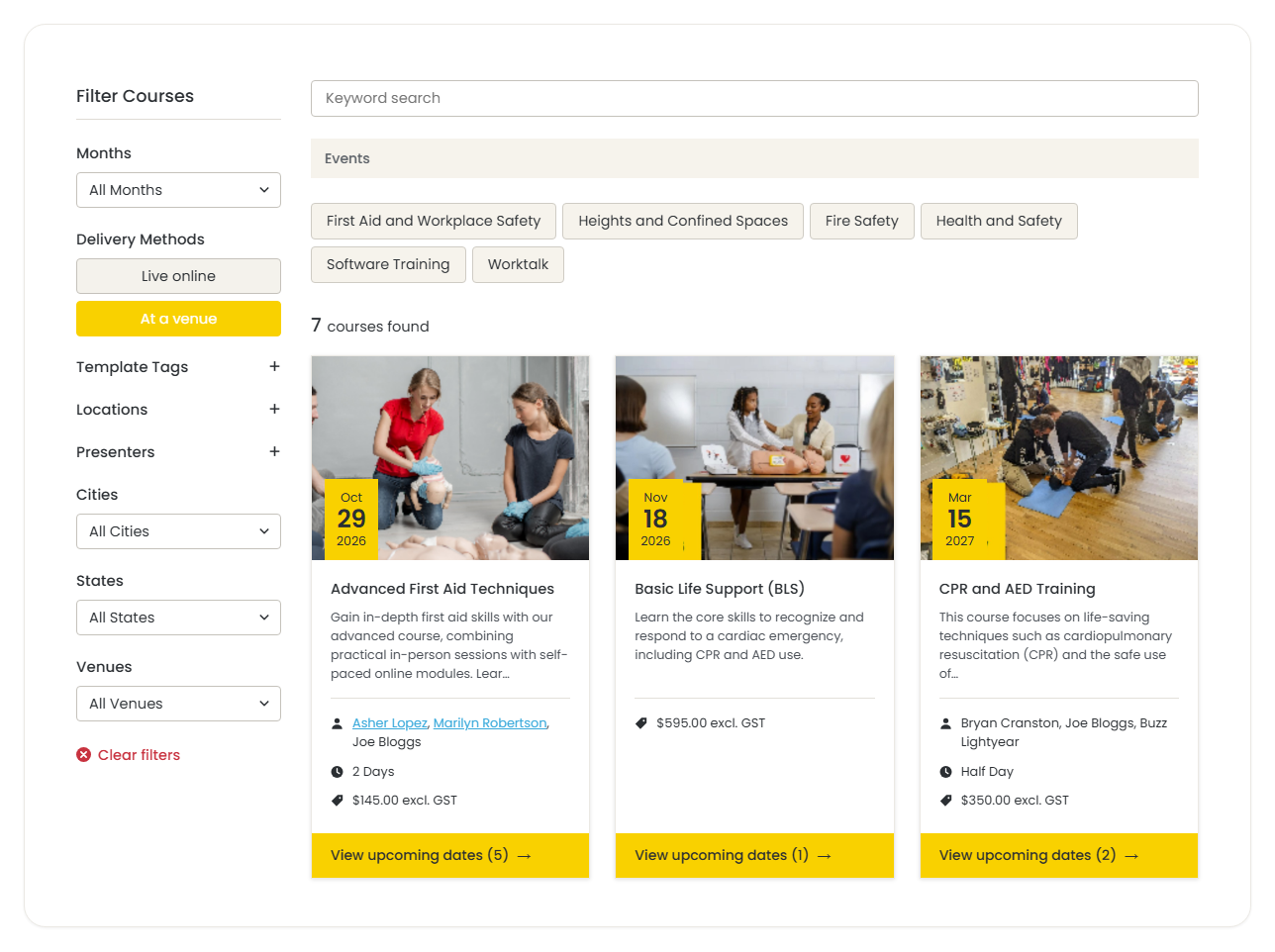
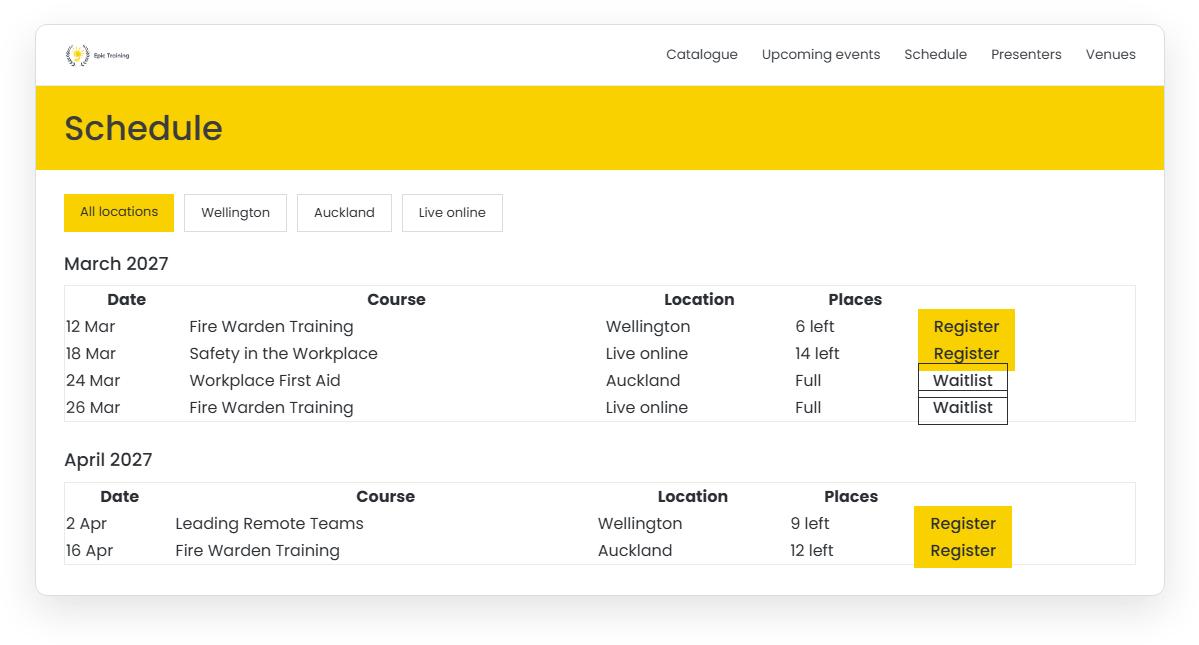
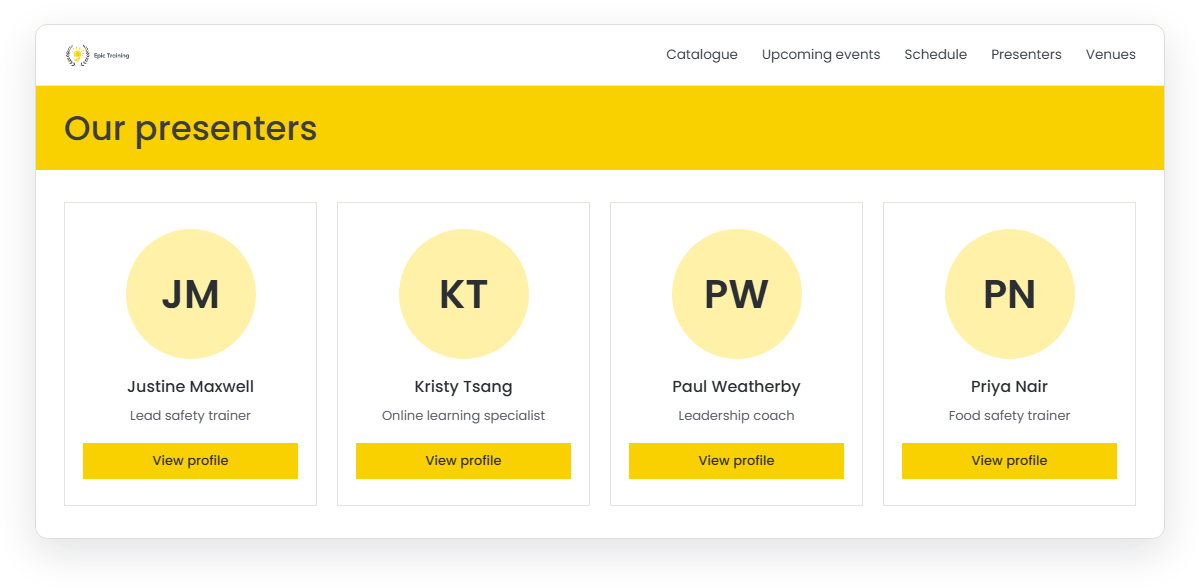
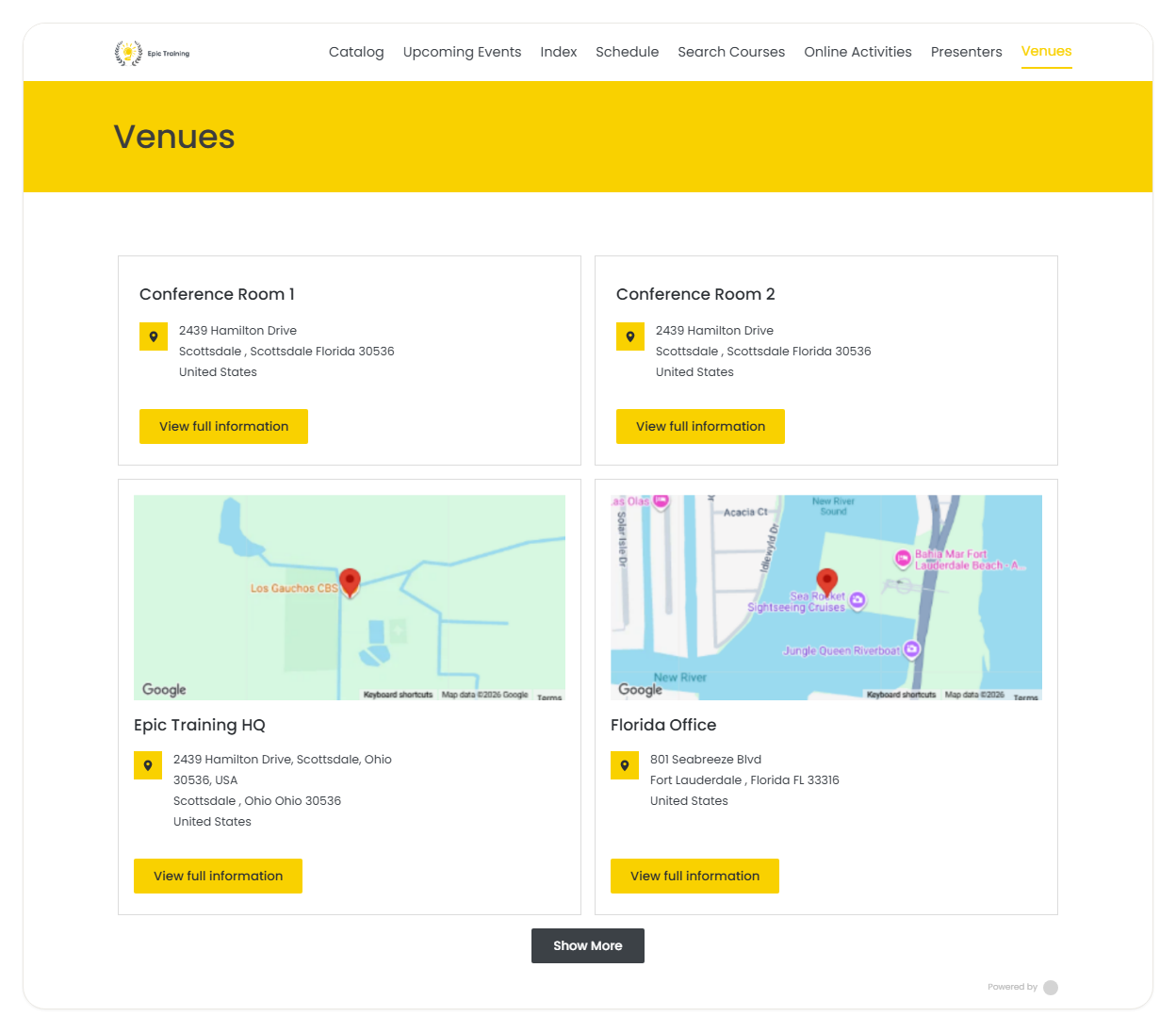
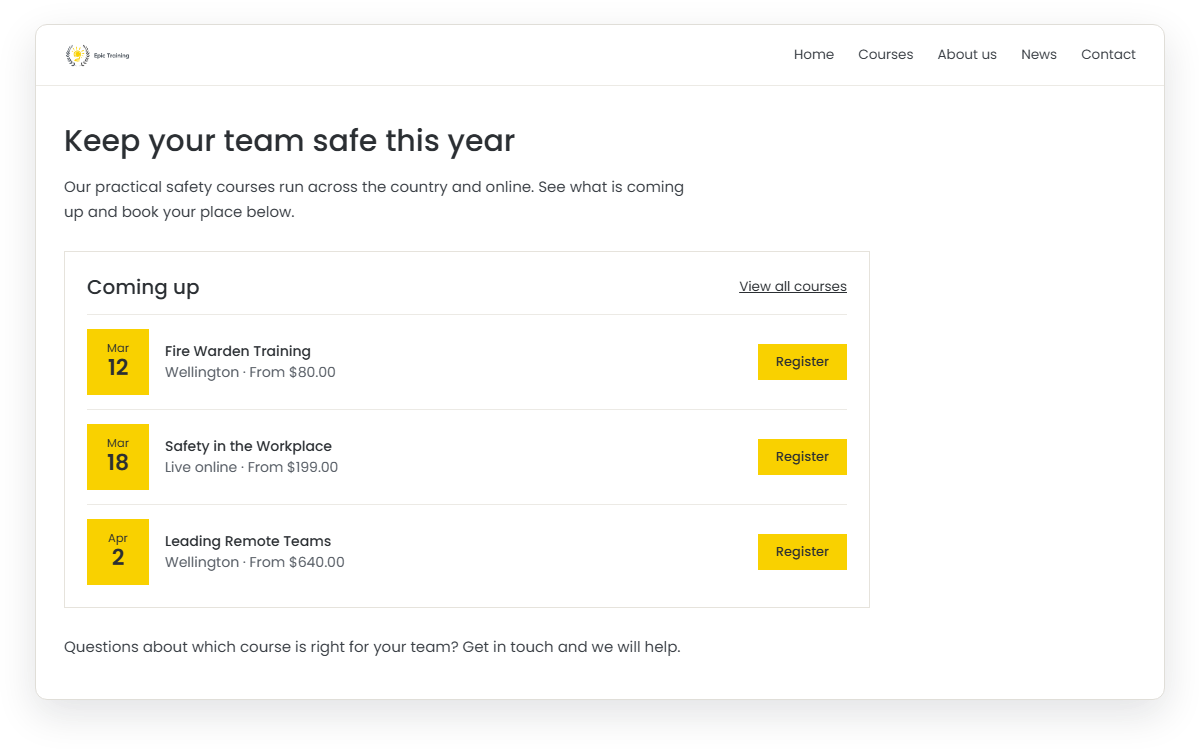
Arlo was built with web developers and designers in mind. Pre-built templates make it easy to install, and shortcodes give you the flexibility to place Arlo content wherever you need it.
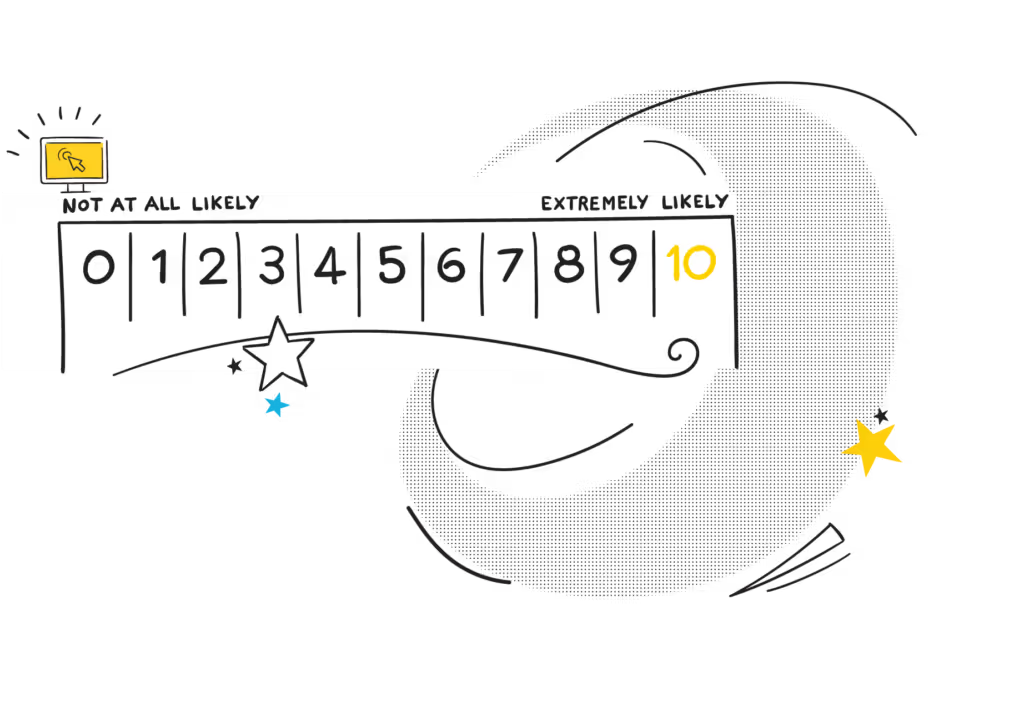
Get instant input into the quality of your training with QR codes for classroom training and survey links for online learning, ensuring you’ll always be able to capture feedback regardless of your training delivery method.
Seamlessly integrate reviews on your website to positively influence your organic rankings in Google. Leverage the best reviews on your website, social media or other mediums to further strengthen the voice of happy customers.
Save time and boost efficiency with a ChatGPT integration that generates tailored reports to summarize text-based responses, significantly reducing the time to analyze data and identify areas for improvement.
Collect feedback from your learners in different languages with Coursecheck’s built-in multi-language capabilities.


No. The plugin adds Arlo to your existing WordPress site, so you keep your design and branding.
The plugin needs WordPress 7.0 or later and PHP 7.4 or later. You can check both under Tools > Site Health in WordPress.
Yes. Add your own styling in WordPress's Additional CSS and adapt the templates to your brand. Template security filtering is stricter than before, so check any edited templates after you update.
Install the plugin and follow the setup guide. If you'd like help, our web team can set it up for you.
Arlo websites are built to WCAG 2.0 AA out of the box. That includes navigation that works with screen readers and keyboards, descriptive alt text, and colour and contrast defaults built for clarity.
Yes. It works with Zoom for live online and blended courses.
Our web team have managed hundreds of web integrations for training organisations. We can set up the plugin and match it to your brand, from kick-off to go-live.
View website packages
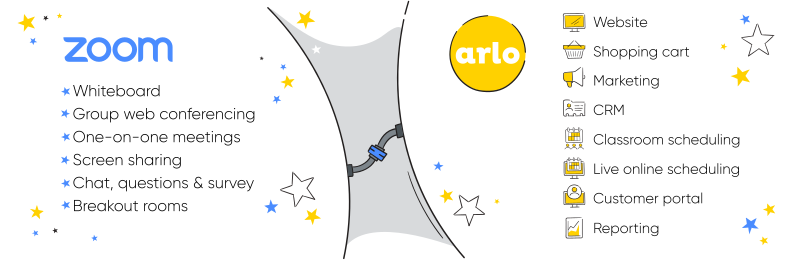
Arlo lets you create courses that consist of multiple live online Zoom sessions, face-to-face events, and elearning activities. Link up to 100 hosts for quick access and selection.
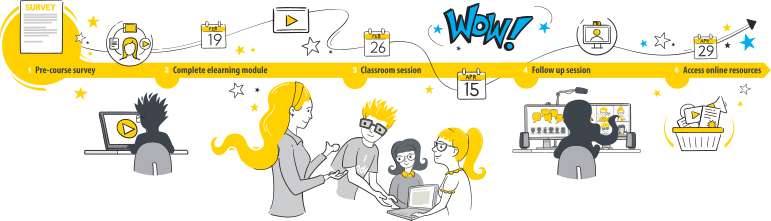
Zoom’s interactive video conferencing and screen sharing tools create a whole new way of communicating.
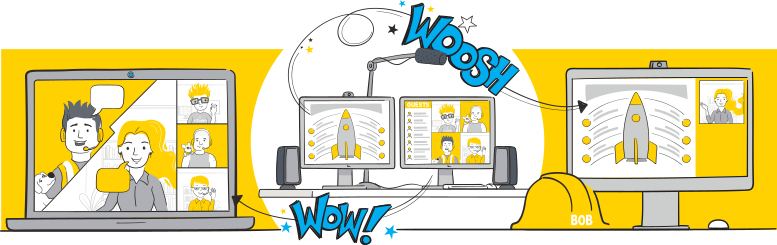
Create meaningful interactions to keep learners engaged. With Zoom, ask learners for a simple yes/no response or post a survey and view the results live. Registrants can even raise a virtual hand if they need help.
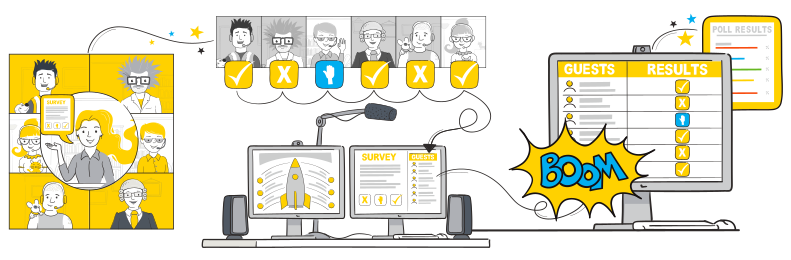
Emulate classroom breakout sessions in Zoom. Allow small groups of participants to work on a topic, then pull everyone together and share the results. Use virtual whiteboards and chat messaging to facilitate the interactions.
With Zoom Whiteboard, you can brainstorm and collaborate on a persistent, expandable, digital canvas. In-person and remote learners can ideate from Zoom-enabled devices, providing the intuitive features you need to extend learning and understanding.
Get instant input into the quality of your training with QR codes for classroom training and survey links for online learning, ensuring you’ll always be able to capture feedback regardless of your training delivery method.
Automate your feedback request processes, maximizing response rates and extending the functionality of Arlo with minimal effort. Information about upcoming events and courses are automatically synchronized with Coursecheck using Arlo’s robust API. Survey forms are then easily generated, pre-populated with all the relevant information including course and instructor details. See all features
Designing a good feedback form is easier said than done. Coursecheck’s training evaluation software provides a simple way to create unique forms for individual courses. Leverage industry expertise with recommended questions that’ll net you further insight into your learners' experience.
Analysis by course or trainer makes it easy to see what’s working well and where improvements could be made. Response rates tell you who’s best at collecting feedback and trend indicators show you where the numbers are heading. Get comment summary reports and negative feedback alerts delivered straight to your inbox paving a way for decisive responses.
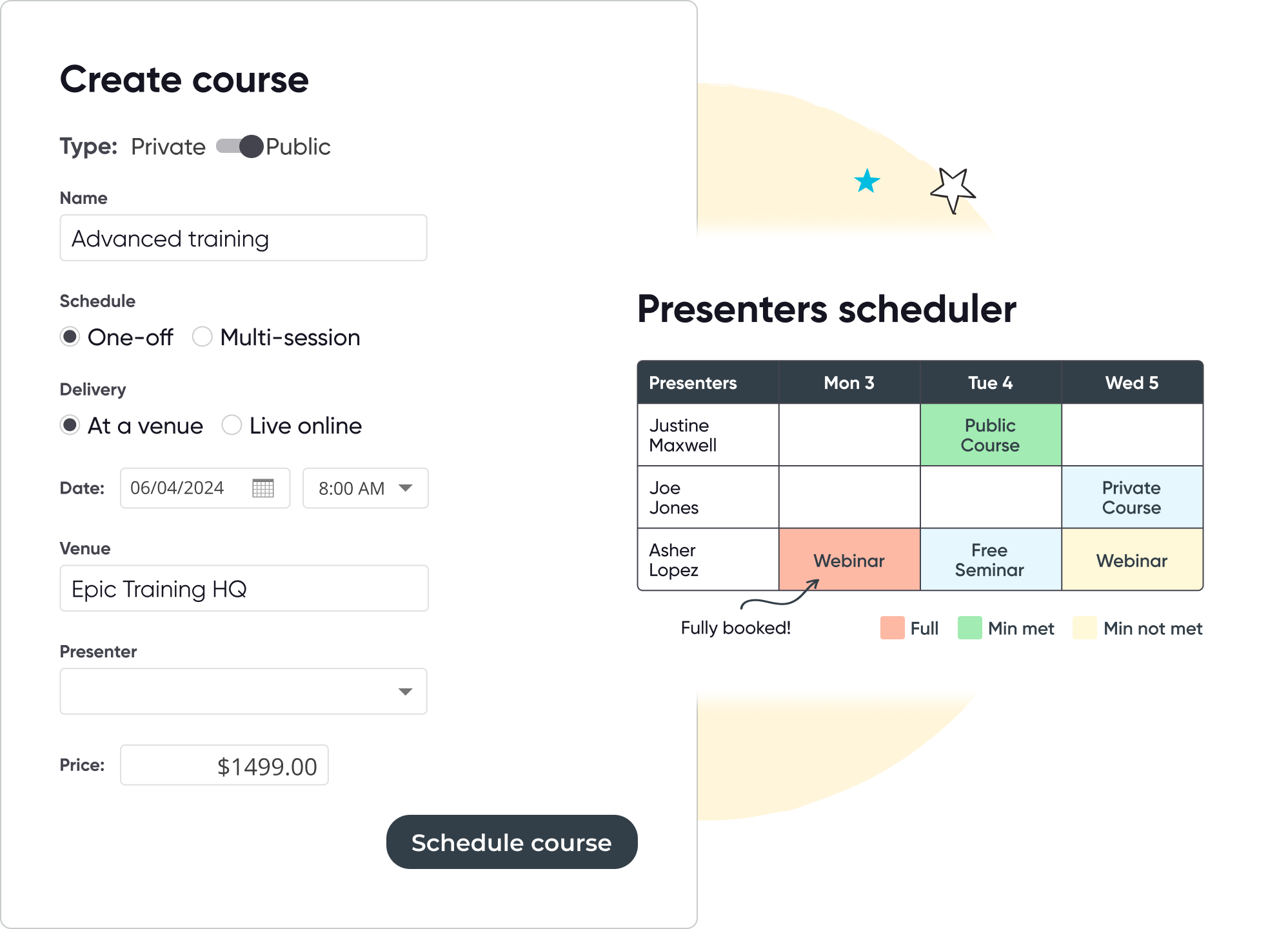
Some of the world’s leading training companies have been able to pivot to live online training in the wake of Covid-19 using Arlo and Zoom. Join them!









Get instant input into the quality of your training with QR codes for classroom training and survey links for online learning, ensuring you’ll always be able to capture feedback regardless of your training delivery method.
Automate your feedback request processes, maximizing response rates and extending the functionality of Arlo with minimal effort. Information about upcoming events and courses are automatically synchronized with Coursecheck using Arlo’s robust API. Survey forms are then easily generated, pre-populated with all the relevant information including course and instructor details. See all features
Designing a good feedback form is easier said than done. Coursecheck’s training evaluation software provides a simple way to create unique forms for individual courses. Leverage industry expertise with recommended questions that’ll net you further insight into your learners' experience.
Analysis by course or trainer makes it easy to see what’s working well and where improvements could be made. Response rates tell you who’s best at collecting feedback and trend indicators show you where the numbers are heading. Get comment summary reports and negative feedback alerts delivered straight to your inbox paving a way for decisive responses.
Seamlessly integrate reviews on your website to positively influence your organic rankings in Google. Leverage the best reviews on your website, social media or other mediums to further strengthen the voice of happy customers.
Save time and boost efficiency with a ChatGPT integration that generates tailored reports to summarize text-based responses, significantly reducing the time to analyze data and identify areas for improvement.
Collect feedback from your learners in different languages with Coursecheck’s built-in multi-language capabilities.
Some of the world’s leading training companies have been able to pivot to live online training in the wake of Covid-19 using Arlo and Zoom. Join them!